Keep only purchases from your own cards
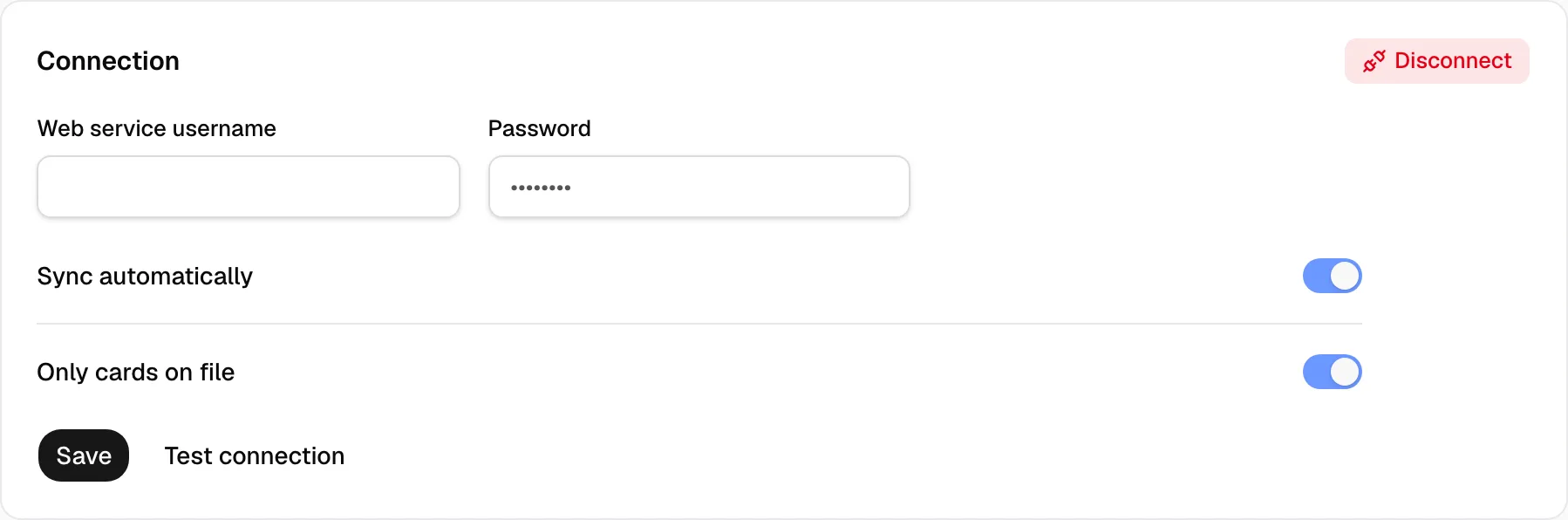
Yolda brings in every purchase on your fuel account. Turn on Only cards on file to keep only the cards listed under Cards.
Before you start
Connect your fuel card company in Yolda.
Step 1: List your cards
- Open Integrations, then your fuel card company, then Cards.
- Click Add card for one card, or Import cards for a list. See Add many fuel cards at once.
Step 2: Turn it on
- Open the Connection tab.
- Turn on Only cards on file.
- Click Save.
Purchases on other cards are skipped, in syncs and in file imports. Turn it off and click Save to bring in every card again.