 Relay setup guide1 min read
Choose which Relay policies Yolda imports
Use this when one Relay account pays for fuel in more than one Yolda workspace, such as a carrier with two MC numbers. Each workspace then imports only the fuel policies you choose for it.
Before you start
- Connect Relay first, with Connect Relay fuel.
- Your policies are made in the Relay portal, under Drivers, then Policies.
Step 1: Open Relay in Yolda
- Open Integrations, click Fuel, then Relay.
- Stay on the Connection tab and find Relay policies.
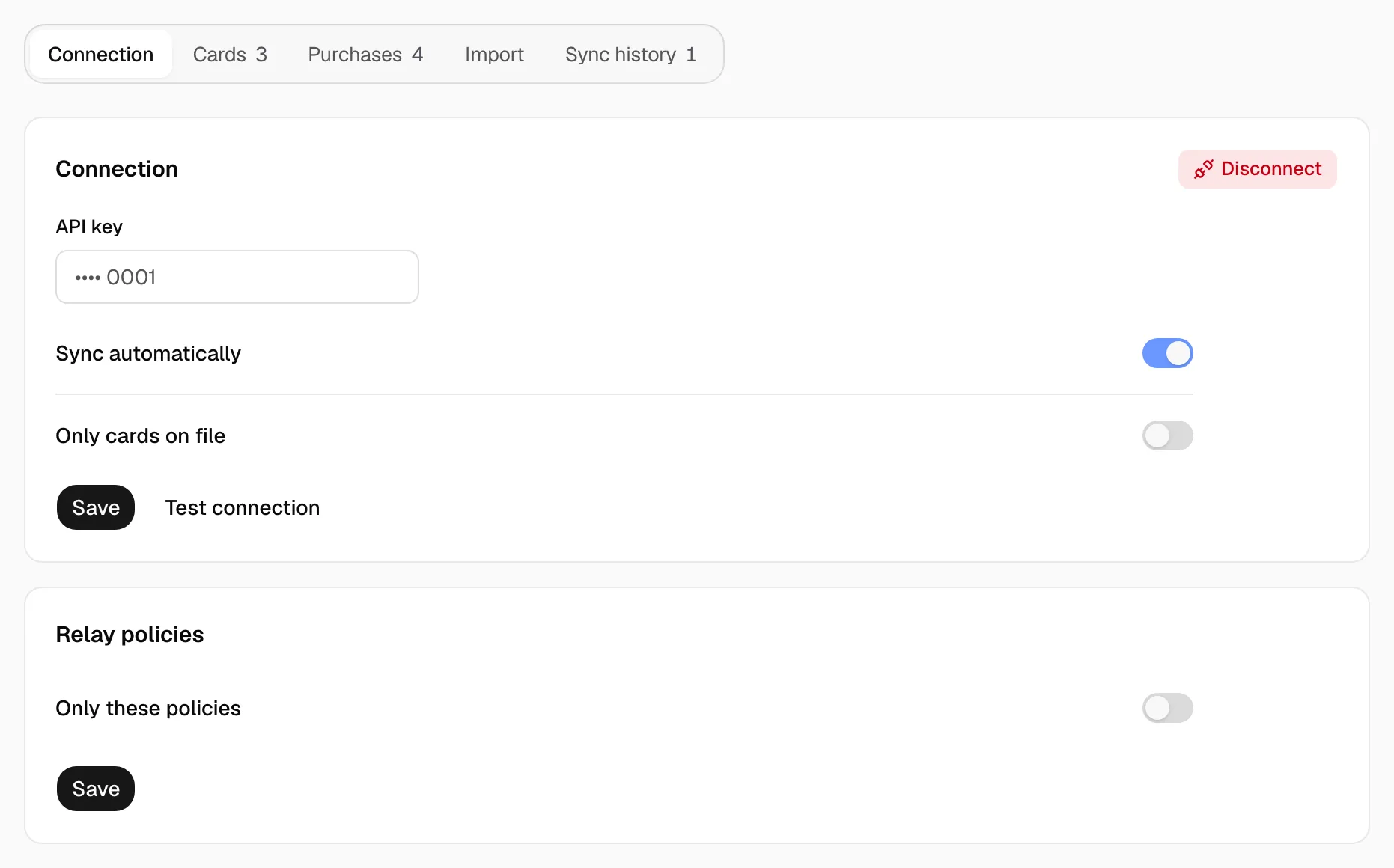
Step 2: Choose the policies
- Turn on Only these policies.
- In Policies, pick this workspace's policies. Pick One-time codes too if its one-time codes belong here.
- Click Save.
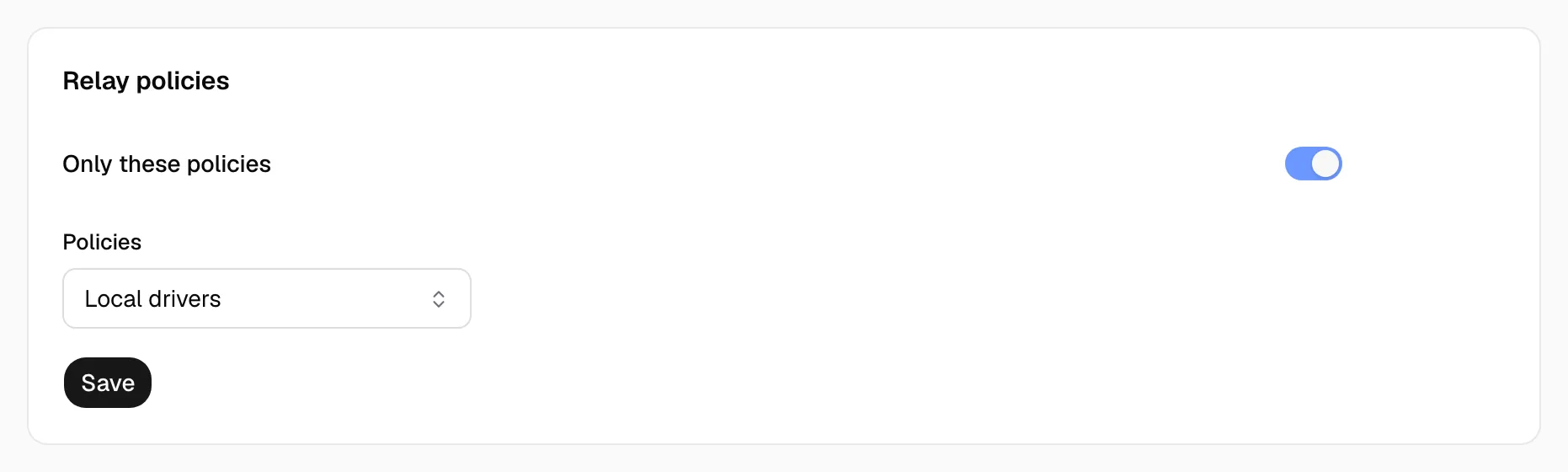
Step 3: Check that it worked
- Later syncs import only purchases made under the chosen policies. Purchases already imported stay.
- A policy another workspace imports is not offered here.
- If a chosen policy is deleted in Relay, the page reads Needs attention until you choose again.