Assign a fuel card to a driver or truck
A card tells Yolda whose purchases they are. The driver's pay agreement decides who pays them.
Step 1: Open the card
- Open Integrations, then your fuel card company.
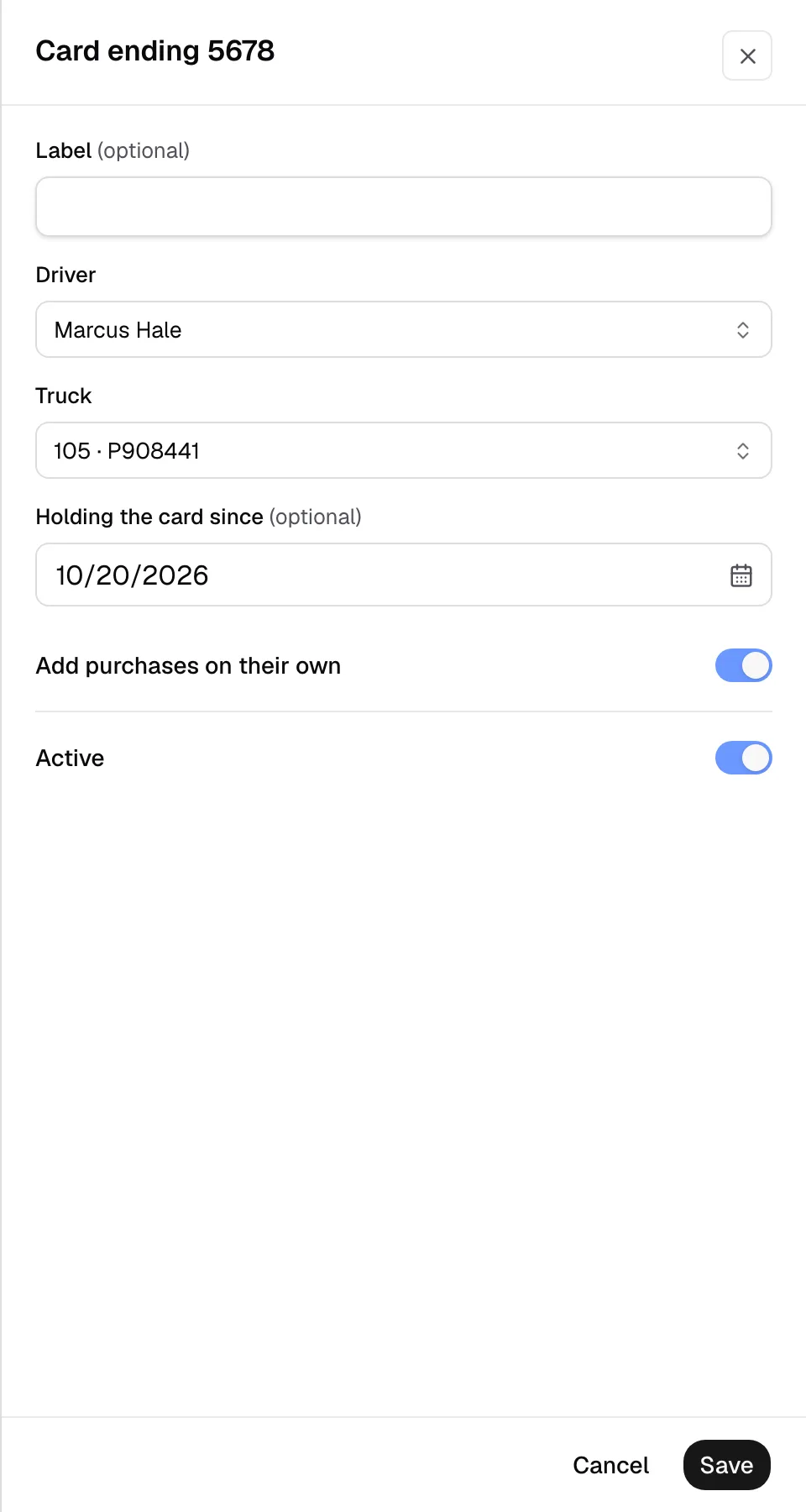
- Open the Cards tab and click the card.
- A card that is not listed yet: click Add card and type its Card number.
- Type a Label if you want a name under the card in the list, such as its unit.
Step 2: Choose who holds it
- Pick the Driver.
- Pick the Truck, or leave From the pump to use the unit number typed at the pump.
- Set Holding the card since to the day the driver got the card.
Step 3: Save
- Leave Add purchases on their own on, or turn it off to review each purchase first.
- Leave Active on.
- Click Save. Yolda gives the card's purchases from that day on to the driver.
Charge fuel to the driver or the investor
On the driver's pay agreement, pick the driver, or the investor company that hired him, in Fuel paid by and choose the Fuel rebate. The purchases then come off that payer's statement. See Give a driver or an investor a fuel rebate.