Sync tolls
Yolda reads a connected toll account by itself every 12 hours, at 12 AM and 12 PM in your company's time zone. Schedule on the Connection tab shows the times. Sync by hand when tolls are missing or you need older dates.
Step 1: Open your toll account
- Open Integrations, then your connected toll account, for example PrePass or Other tolls.

Step 2: Sync
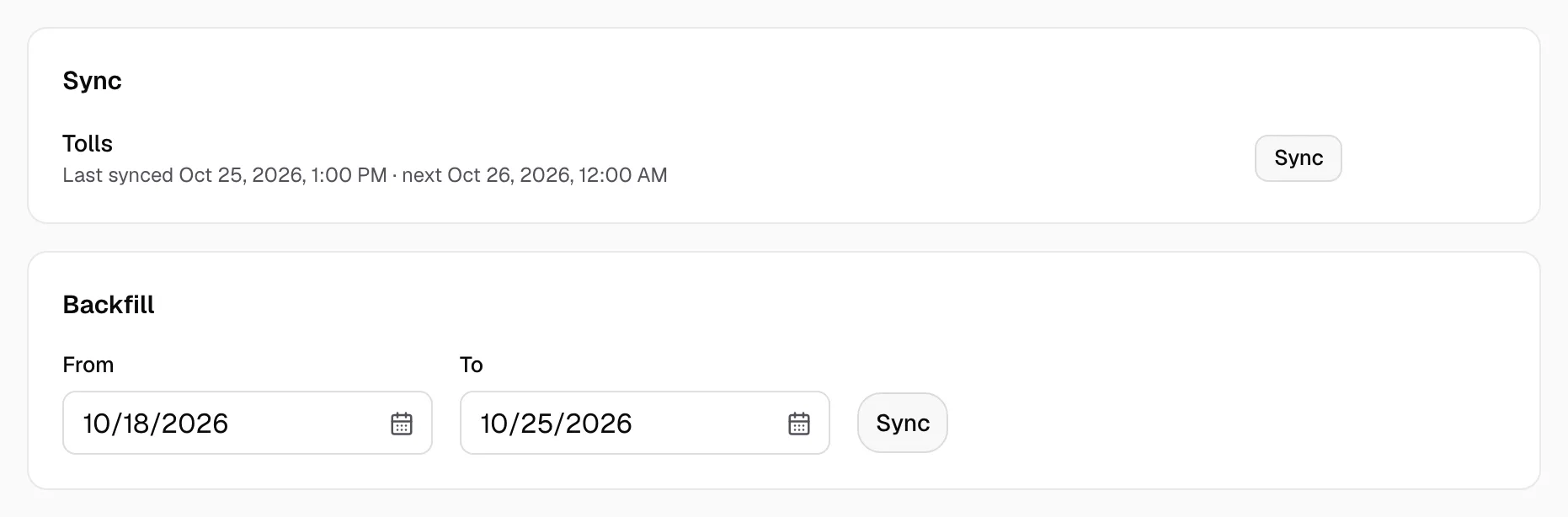
- For the newest tolls, click Sync now at the top.
- For older tolls, open Connection. Under Backfill, set From and To, then click Sync.
Step 3: Check the tolls
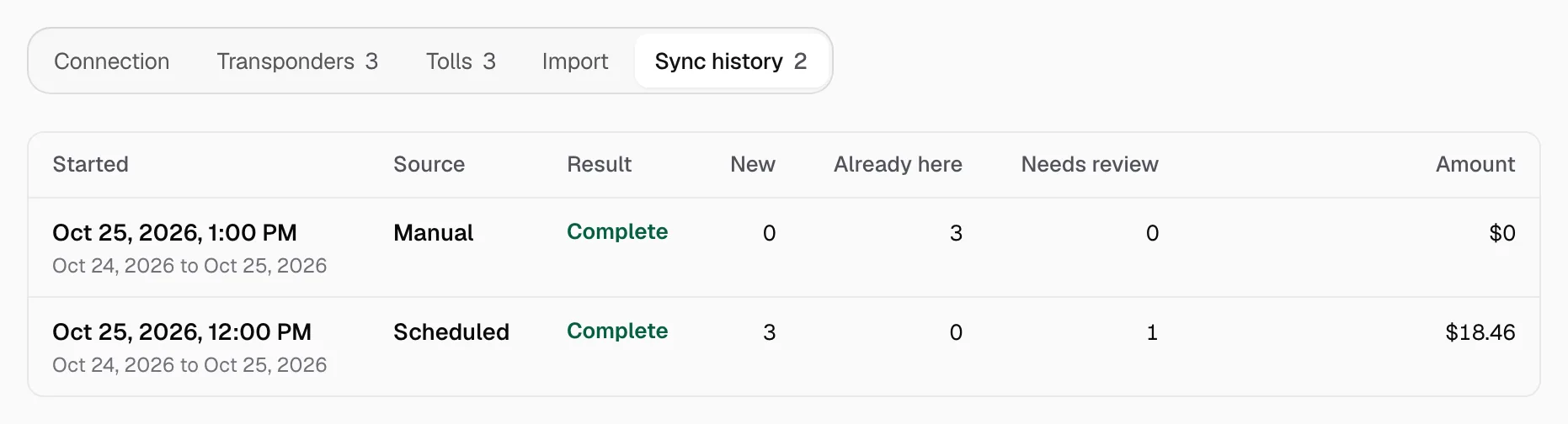
- Open Sync history. New is what each sync brought in. Already here is what Yolda had, and it is not added twice.
- Open Tolls to see the tolls.