 PrePass setup guide1 min read
Connect PrePass by API to Yolda
The PrePass API brings your tolls and transponders into Yolda.
Step 1: Ask PrePass for API access
- Send PrePass this email, or ask your account manager or 1-800-PREPASS (773-7277).
- PrePass replies with a Client ID and Client Secret. Yolda finds your account numbers.
Email to send
- To
- Prepassupdates@prepass.com
- Subject
- API access for Yolda
Hello,

We use Yolda as our TMS. Please send us a Client ID and Client Secret for the PrePass API, with the Toll Transaction, Account and Fleet Management APIs turned on, so Yolda can read our tolls and transponders. If our API access is limited by IP address, please allow Yolda's server address 52.73.111.217.

Our MC number is [Your MC number].

Thank you,
[Your name]
[Your company name]
[Your email]
Replace the marked blanks before you send or paste.
Step 2: Open PrePass in Yolda
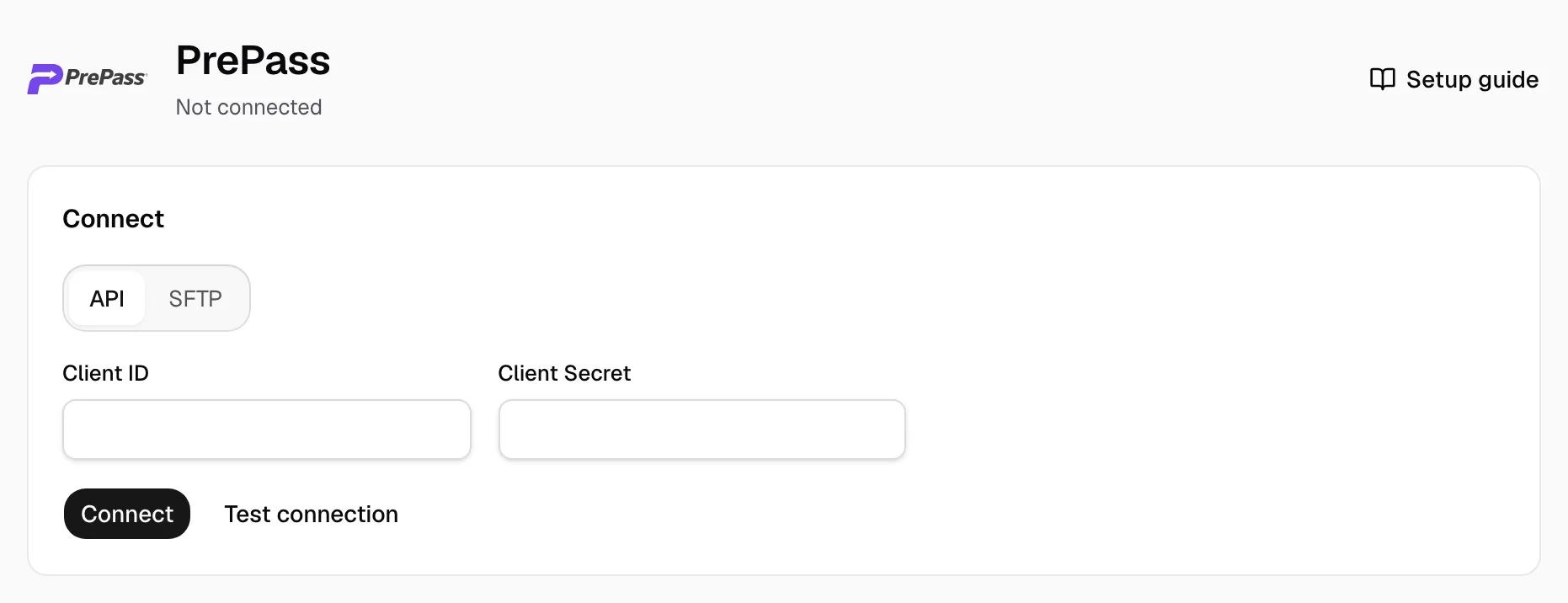
- Open Integrations, then PrePass.
- Under Connect, API is already selected.
Step 3: Enter the Client ID and Client Secret
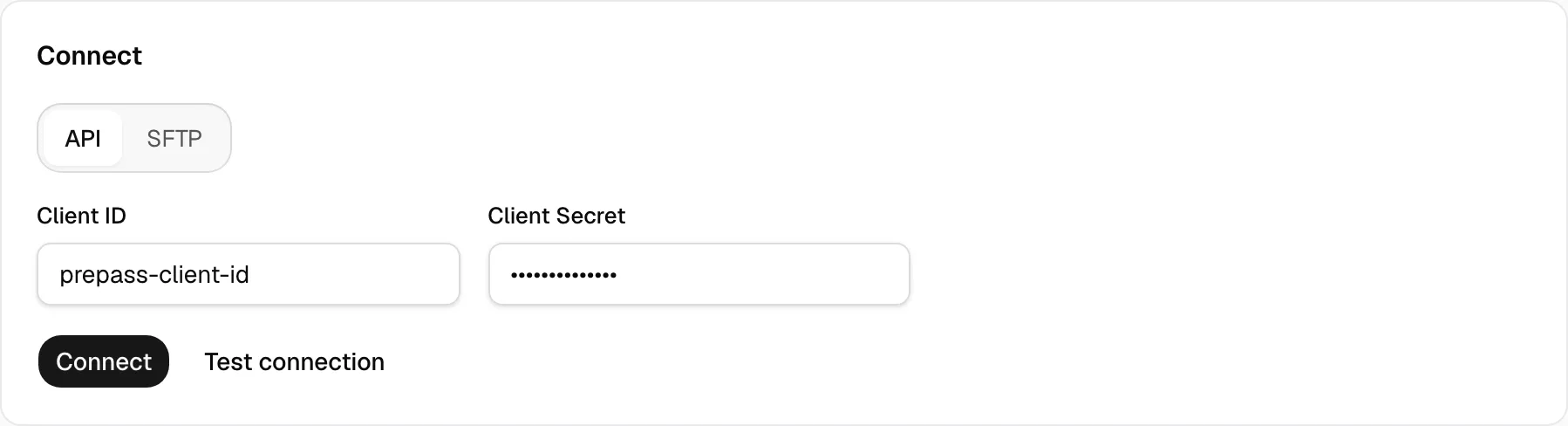
- Paste them into Client ID and Client Secret.
- Click Test connection, then Connect.
- If Yolda says an API is off, ask PrePass to turn it on, then click Test connection again.
Step 4: Check that it worked
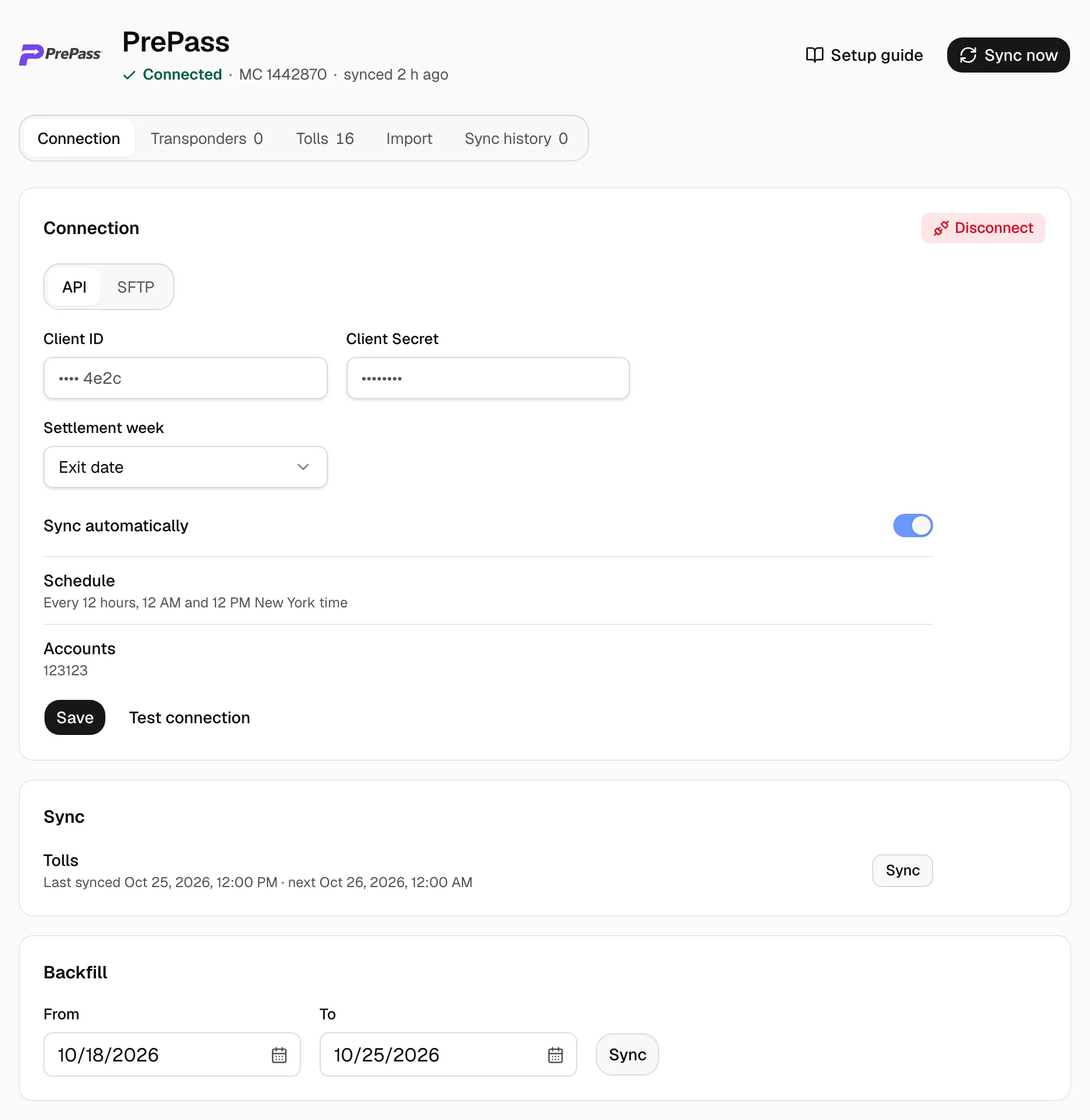
- The page says Connected.
- Settlement week counts a toll in the week it was crossed (Exit date) or posted (Post date). Sync automatically turns the 12-hour reads on or off; Schedule shows when. Accounts lists the PrePass accounts Yolda reads. Click Save after a change.
- Your last 30 days of tolls show on the Tolls tab within minutes. Sync now, or Sync beside Tolls, reads again. Backfill reads older dates (Sync tolls). Disconnect stops reading and keeps your tolls.
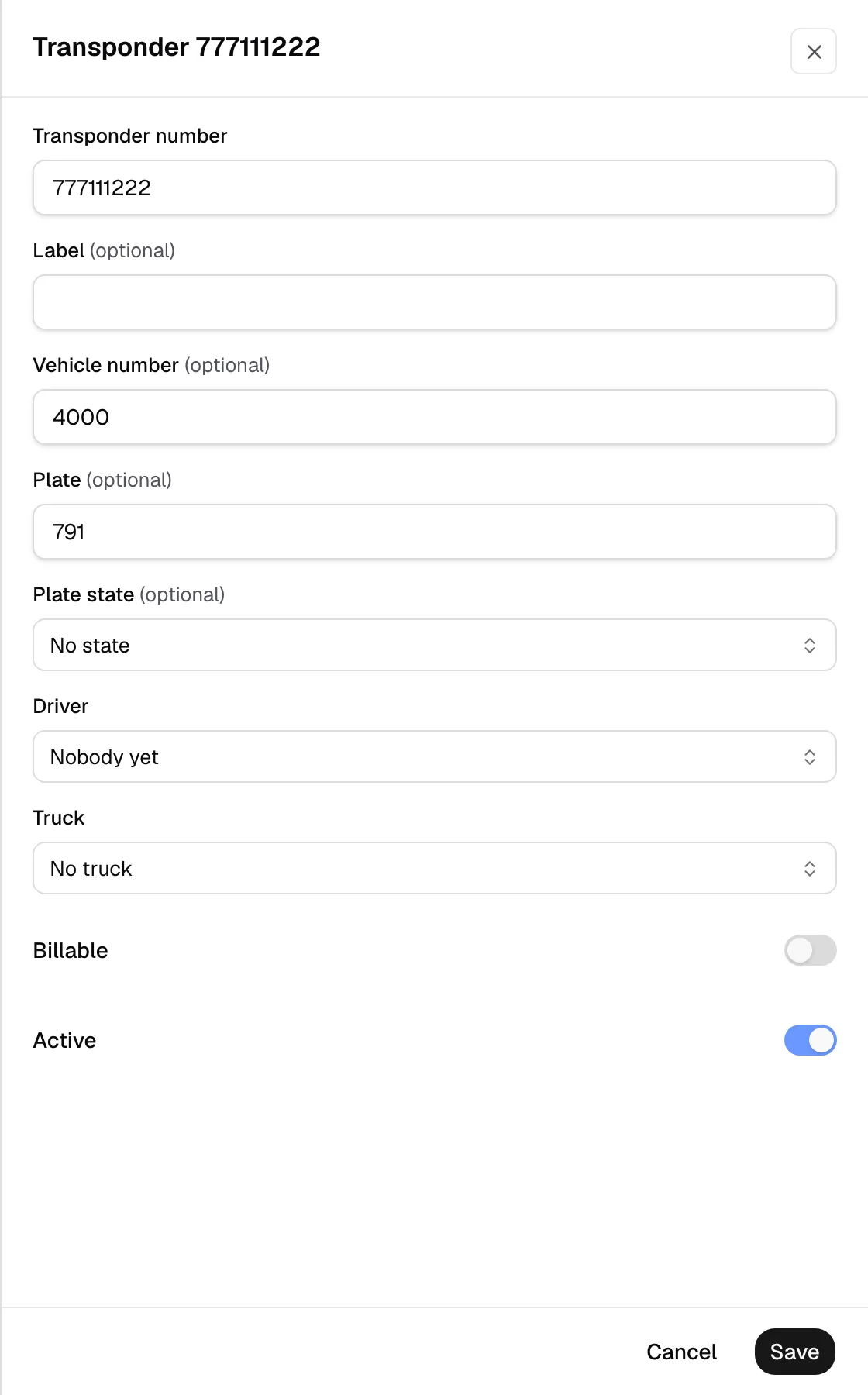
- Open Transponders and click Sync to list your transponders.
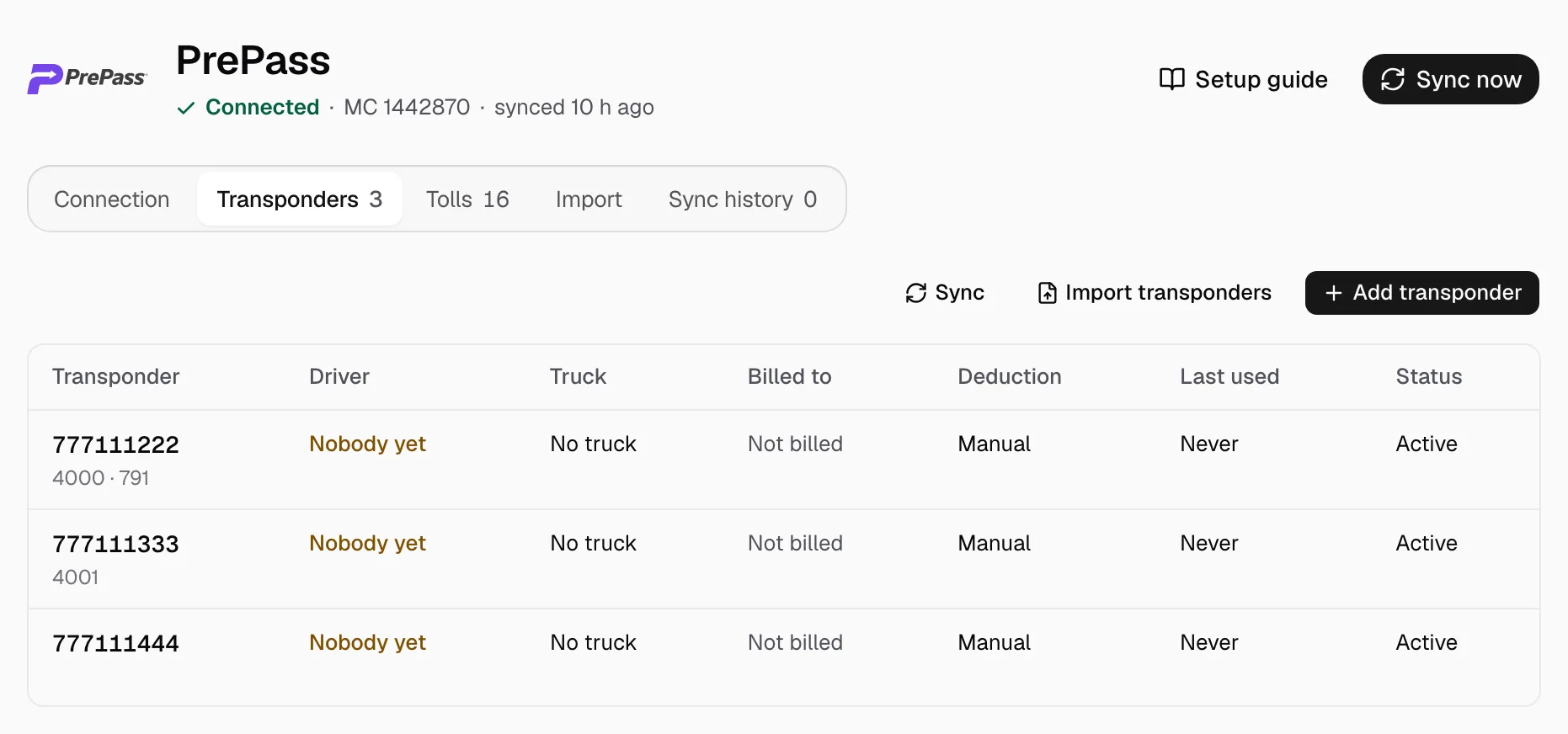
- Click a transponder and choose its Driver and Truck. Turn on Billable only to bill its tolls (Assign a transponder). Keep Active on and click Save.