 I-PASS setup guide1 min read
Import your I-PASS activity file
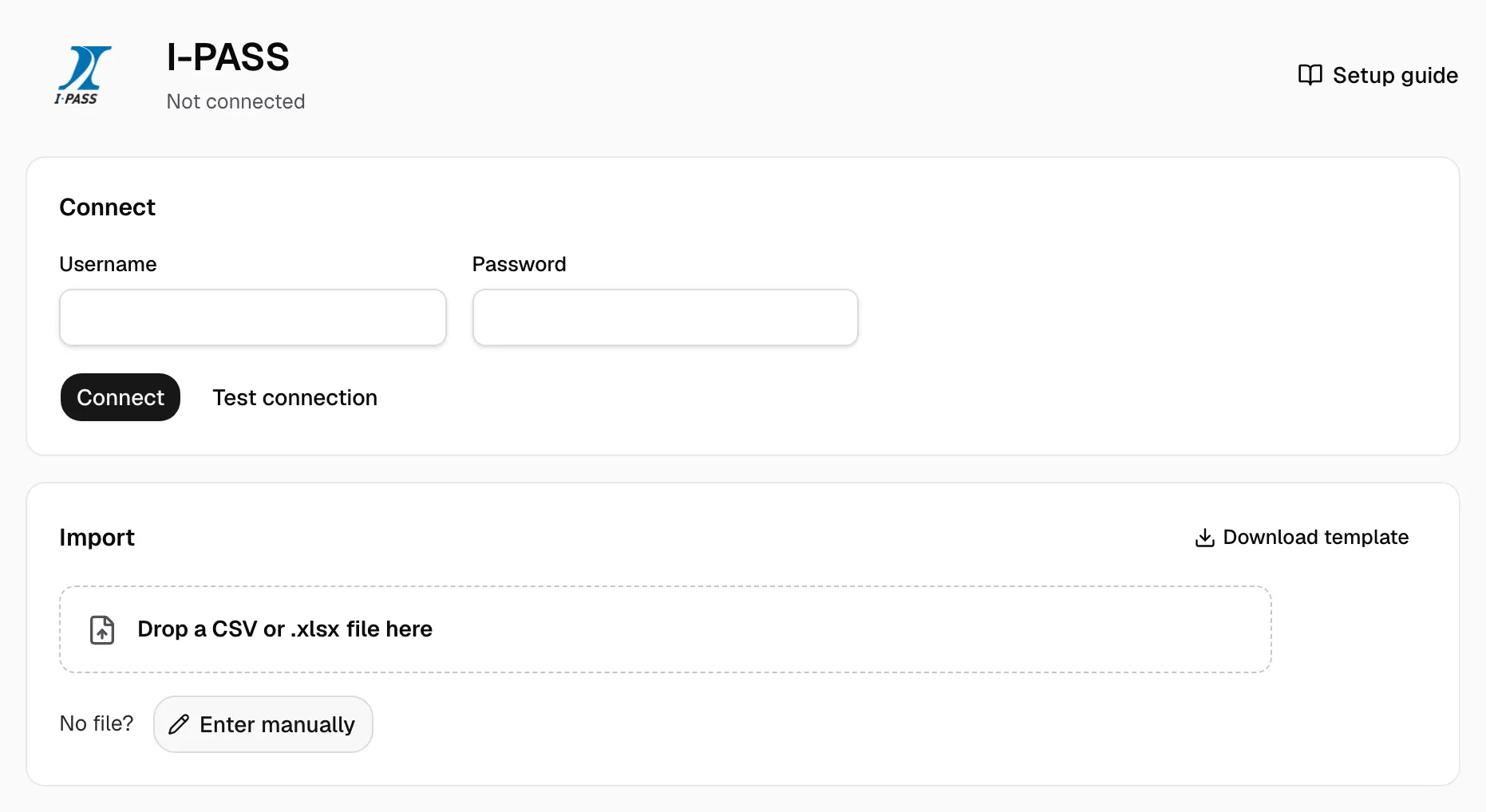
Pay I-PASS at getipass.com? With no Tollway feed yet, upload its file weekly, before statements.
Step 1: Download your activity file
- At getipass.com, open Activities, then Tolls.
- Filter by Posting Date, so late tolls count.
- Click Download & Print, then Download CSV.
- Too many activities? Download fewer days.
- The Tollway's fleet file works too, as it came.
Step 2: Open I-PASS in Yolda
- Open Integrations, then I-PASS, then Import.
Step 3: Import the file
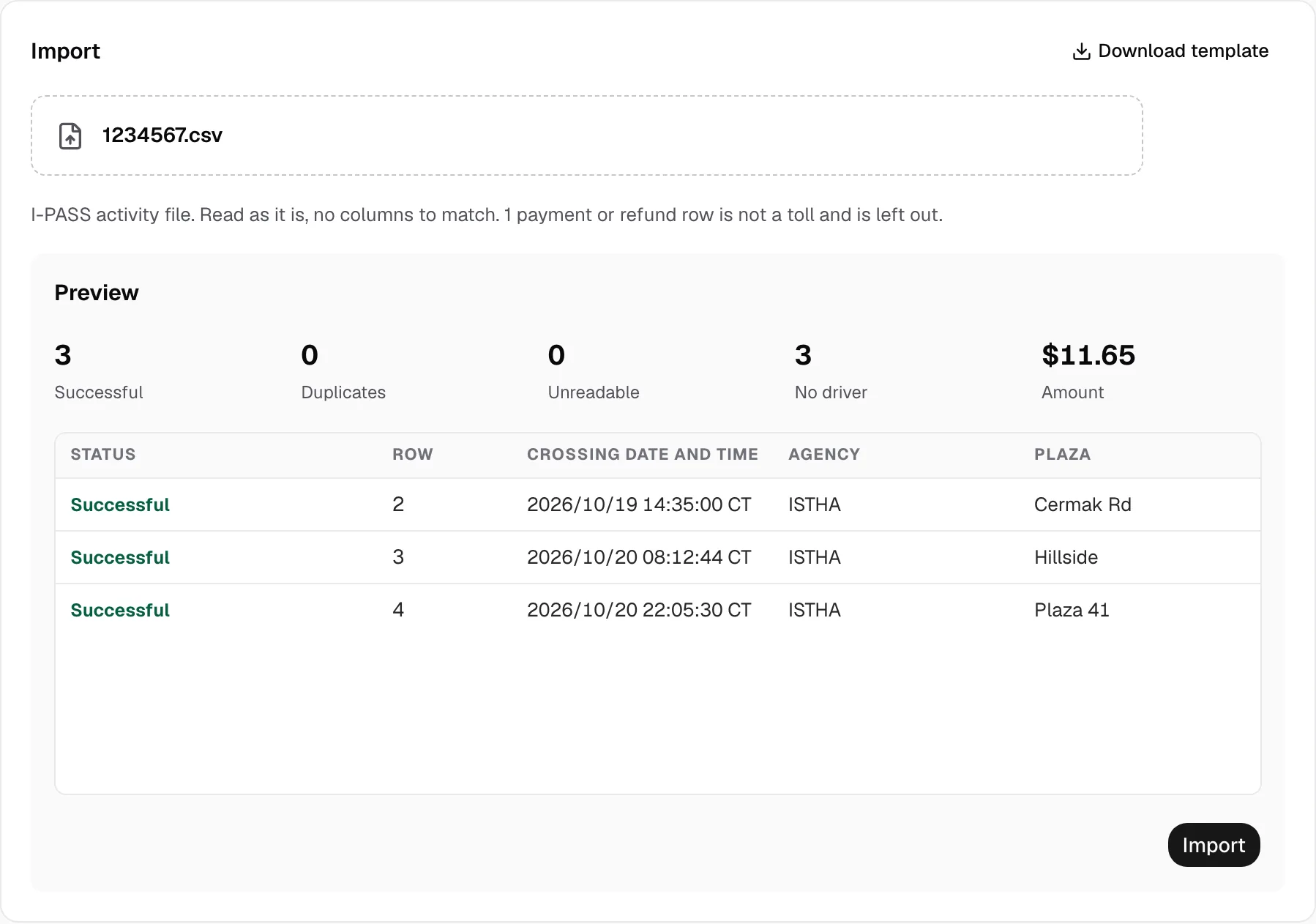
- Drop the file on Drop a CSV or .xlsx file here; no Download template needed. Enter manually is for one toll.
- Click Preview. Duplicates are tolls Yolda has; Unreadable rows and payments stay out; No driver counts tolls without a driver, held ones too.
- Click Import, then Open tolls. Fleet tolls stay held (Time zone not confirmed) until you Release hold.
Step 4: Give each transponder its driver
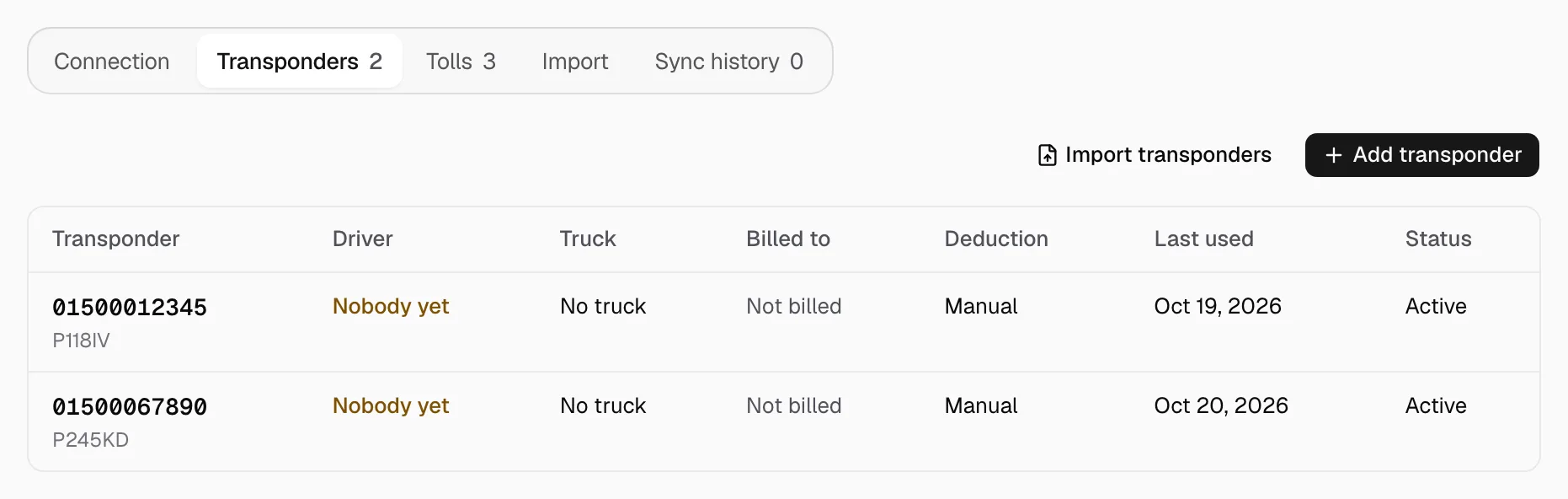
- Open Transponders: the file's transponders are listed.
- Click one. Transponder number, Plate and Plate state come from the file if printed; Label and Vehicle number are optional.
- Pick Driver and Truck, turn on Billable, set Cost carried by, turn on Deduct automatically for a driver, keep Active on, and Save.
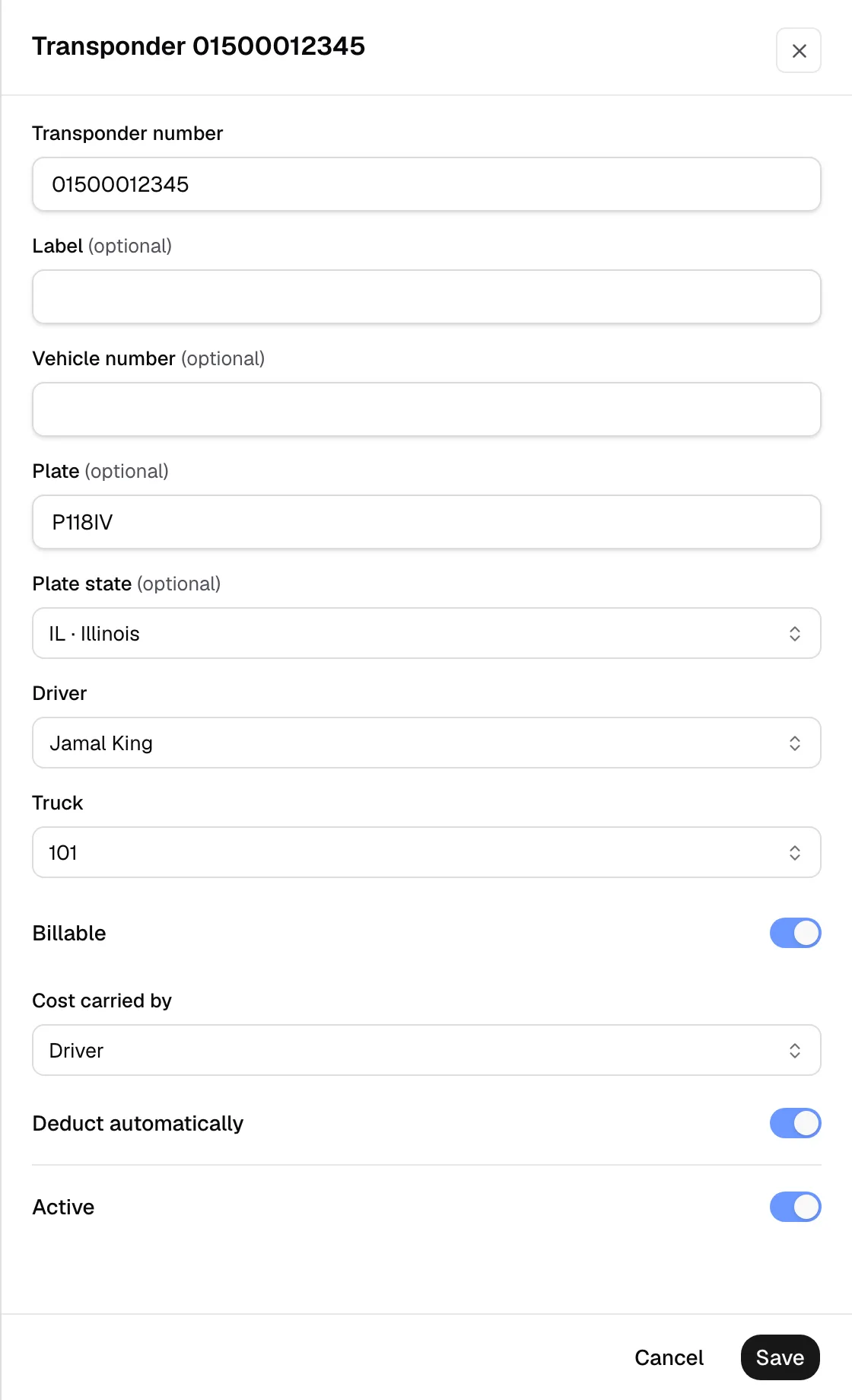
- The pay agreement decides who pays. Deduct automatically reaches later crossings only; the company carries every toll already imported, this file included. Unposted tolls wait for a later file.