 I-PASS setup guide1 min read
Connect I-PASS to Yolda
If PrePass Plus pays your Illinois Tollway tolls, Yolda reads PrePass's daily report every 12 hours.
Step 1: Ask PrePass for SFTP access
- Send PrePass this email.
Email to send
- To
- Prepassupdates@prepass.com
- Subject
- Toll report SFTP access for Yolda
Hello,

We use Yolda as our TMS. Please send us SFTP access to our daily toll report, including our Illinois Tollway (I-PASS) tolls, so Yolda can read it. If our SFTP login is limited by IP address, please allow Yolda's server address 52.73.111.217.

Our MC number is [Your MC number].

Thank you,
[Your name]
[Your company name]
[Your email]
Replace the marked blanks before you send or paste.
- On PrePass's third-party form, enter:
Values for the provider form
- Authorized Third-Party Name
- Yolda
- Authorized Third-Party Business Name
- Yolda
- Authorized Third-Party Email Address
- partner@sfdify.com
- Requested Frequency
- Daily
- PrePass replies with an SFTP username and password, not your getipass.com sign-in. No token is needed.
Step 2: Open I-PASS
- Open Integrations, then I-PASS.
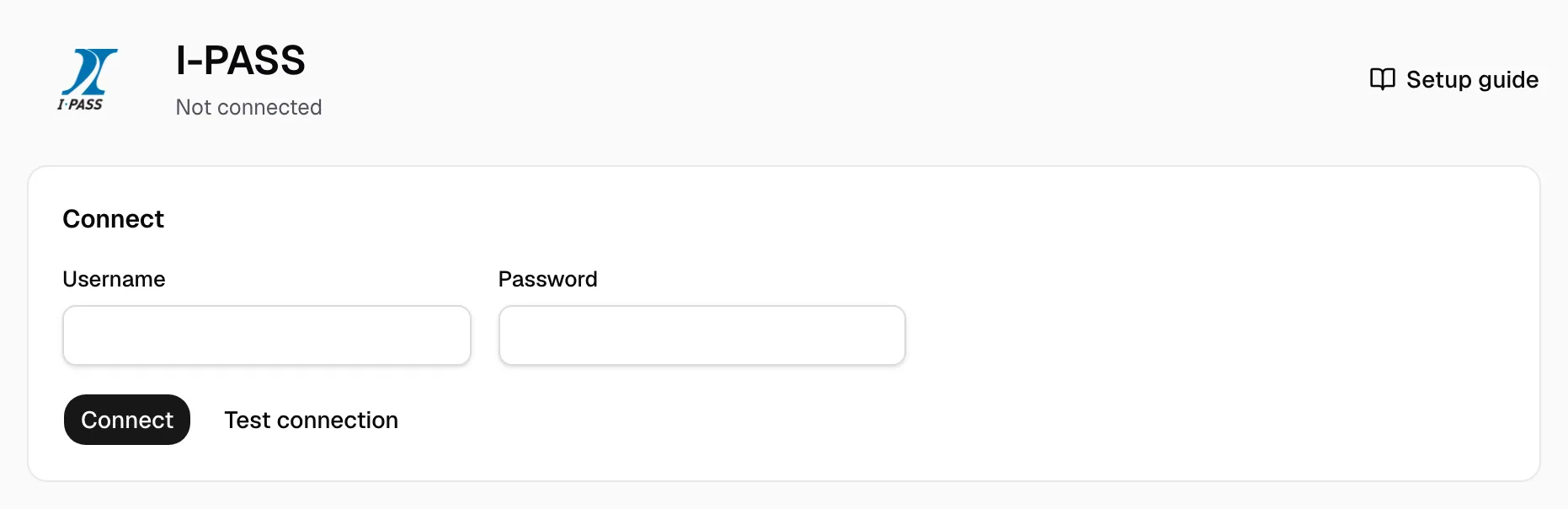
Step 3: Enter the sign-in
- Enter the Username and Password PrePass sent.
- Click Test connection, then Connect.
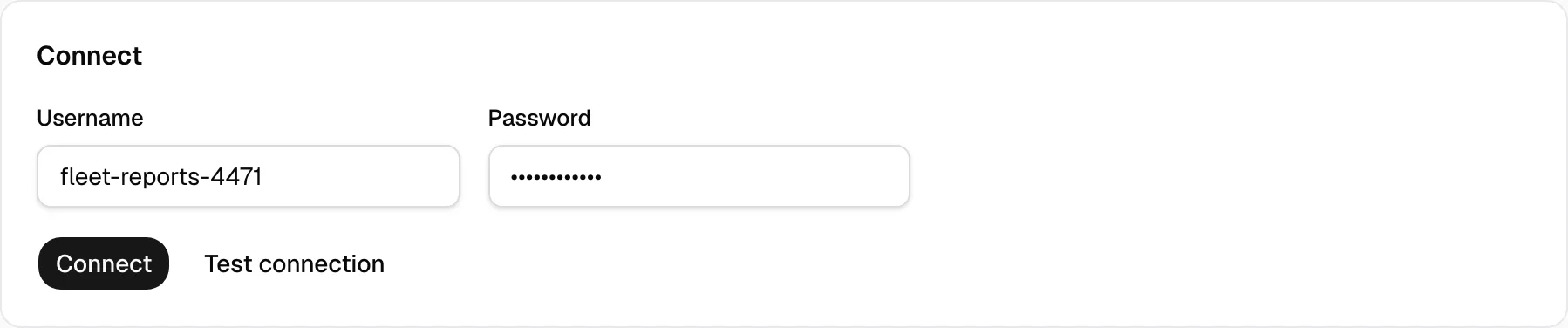
Step 4: Check that it worked
- Yolda shows Connected. Sync now reads into Tolls at once; Sync automatically follows the Schedule.
- Settlement week counts each toll by Exit date or Post date; Save after a change.
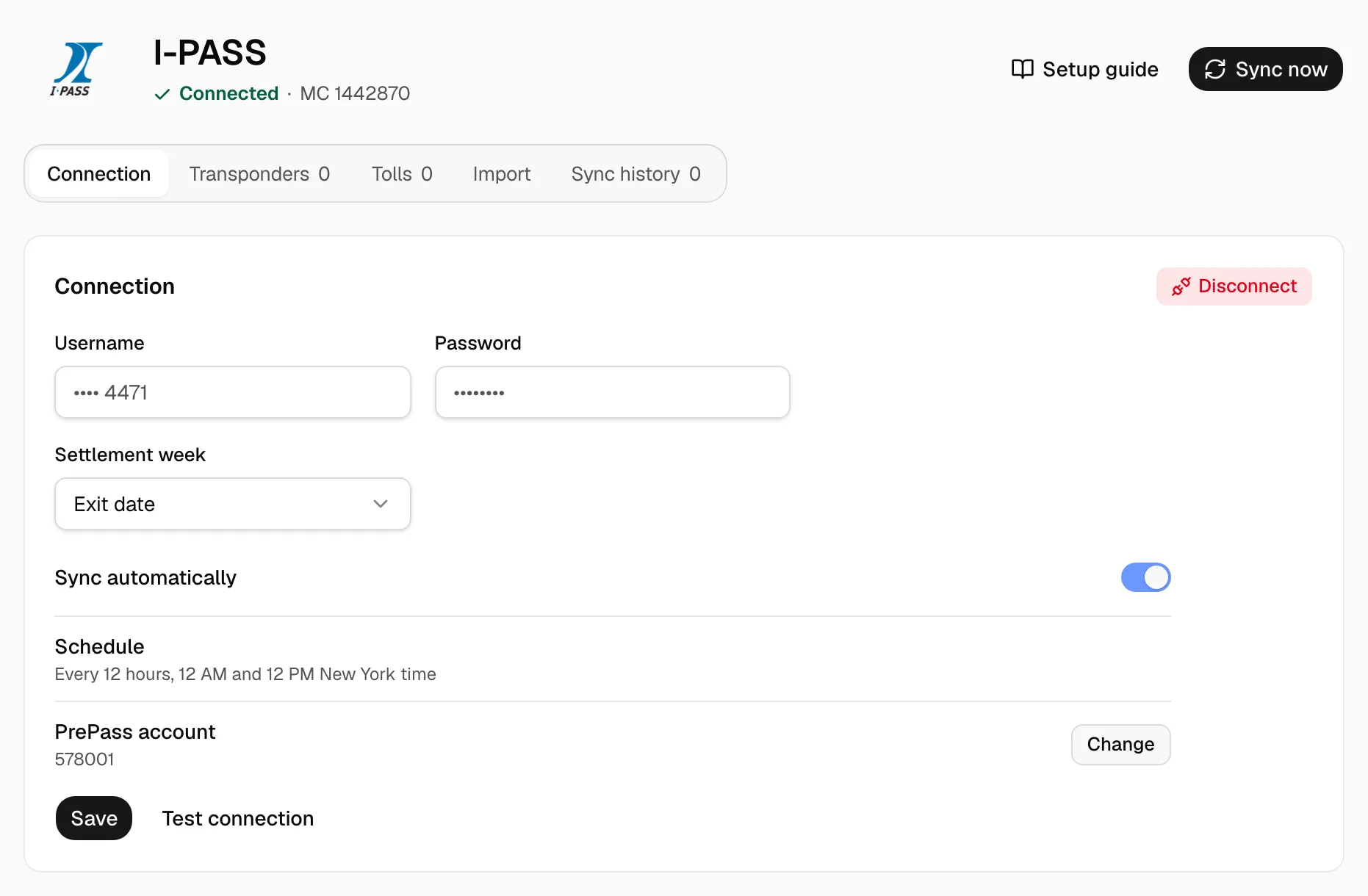
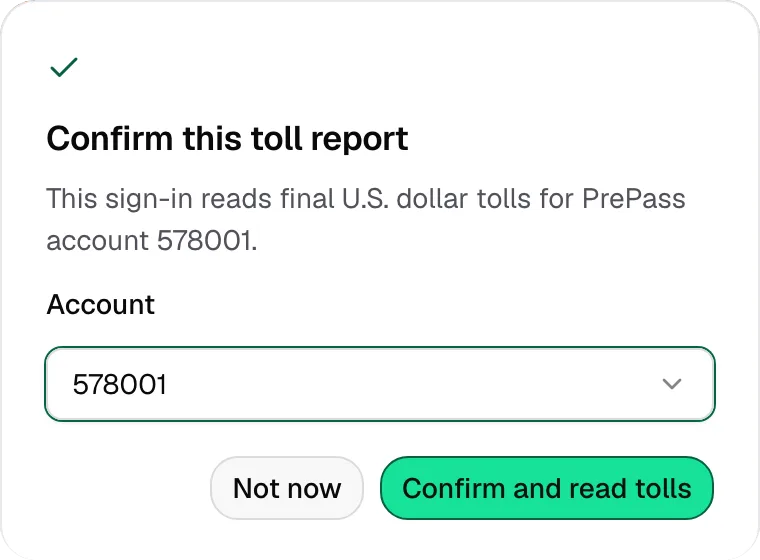
- Several PrePass accounts? Click Confirm on Confirm this toll report.
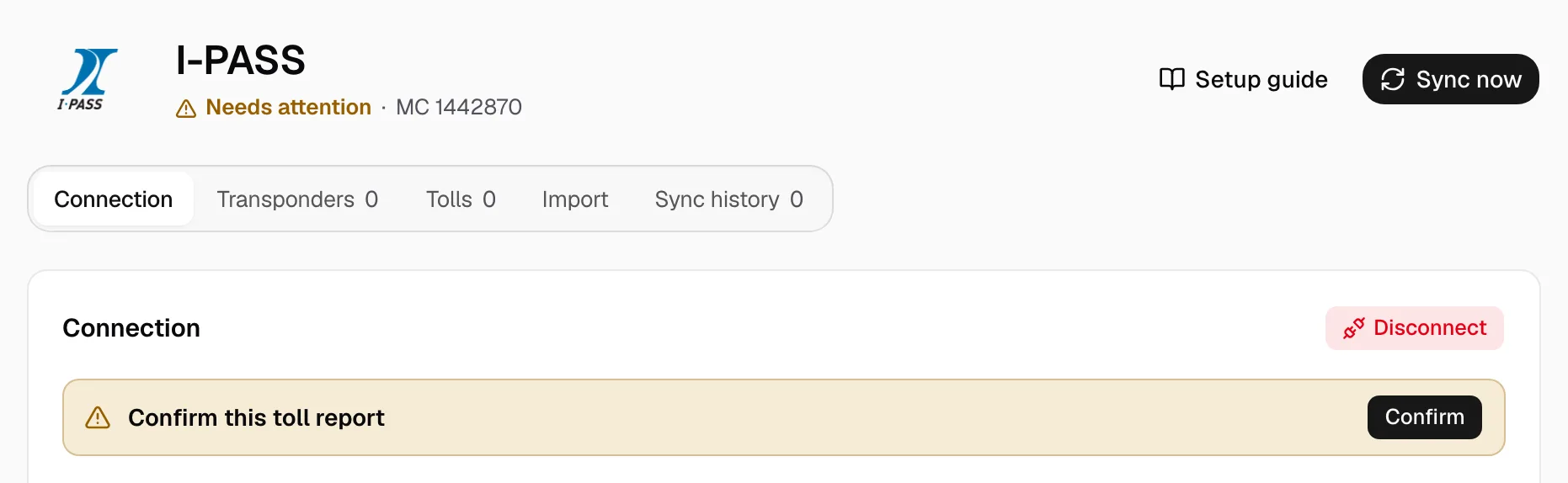
- Choose the Account, then Confirm and read tolls. Change picks another later.
- Open each transponder under Transponders. Transponder number and Vehicle number come from the report; Label, Plate and Plate state are optional.
- Pick Driver and Truck, turn on Billable, set Cost carried by, turn on Deduct automatically for a driver, keep Active on, and Save.
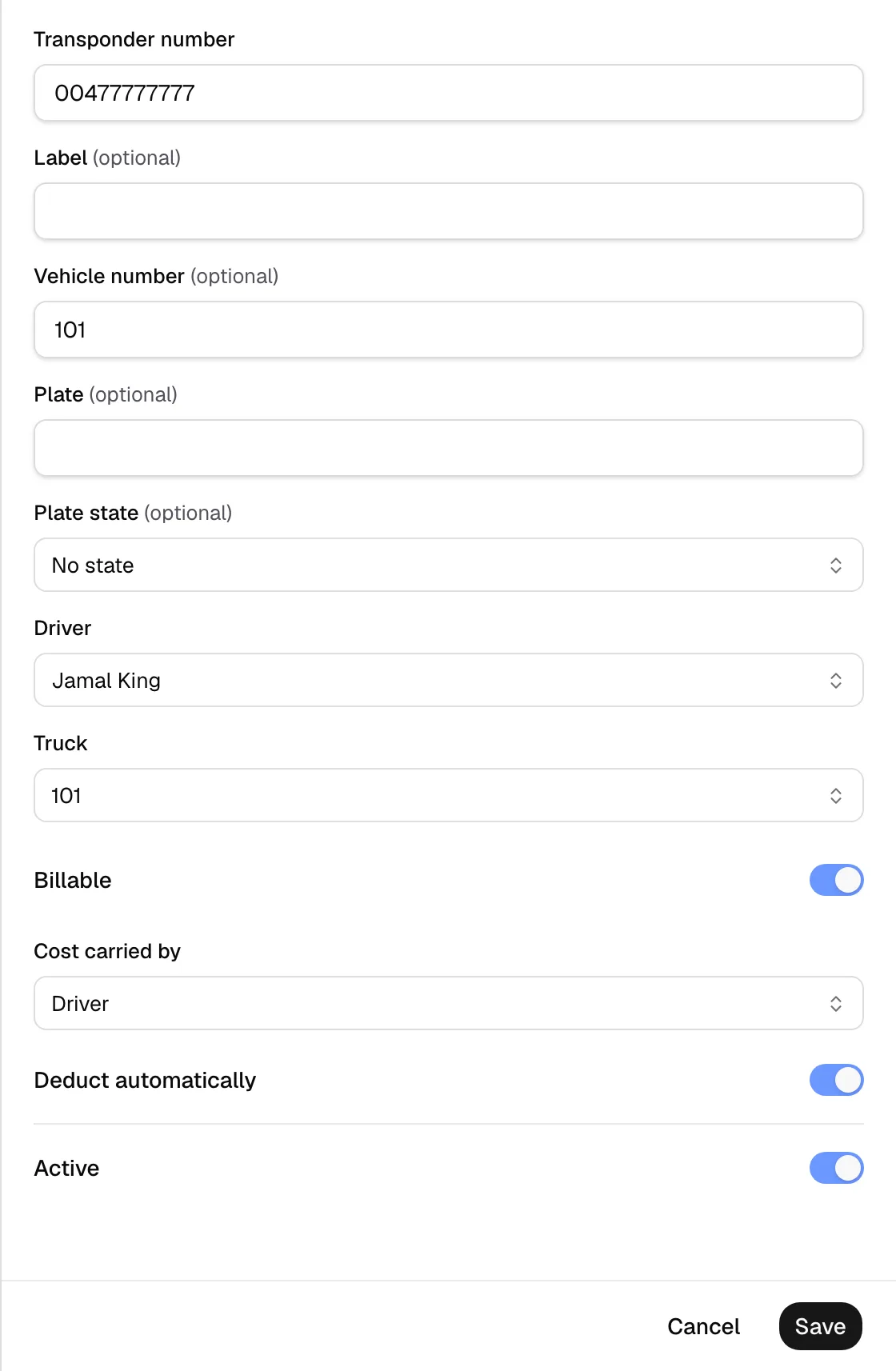
- The pay agreement decides who pays. Saving reaches later crossings only; earlier tolls go to the driver of the truck matching their Vehicle number, or stay company cost.