Turn off a transponder
Yolda does not delete a transponder. Turn it off instead, and its past tolls stay on record.
Step 1: Open the transponder
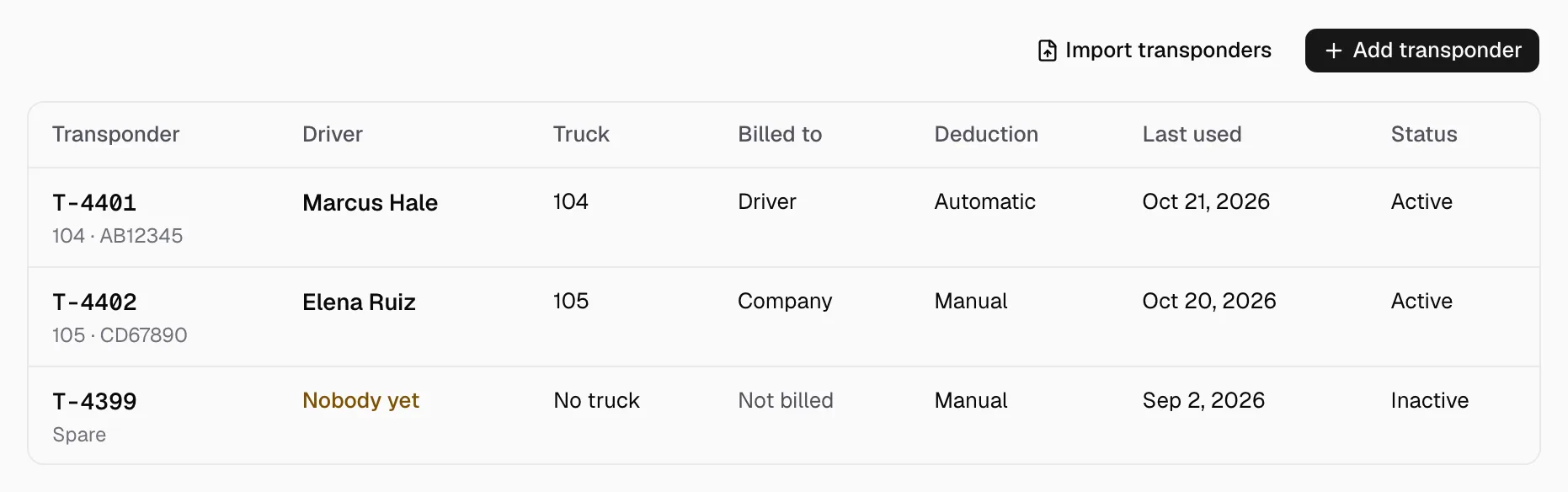
- Open Integrations, then your toll account, then Transponders.
- Click the transponder. Its sheet opens.
Step 2: Turn it off
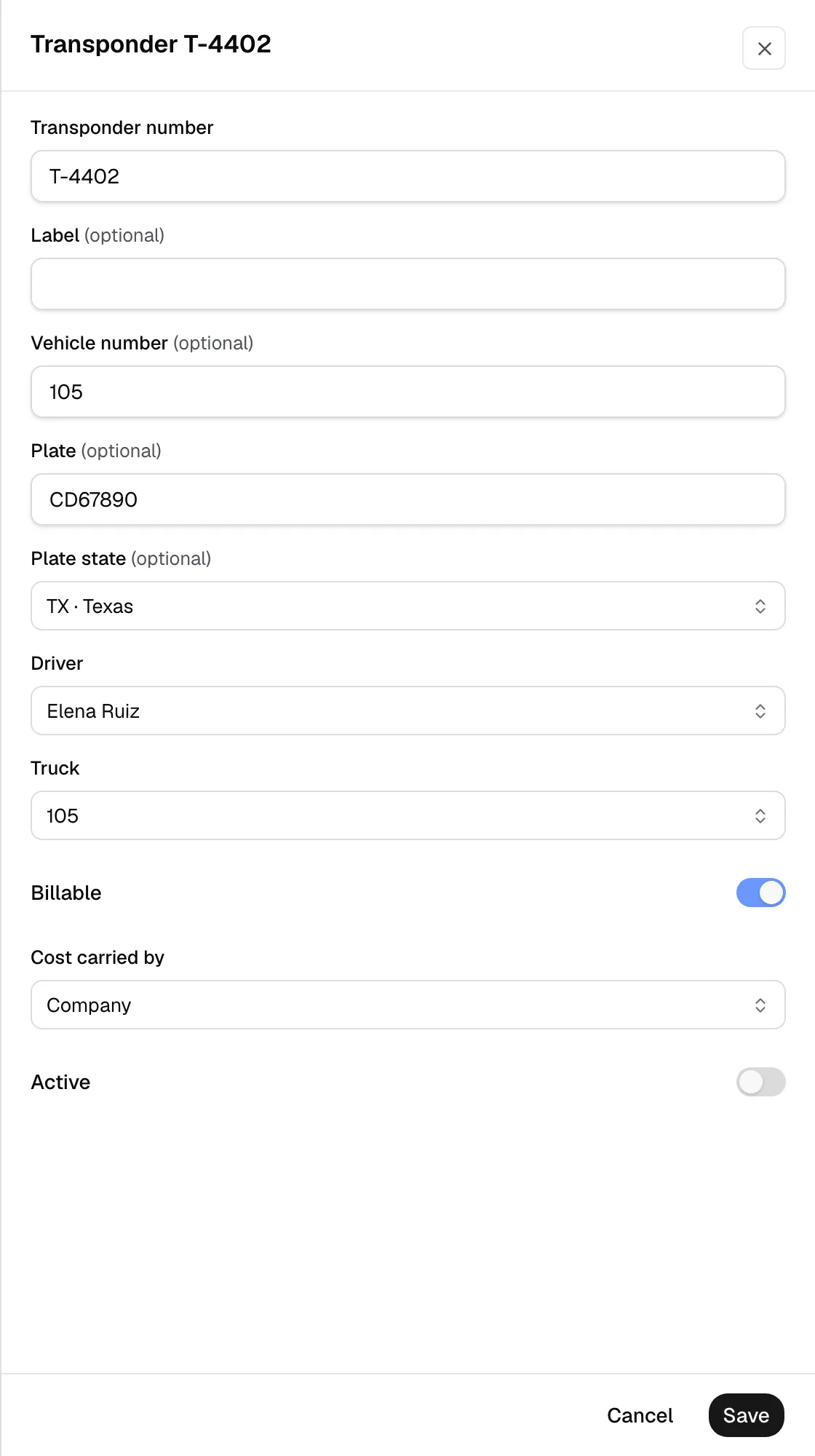
- Turn off Active, then click Save.
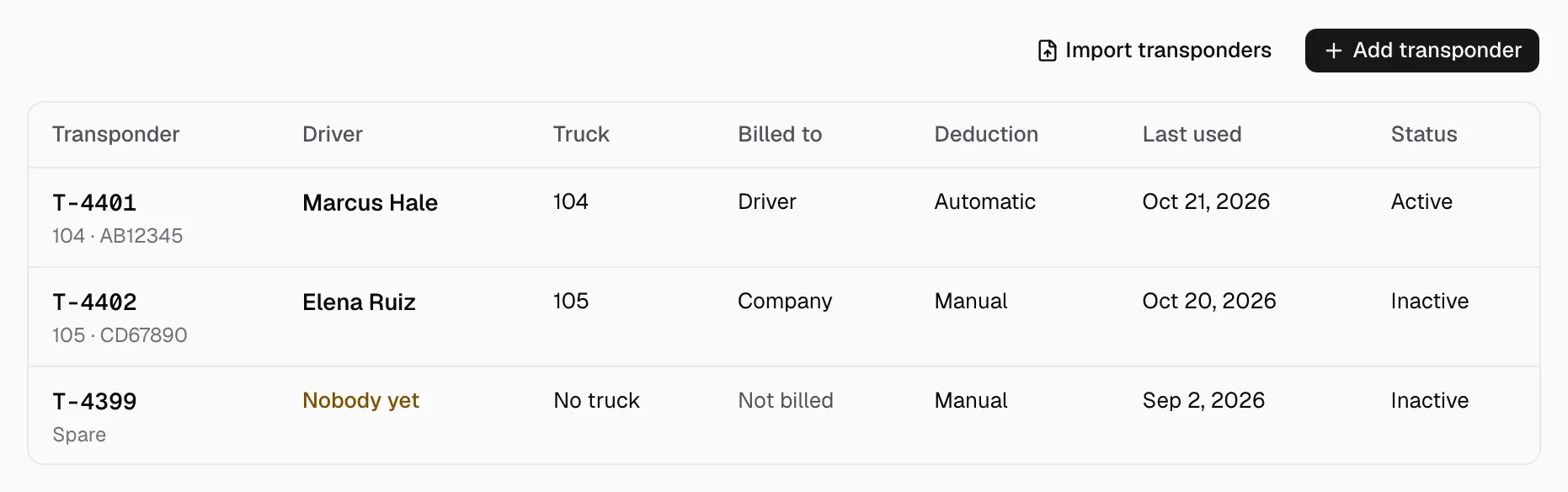
- The list shows it as Inactive.
To use it again, turn Active back on and click Save.
This does not cancel the tag with your toll provider. Ask them to do that. A toll that still arrives for it is recorded under Tolls and waits for your review. It is charged to nobody until then.