Import transponders from a CSV file
Add many transponders at once from one CSV file.
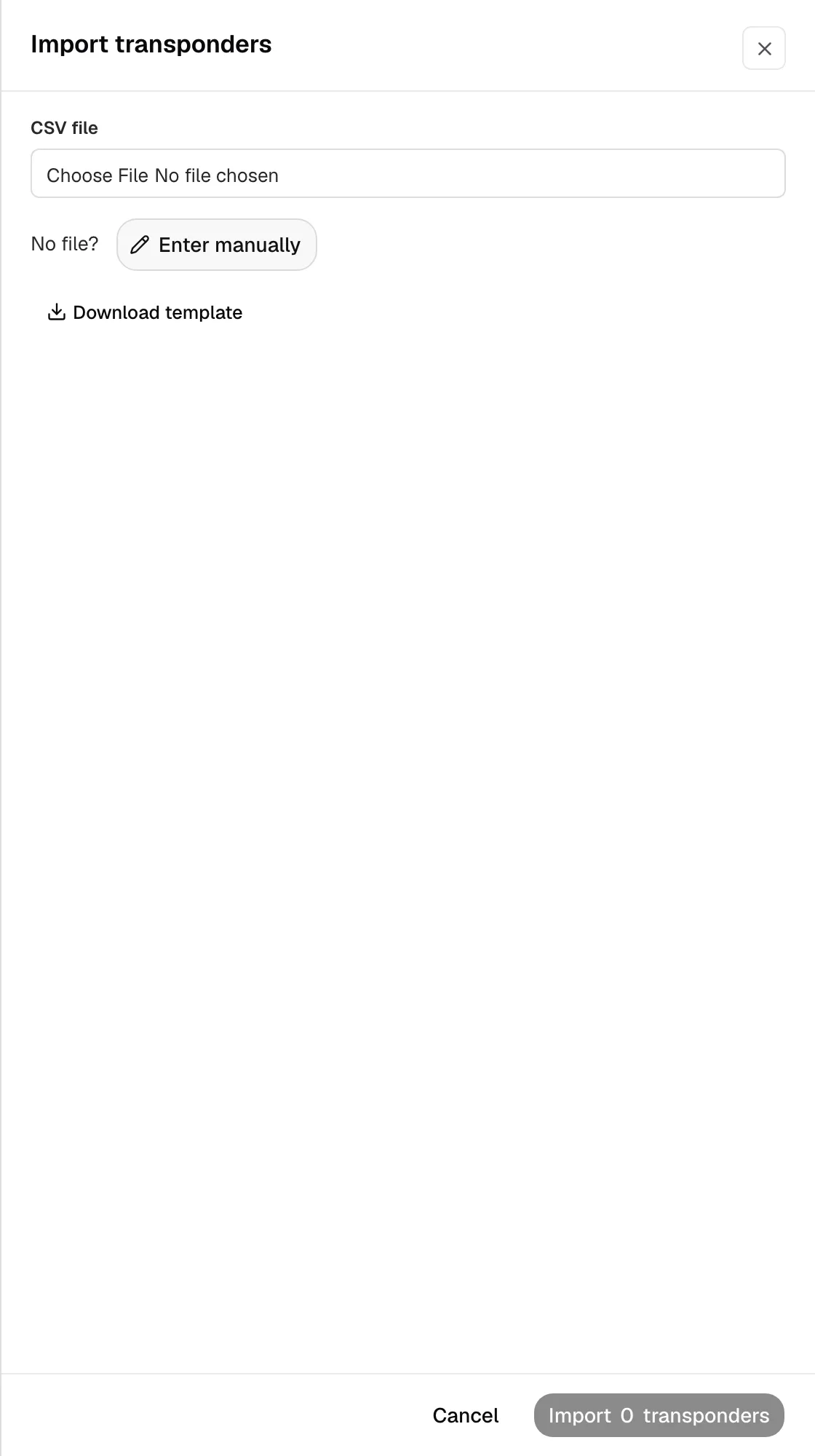
Step 1: Open the import
- Open Integrations, then your toll account, then Transponders. The tab shows once the account is connected or has tolls.
- Click Import transponders. The transponders go on the toll account you opened, under your company's MC number.

Step 2: Upload your file
- Under CSV file, choose your toll provider's transponder list saved as CSV. Only the transponder number is required. A column named Tag Number or Transponder Number works.
- No list? Click Download template, put one transponder on each row, and choose that file. The header stays in the first row.
CSV header
tag_number,label,vehicle_number,plate_number,plate_state- Only one transponder? Click Enter manually.
Step 3: Import
- Check the rows Yolda read. A blank or repeated transponder number is counted as skipped.
- Click the import button, for example Import 2 transponders.
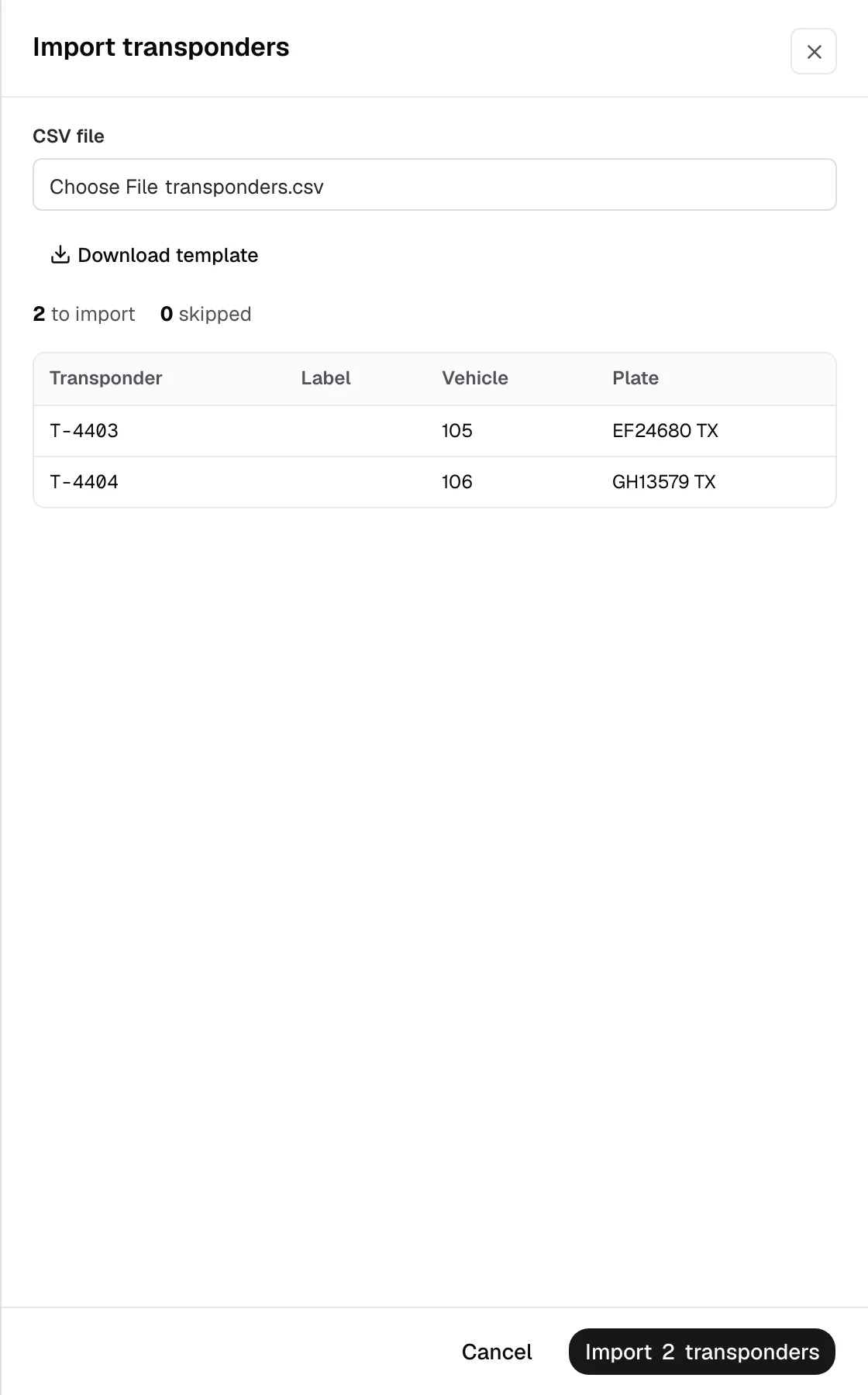
Then click each transponder to choose its driver and truck.