Remove a saved column mapping
Removing a mapping deletes no purchases or tolls.
Fuel cards
- Open Integrations, then your fuel card company, then Import, and drop a file from that company.
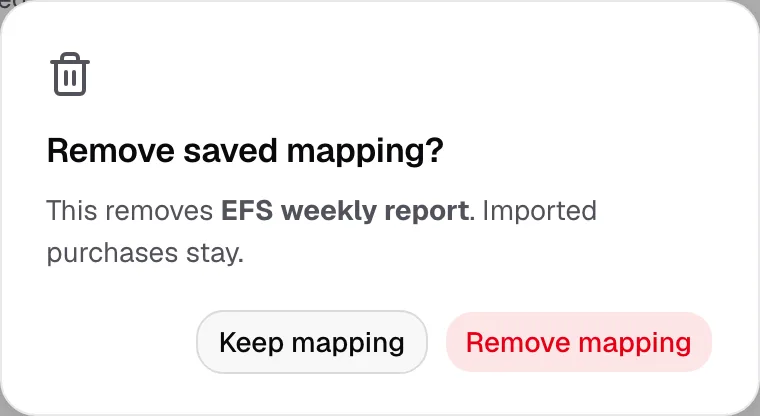
- Pick the mapping in Saved mapping, then click Remove mapping.

- Click Remove mapping again to confirm.
Tolls
- Open Integrations, then your toll company, then Import, and drop a file.
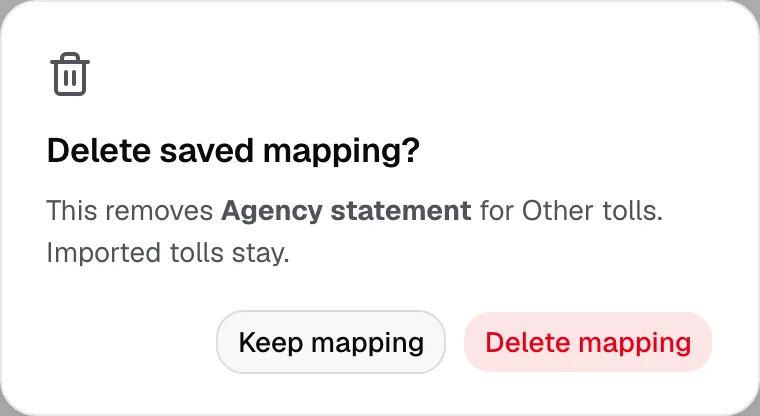
- Pick the mapping in Saved mapping, then click the trash button beside it.

- Click Delete mapping to confirm.
With an Other tolls SFTP folder connected, its files wait for a new mapping, unless another saved mapping fits them.
A removed mapping cannot be brought back. Save a new one from your next file.