Save a column mapping for imports
A saved mapping remembers which column is which, so the next file from the same company maps in one pick.
Fuel cards
- Open Integrations, then your fuel card company, then Import, and drop a file from that company's website.
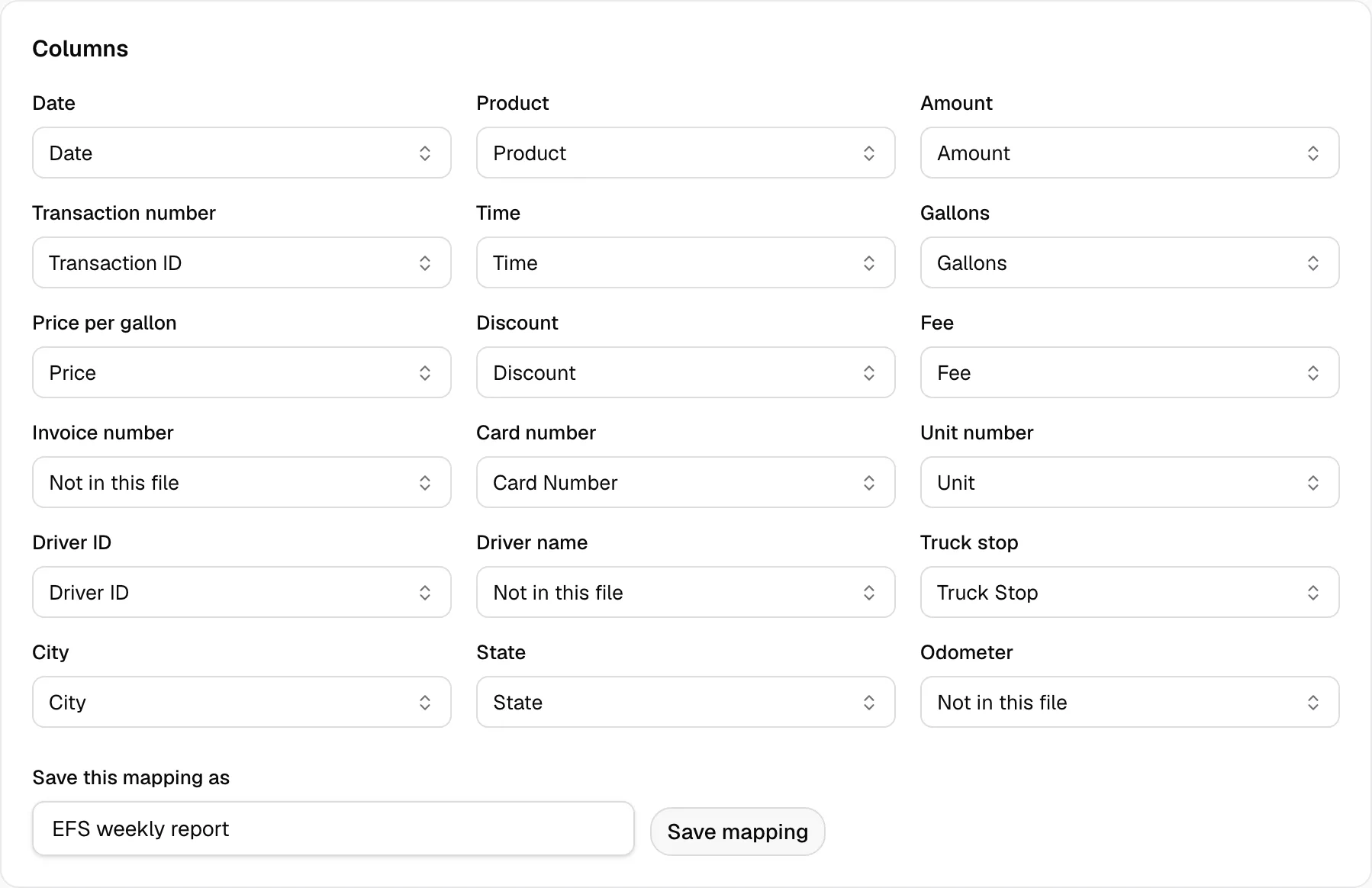
- Check each field under Columns.
- Type a name in Save this mapping as, then click Save mapping.
- Next time, drop the file and pick the mapping in Saved mapping.
Tolls
- Open Integrations, then your toll company, then Import, and drop a file from that company's website.
- Check each field under Match columns.
- Type a name in Mapping name, then click Save mapping.
- Next time, pick it in Saved mapping. After a change, click Update mapping.

A mapping belongs to one company. Save one for each card or toll company you import from.