Retire or reactivate a fuel card
Yolda never deletes a fuel card. Retire it instead, and its purchases stay on record.
Step 1: Open the card
- Open Integrations, then your fuel card company.
- Open the Cards tab and click the card.
Step 2: Turn it off
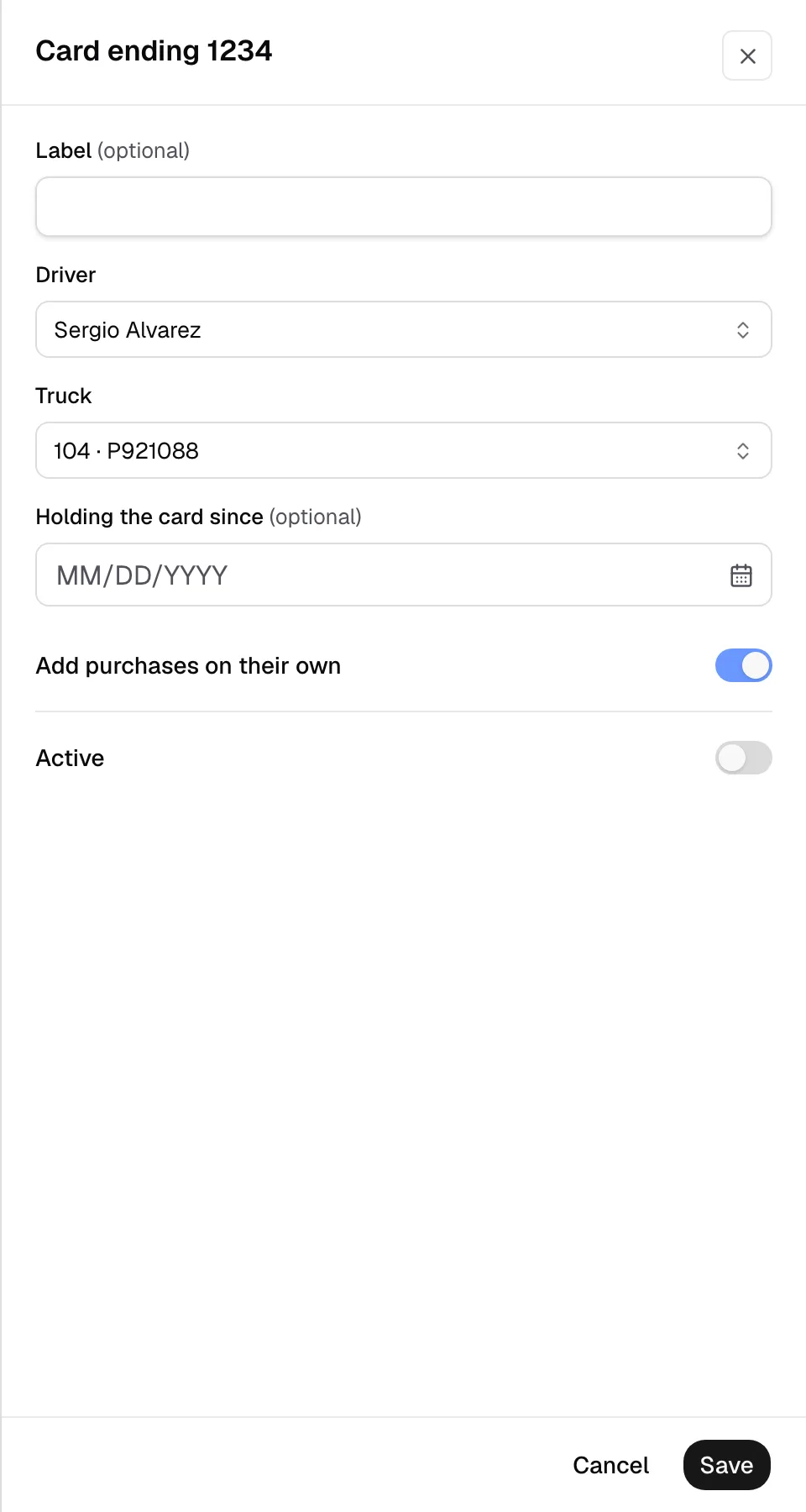
- Turn off Active.
- Click Save. The card's Status now reads Inactive.
New purchases on a retired card wait for review and move nobody's pay. To stop the card itself, call your card company.
Use it again
- Open the card and turn Active back on.
- Check the Driver and Holding the card since.
- Click Save.