WEX setup guide1 min read
Connect WEX to Yolda
Bring WEX card purchases into Yolda. Fleet One or EFS cards? Connect EFS instead.
Step 1: Ask WEX for API access
- Email your WEX account manager for a client ID and client secret.
- Ask for a client only Yolda uses: another system using it signs Yolda out.
- No account manager? Call WEX at
1-833-225-5939.
Email to send
- To
- [Your WEX account manager's email]
- Subject
- Fleet Management API access for Yolda
Hello,

We use Yolda as our TMS. Please set up WEX Fleet Management API access for our fleet account, used only by Yolda, with read access to accounts, cards, vehicles, drivers and authorizations. Please send us the client ID and client secret.

Company: [Your company name]
MC number: [Your MC number]
WEX account number: [Your WEX account number]

Thank you,
[Your name]
[Your email]
[Your company phone]
Replace the marked blanks before you send or paste.
Step 2: Open WEX in Yolda
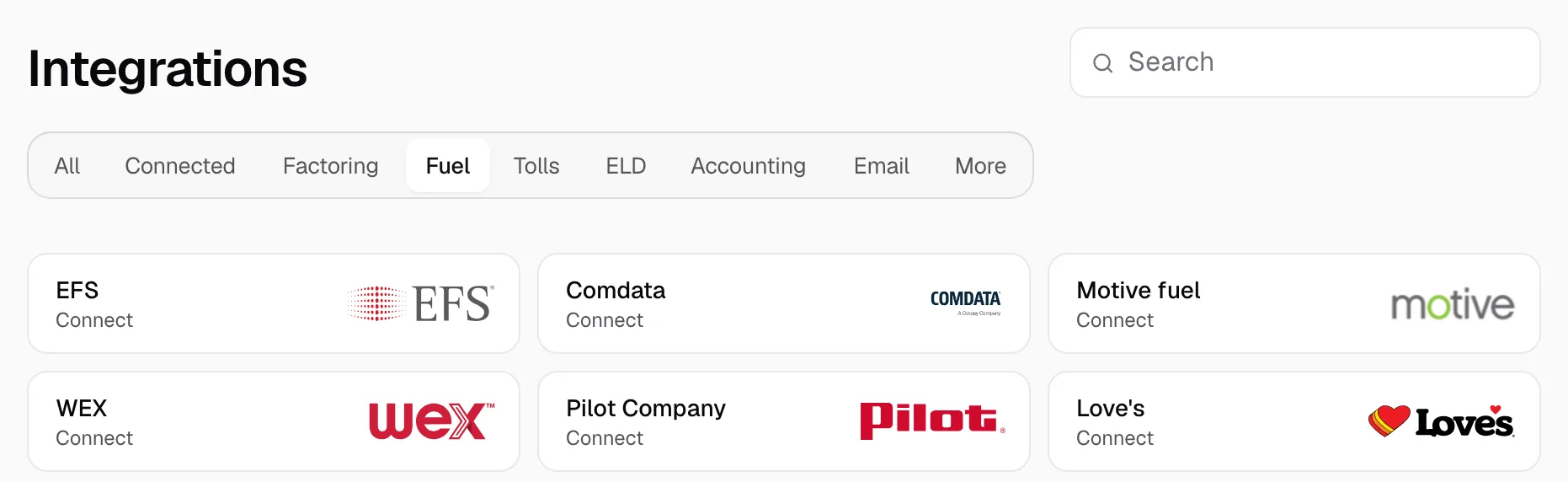
- Open Integrations, click Fuel, then click WEX.
Step 3: Connect WEX
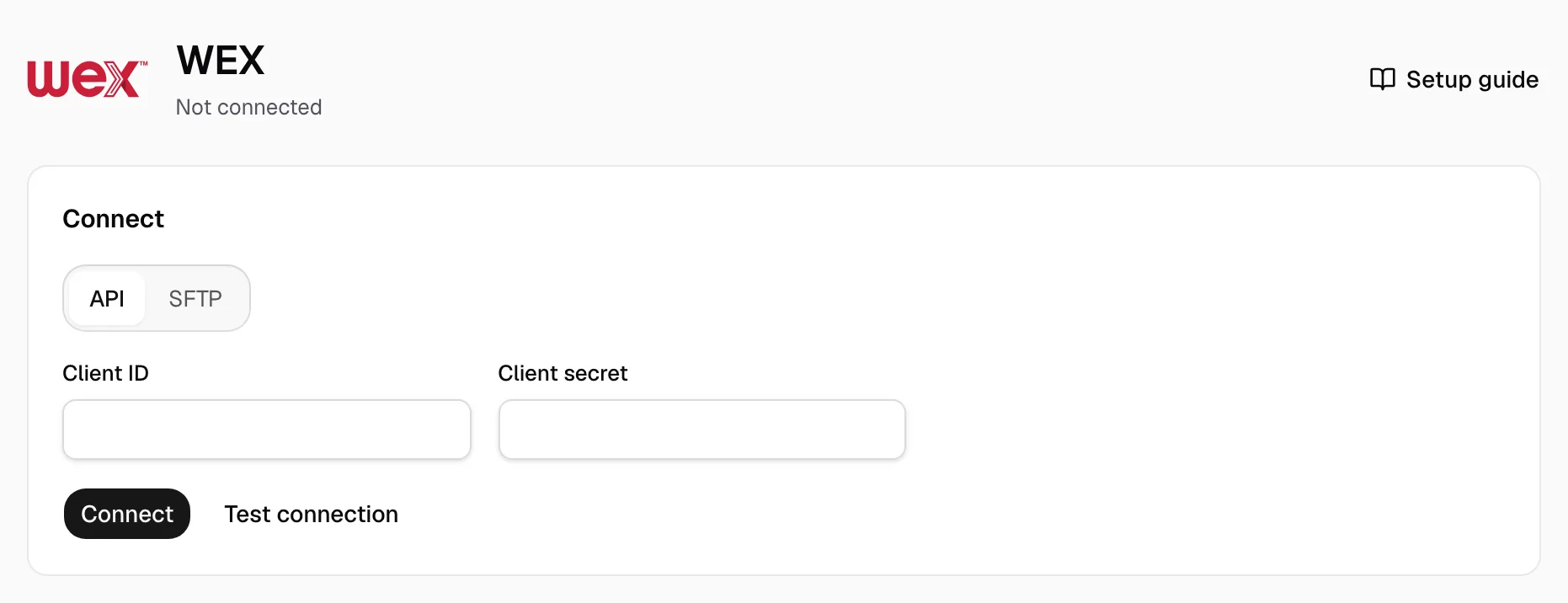
- API is selected. Paste the Client ID and Client secret WEX sent.
- Click Test connection, then Connect.
Step 4: Check that it works
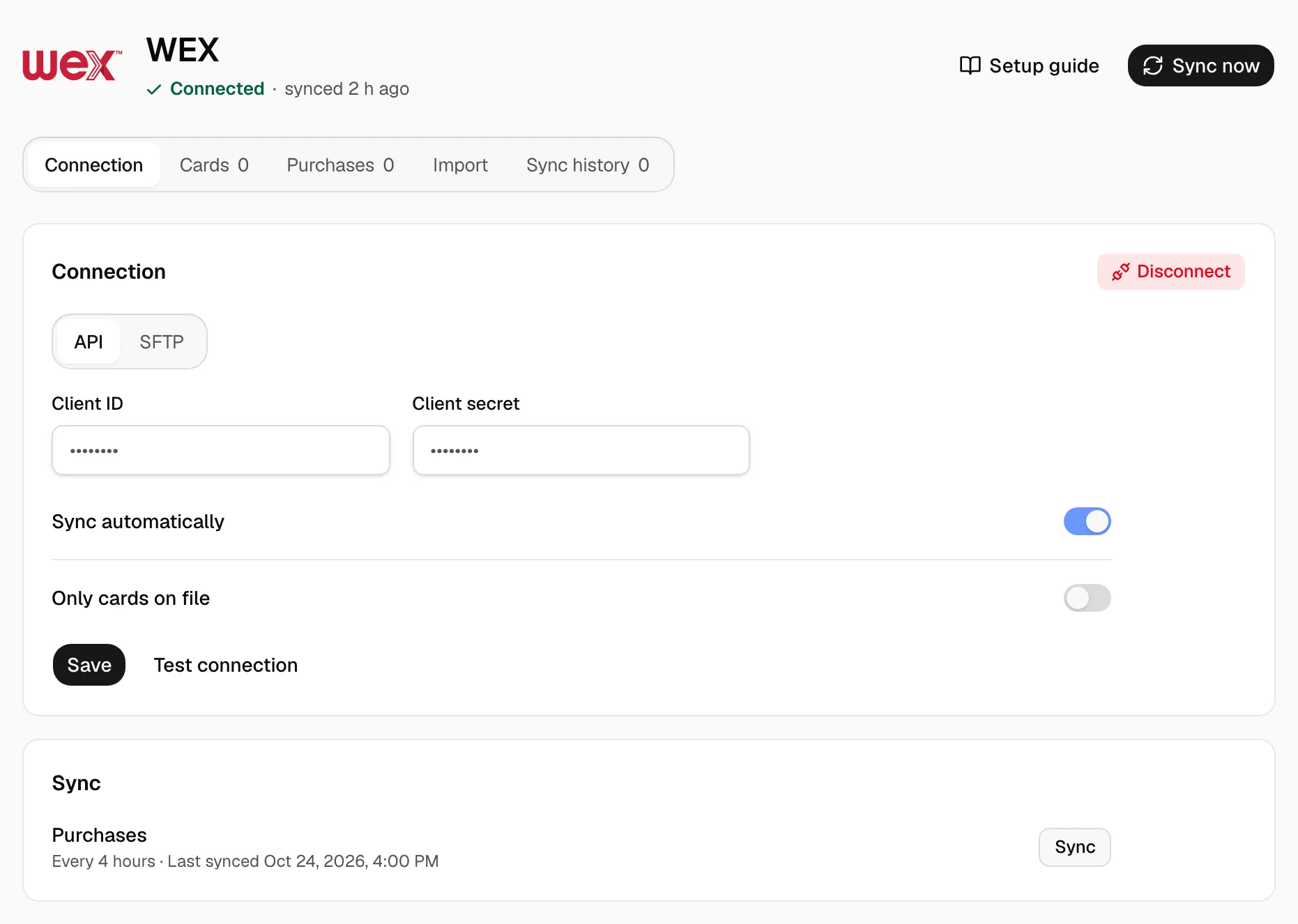
- The page reads Connected. Sync shows Every 4 hours, from midnight your time.
- Keep Sync automatically on. Only cards on file keeps out cards not listed under Cards.
- Sync now reads new purchases into Purchases at once.
- Under Cards, give each card its driver and truck; the pay agreement decides who pays.
A held purchase waits under Provider changes on Purchases: click Review, then Release.
No API access? Use WEXLink
- Send WEX this email.
Email to send
- To
- CSWEXLINK@wexinc.com
- Subject
- WEXLink data exchange for Yolda
Hello,

Please set up a daily WEXLink transaction file over SFTP for our account, naming Yolda as the third party, and send us the Data Exchange Authorization to sign. Please email us the SFTP host, username, password and file name.

Company: [Your company name]
MC number: [Your MC number]
WEX account number: [Your WEX account number]

Thank you,
[Your name]
[Your email]
[Your company phone]
Replace the marked blanks before you send or paste.
- Sign WEX's Data Exchange Authorization ($9.99 a month per account) with these values:
Values for the provider form
- Include tax reporting?
- No
- Frequency
- Daily
- Third Party Name
- Yolda
- Third Party Application Name
- Yolda
- Primary Purpose
- Fuel purchases in our TMS
- Primary Contact Information
- Yolda, partner@sfdify.com
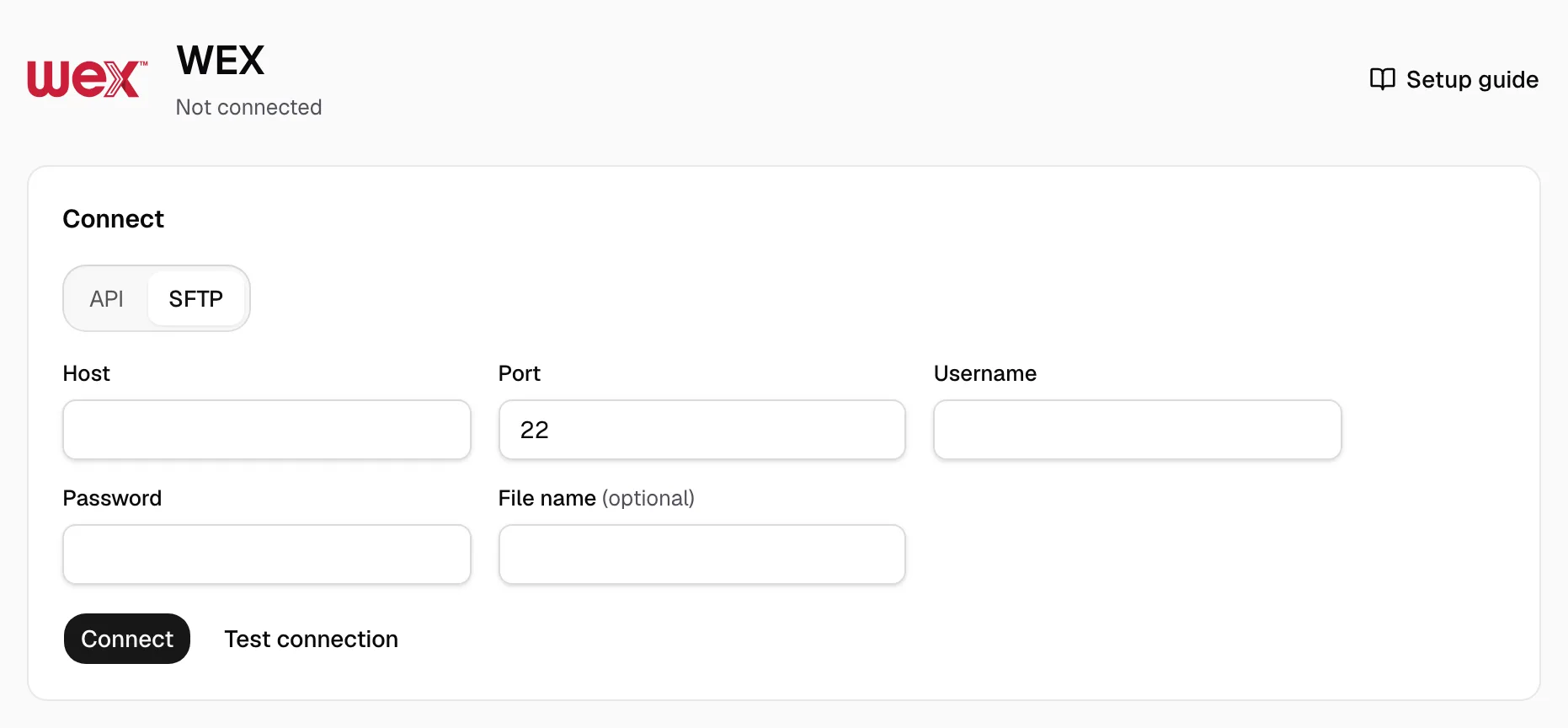
- In Step 3, click SFTP, fill Host, Port (22 unless WEX names another), Username, Password and File name, then click Test connection and Connect.
- When the first file arrives, click Map file, match the columns and Save mapping.