 TVC setup guide1 min read
Connect TVC to Yolda
Your TVC fuel card is an EFS card. Yolda reads its purchases from EFS every 4 hours, starting at your company's midnight.
Step 1: Get an EFS web service login
- In the TVC member portal, note your EFS Carrier ID and TVC member ID. A fuel load's details there also show your Contract ID.
- Send EFS this email; it copies TVC. TVC points you to EFS.
- If EFS agrees, it emails a username starting with
wsand a password. Your TVC portal login does not work here. - If EFS says no, use Import instead.
Email to send
- To
- EFSWEX-customersoftwaresupport@wexinc.com
- Cc
- Sales@prodriver.com
- Subject
- Card Management web service login for Yolda
Hello,

We have a TVC fuel card and use Yolda as our TMS. Please create a Card Management web service login for our EFS carrier, to read our card transactions, and allow Yolda's server address 52.73.111.217.

Customer name: [Your company name]
EFS Carrier ID: [Your EFS Carrier ID]
Contract ID: [Your Contract ID, if you have it]
TVC member ID: [Your TVC member ID]

Thank you,
[Your name]
[Your email]
[Your company phone]
Replace the marked blanks before you send or paste.
Step 2: Open TVC in Yolda
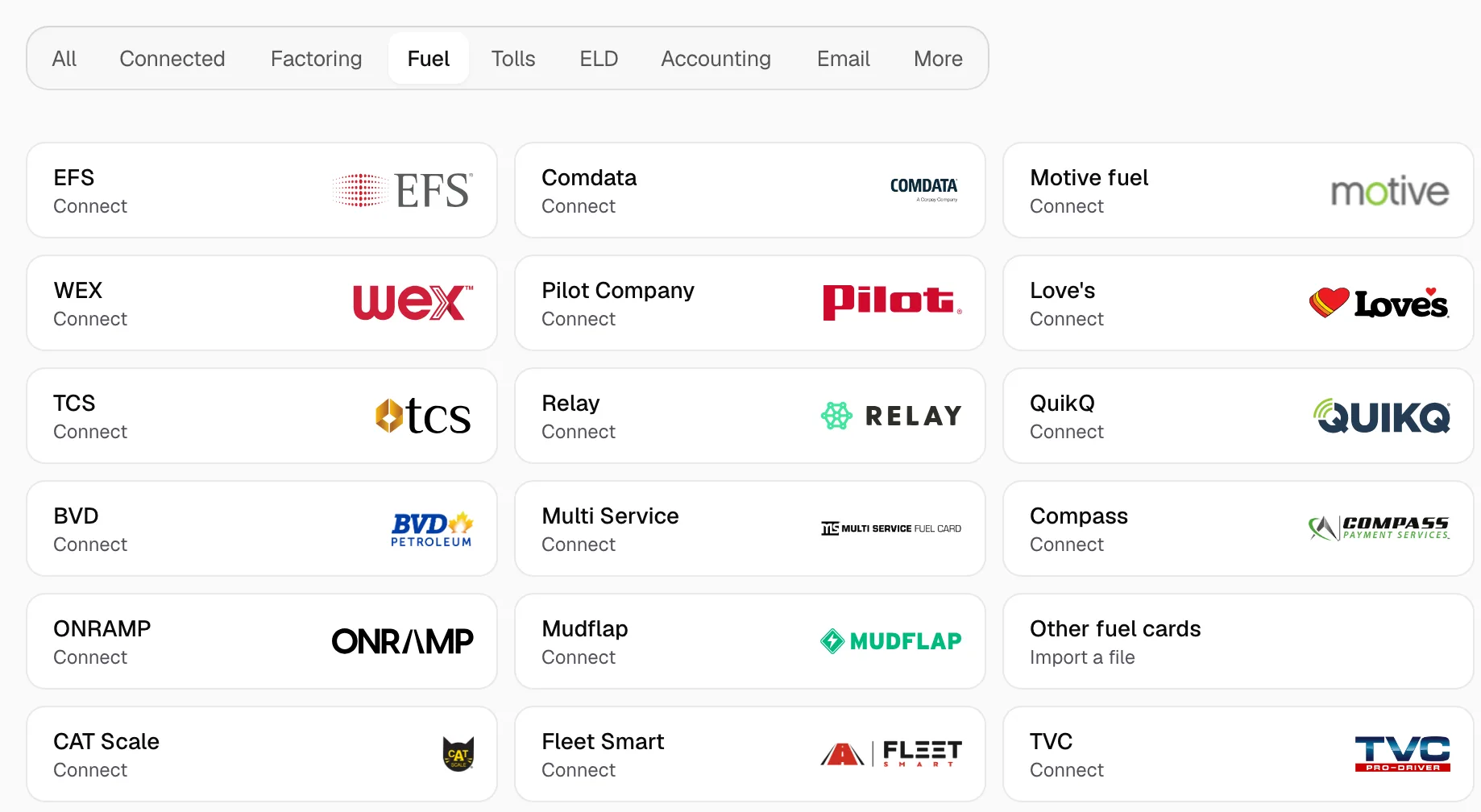
- Open Integrations, click Fuel, then click TVC.
Step 3: Enter the login EFS sent
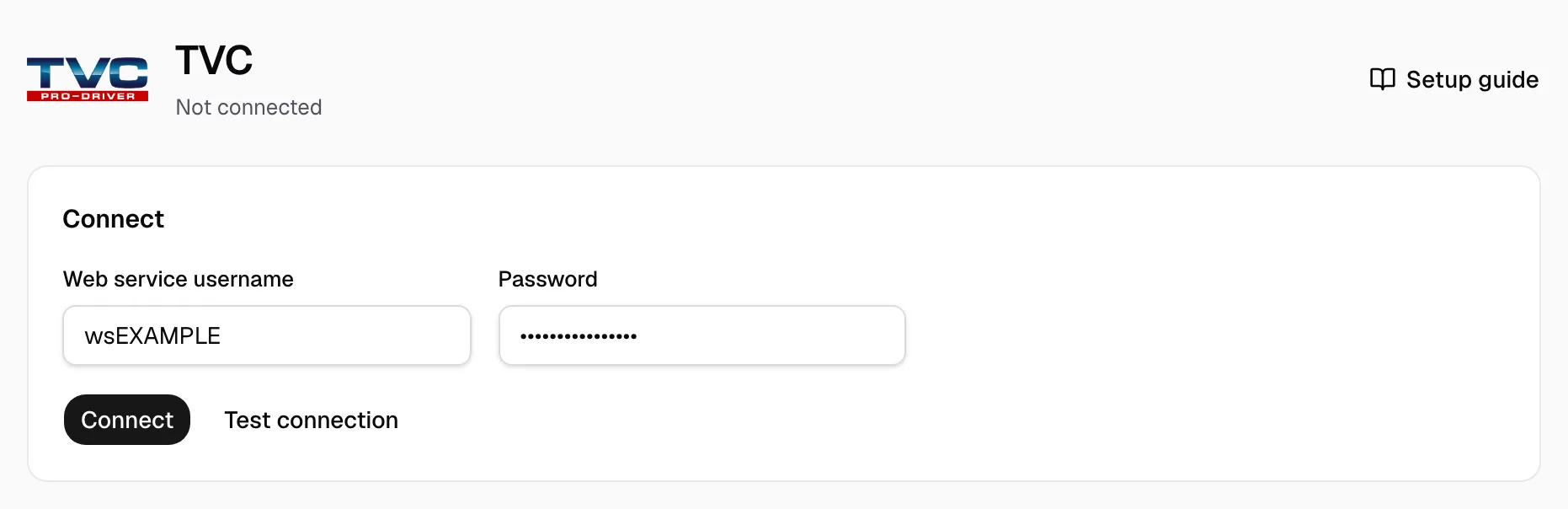
- Enter the Web service username and Password from EFS's email.
- Click Connect. Yolda checks the login first.
- Test connection checks it without saving and names the carrier.

Step 4: Check that it works
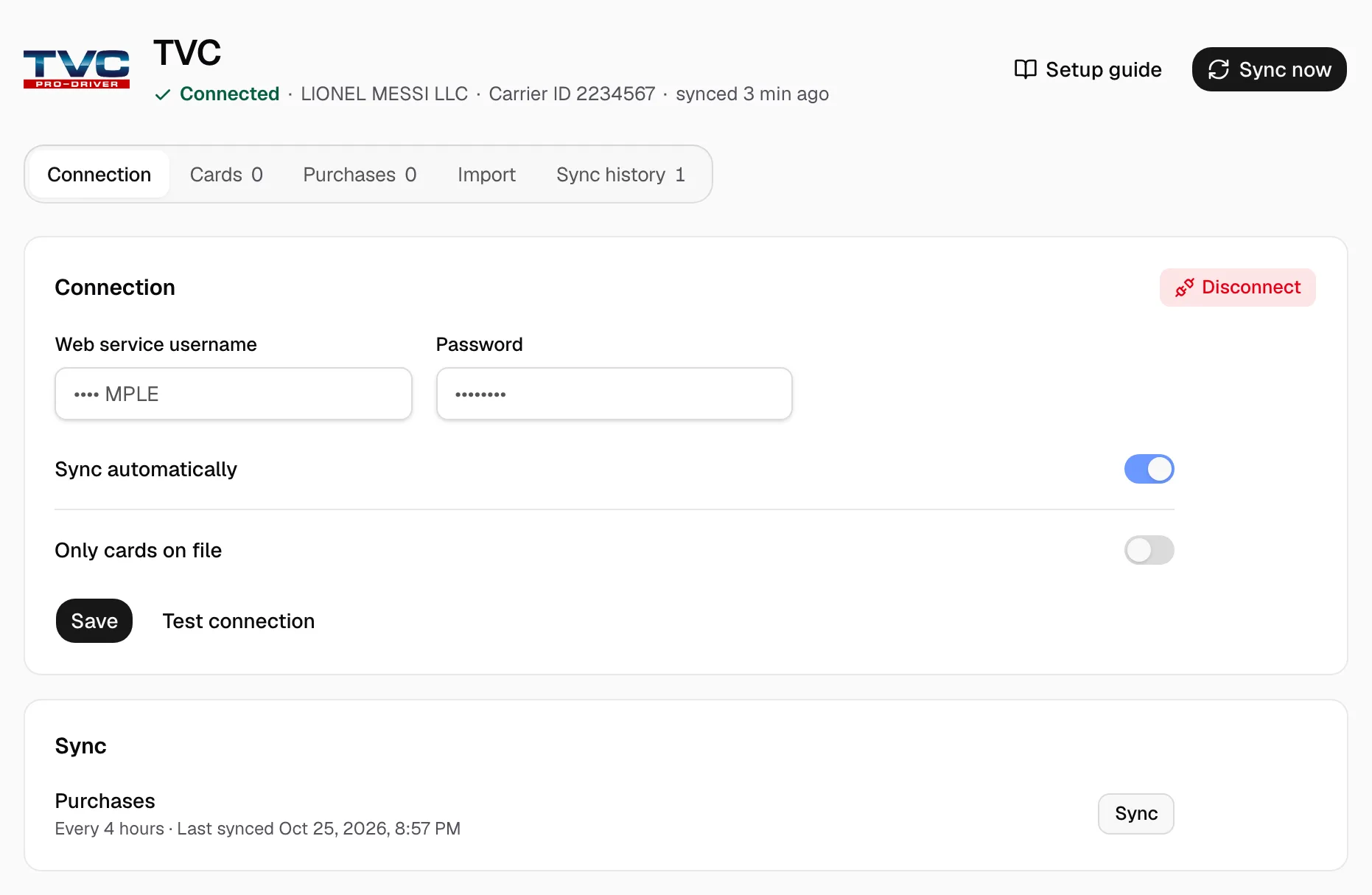
- The page reads Connected with your carrier. Sync shows Every 4 hours and the last sync. Click Sync now to read new purchases at once.
- Purchases appear on the Purchases tab. On Cards, give each card its driver and truck; the driver's pay agreement decides who pays.
The TVC membership fee is not in EFS data. Funds loaded onto the card are not fuel: they wait under Other card activity.