 TT ELD setup guide1 min read
Connect TT ELD to Yolda
TT ELD puts your trucks on the Fleet map and brings HOS logs into Yolda.
Before you start
Give every truck in Yolda its VIN: TT ELD trucks match by it.
Step 1: Get your API key from TT ELD
- Sign in at
dash.tteld.comas the main company account. - Open More, then API Keys, then Add Key.
- Fill in Title and Type.
Values for the provider form
- Title
- Yolda
- Type
- Other
- Type
Yoldain the new box and click Generate. - Copy it now: it shows in full for 24 hours only.
Step 2: Connect TT ELD in Yolda
- Open Integrations, then TT ELD.
- Enter [Your DOT number] in USDOT.
- Paste the key in API key and click Connect.
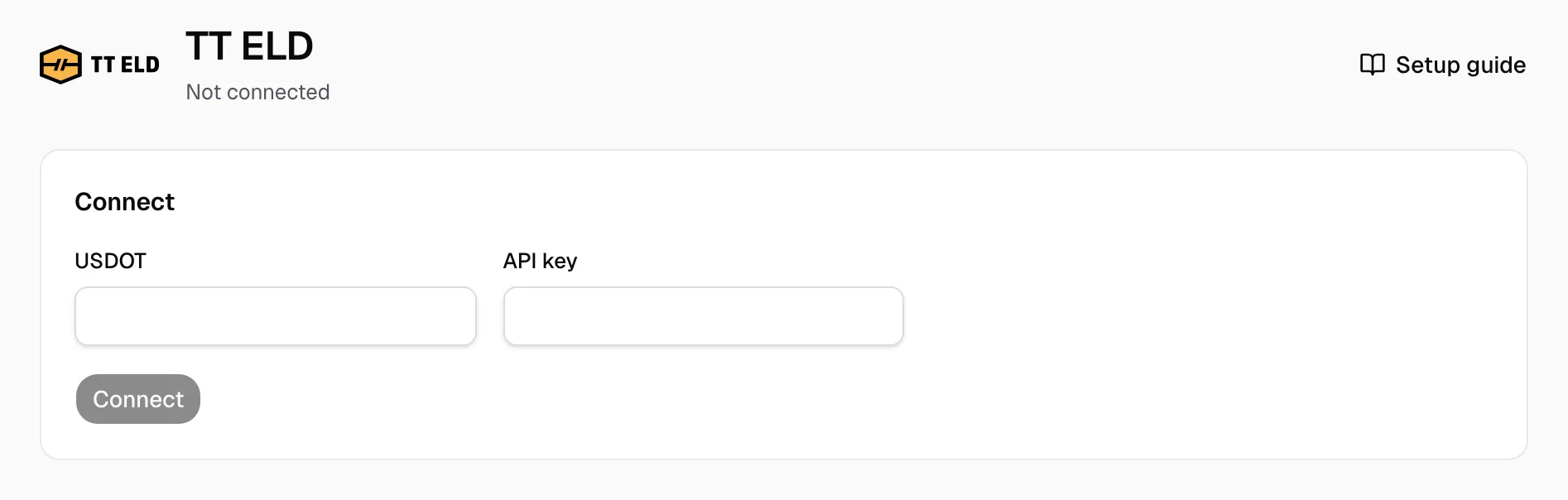
Set up: the key is saved, waiting for Yolda's TT ELD access. Save replaces it, Remove key deletes it.
Step 3: Match drivers and vehicles
- On the Drivers and Vehicles tabs, pick a Yolda record for each Needs review row.
- Ignore a row you do not need.
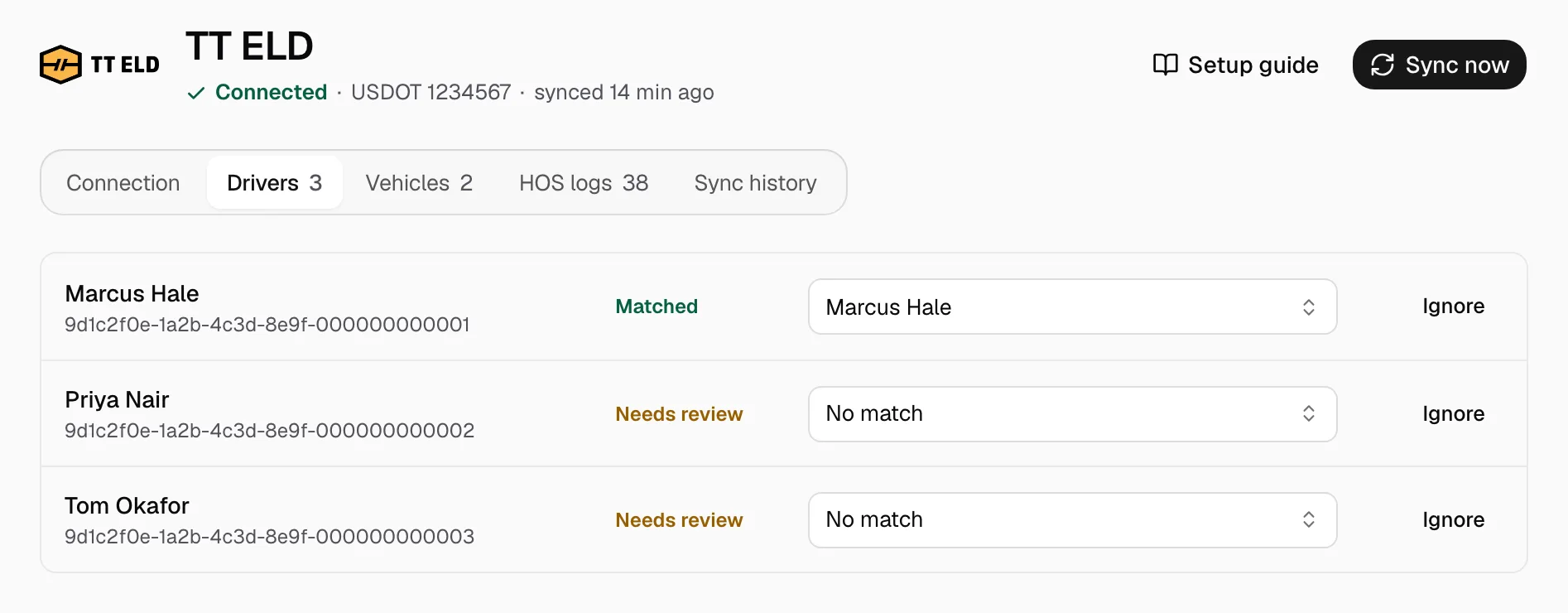
Add a missing driver on Drivers first; Yolda adds a missing truck if your plan has room.
Step 4: Keep it in sync
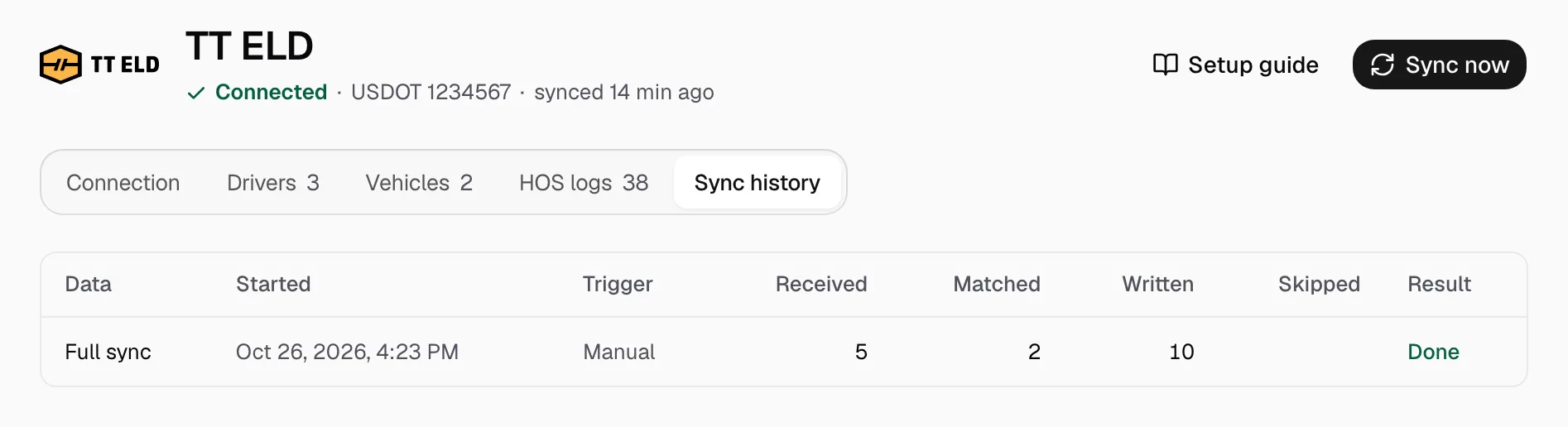
Positions refresh every minute, drivers and trucks at 00:00 on your company clock, history and HOS after midnight. Sync now refreshes at once; Sync history lists each run. On the Connection tab, set Location history days, switch HOS logs, or Deactivate.