Sync your ELD now
Sync your ELD by hand when a truck, driver or position is missing in Yolda.
Step 1: Open your ELD
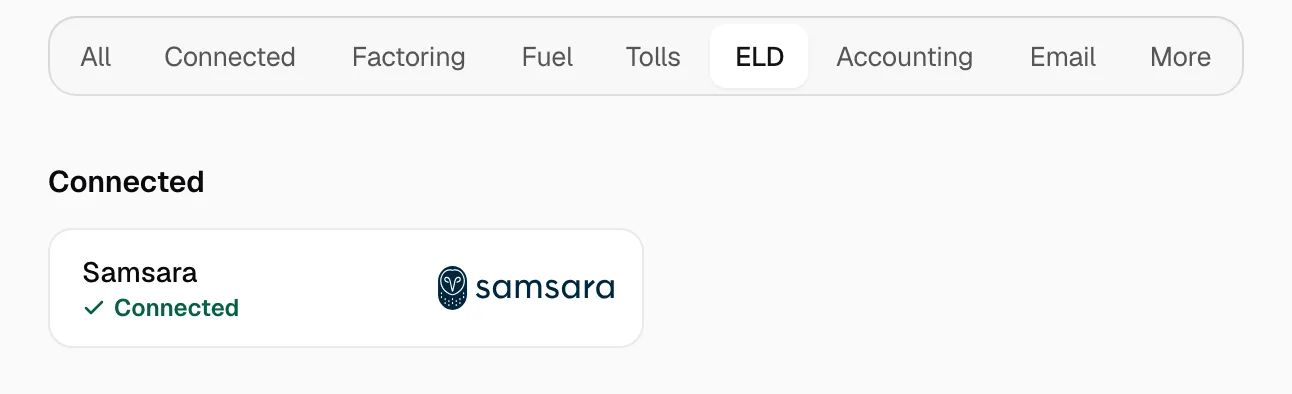
- Open Integrations, then the ELD tab.
- Click your ELD. Connected ones come first.
Step 2: Click Sync now
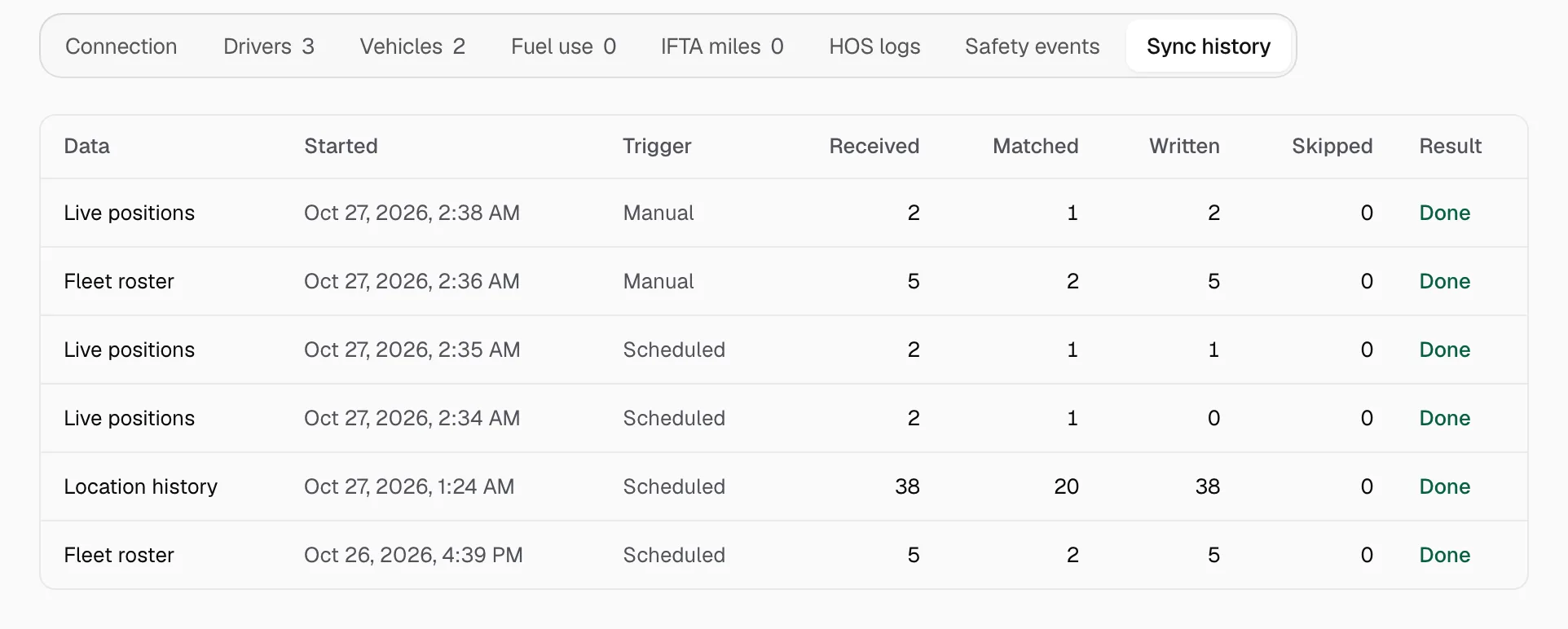
- Click Sync now at the top. Yolda reads drivers, trucks, then positions.
- Open Sync history to see what came in.

Step 3: Match what is missing
- Open the Drivers or Vehicles tab.
- On each Needs review row, pick the Yolda record.
- Click Sync now again.
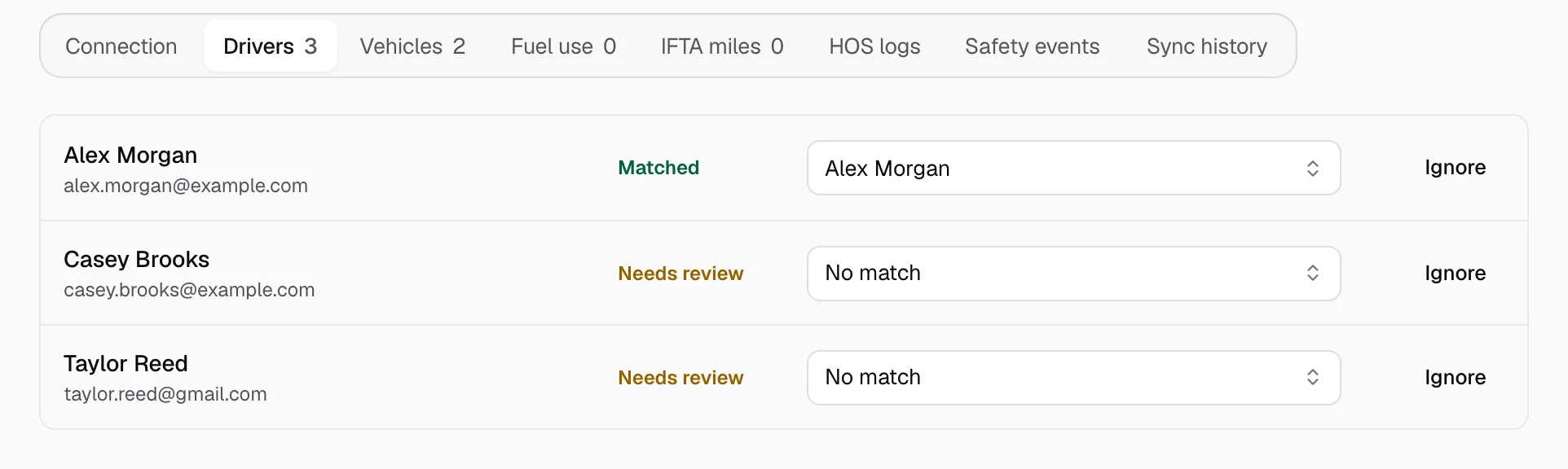
The Fleet map draws a truck under its driver: no match, no pin. Still missing? Check that the driver's email or phone and the truck's VIN match in your ELD and Yolda, and the device is on. If a sync says the ELD is limiting requests, Yolda retries in a few minutes.
When Yolda syncs on its own
- Drivers and trucks: every day at 00:00 on your company clock.
- Positions: every minute for Samsara, Motive, Geotab, Verizon Connect, MAX ELD, GPS Tab, TT ELD and Reliable ELD; every 15 minutes for Blue Ink; every 5 minutes for the rest.
- Location history: every two hours on most ELDs, after midnight on TT ELD, by hand on Lucid ELD, Blue Ink, Orient ELD and Mapon.
- HOS logs, safety events, fuel use and IFTA miles: after midnight, where offered.