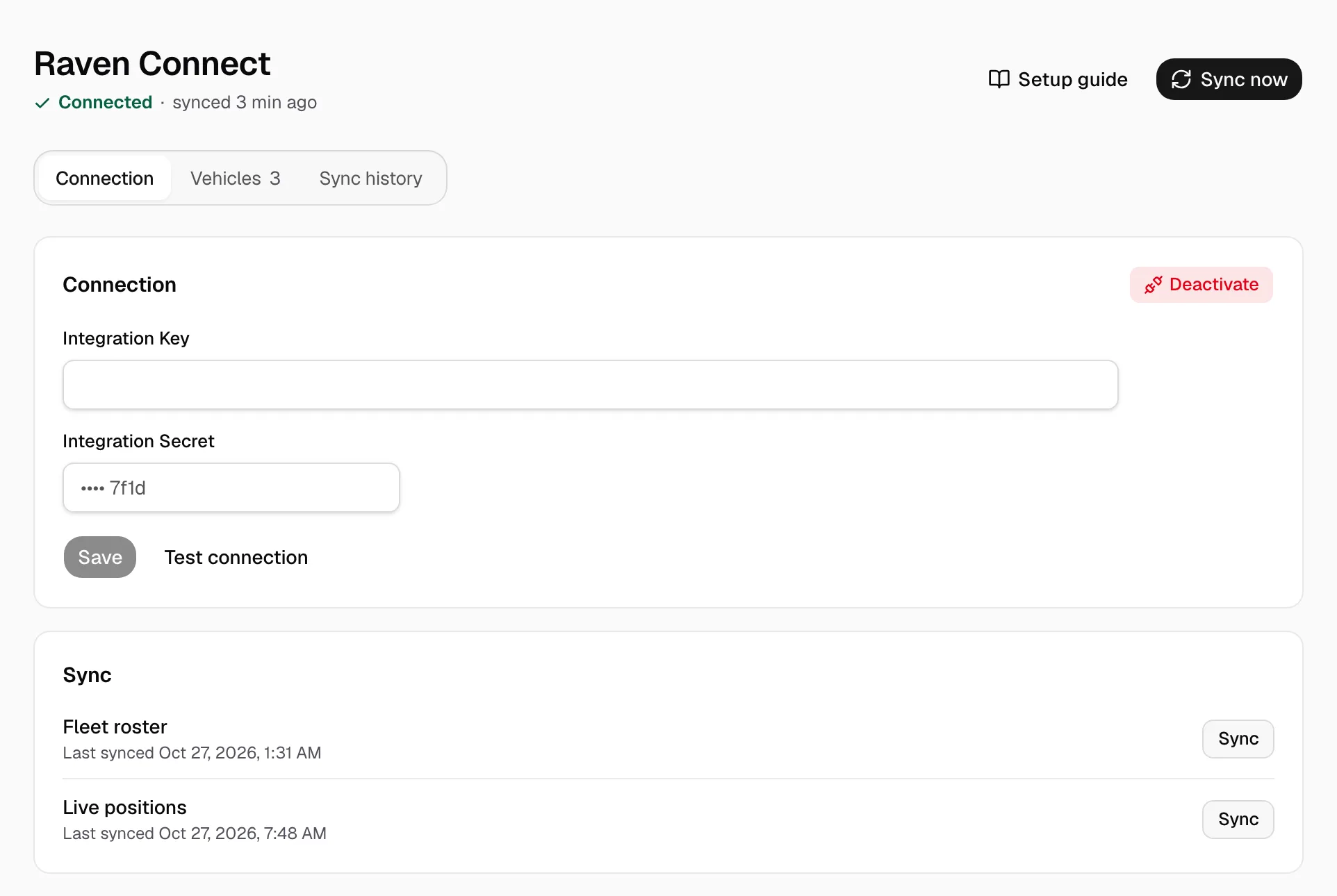
Connect Raven Connect to Yolda
A Raven Connect key brings each truck's location, odometer, fuel level and speed into Yolda. Yolda only reads.
Step 1: Create a key in Raven Connect
- Sign in at
app.ravenconnected.com, then open Settings. - Scroll to Integrations and click Create API Key.
- Select Read Only, then click Create.
- Copy the key and the secret.
No Create API Key button? Send this to Raven:
Email to send
- To
- support@ravenconnected.com
- Subject
- Integration Key and Secret for [Your company name]
Hello,

We use Yolda as our TMS. Please help us create an Integration Key and Integration Secret with the Read Only scope for our Raven account. Yolda only reads our trucks, their latest locations and gauges, about every five minutes.

Our MC number is [Your MC number].

Thank you,
[Your name]
[Your company name]
[Your company phone]
Replace the marked blanks before you send or paste.
Step 2: Open Raven Connect in Yolda
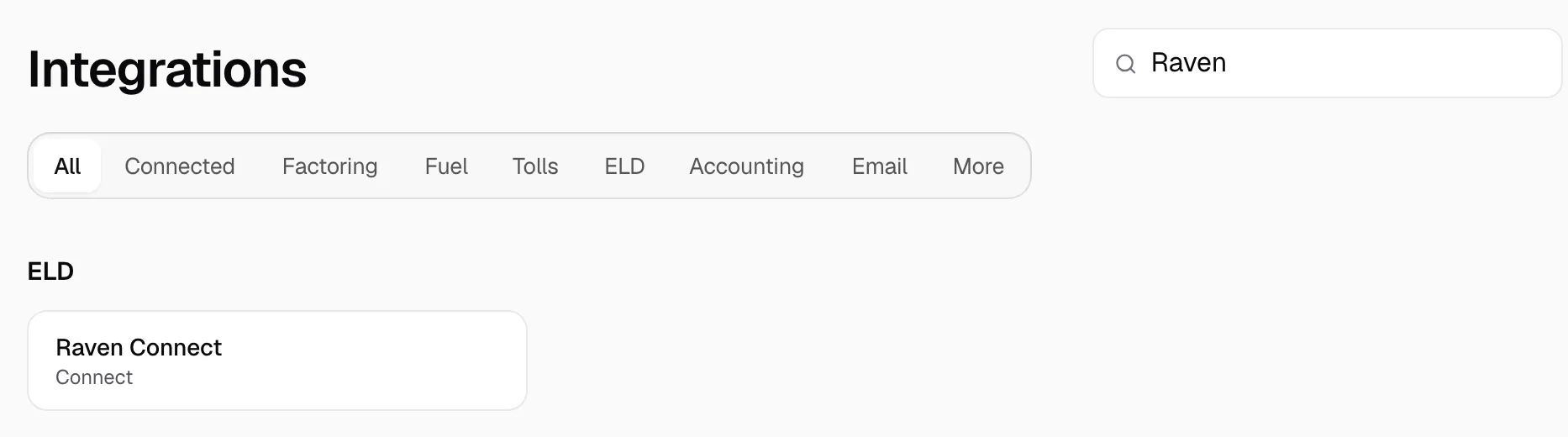
- Open Integrations, then Raven Connect.
Step 3: Connect
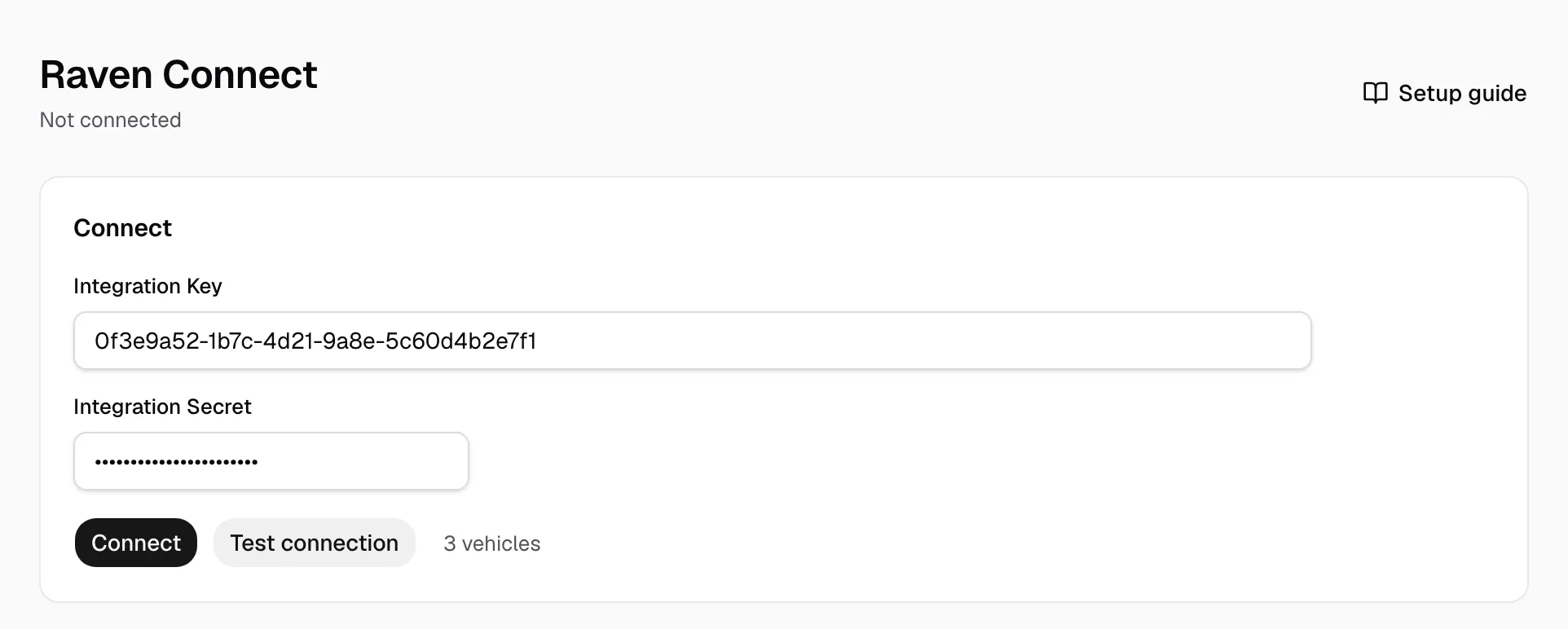
- Paste the key in Integration Key and the secret in Integration Secret.
- Click Test connection, beside Connect: it counts your vehicles.
- Then click Connect.
Step 4: Match your trucks
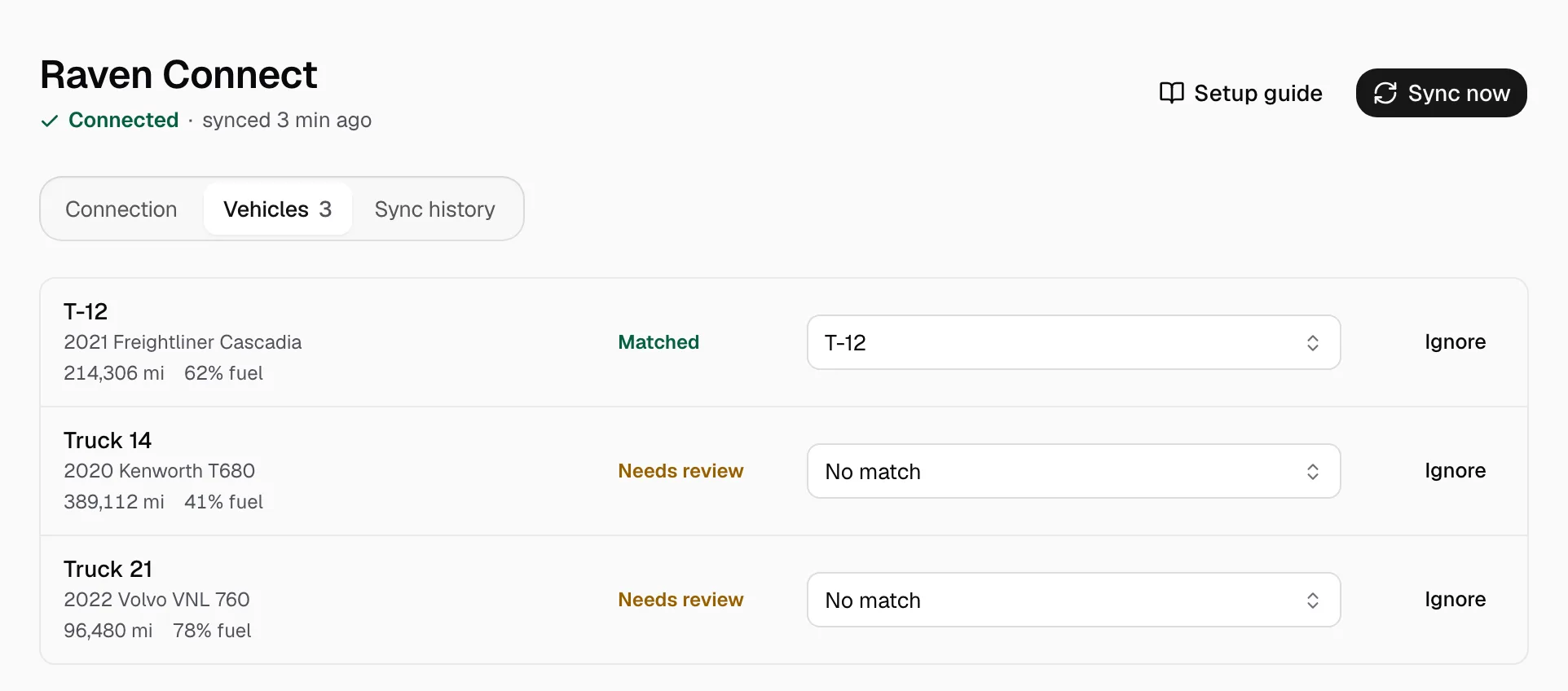
Connect reads by itself. Trucks match by VIN or unit number. On Vehicles, pick the Yolda record on each Needs review row, or click Ignore. Add a missing truck on Trucks first. Raven has no drivers.
On Connection, trucks refresh at 00:00 on your company clock, and location, odometer, fuel level and speed every five minutes. Sync now reads again. A new key? Enter both boxes and click Save.