Geotab setup guide1 min read
Connect Geotab to Yolda
A read-only MyGeotab service account brings your fleet into Yolda.
Step 1: Create a service account in MyGeotab
- In MyGeotab, as an administrator, open People, Users & Drivers, then click Add.
- Enter a Username, Password, First name and Last name.
- Set Authentication type to Service Account, Security clearance to View only and Data access to Everything. Click Save.
- Note your database name: the word after
geotab.com/in the address bar.
No administrator access? Email your Geotab reseller:
Email to send
- To
- [Your Geotab reseller's email]
- Subject
- Service account for [Your company name]
Hello,

We use Yolda as our TMS. Please add a MyGeotab user for Yolda with Authentication type set to Service Account, Security clearance set to View only and Data access set to Everything. Yolda only reads our vehicles, drivers, hours-of-service clocks and mileage: positions every minute (clocks every five), the roster and mileage each night.

Please send us the username, the password and our database name through a secure channel.

Our MC number is [Your MC number].

Thank you,
[Your name]
[Your company name]
[Your company phone]
Replace the marked blanks before you send or paste.
Step 2: Connect Geotab in Yolda
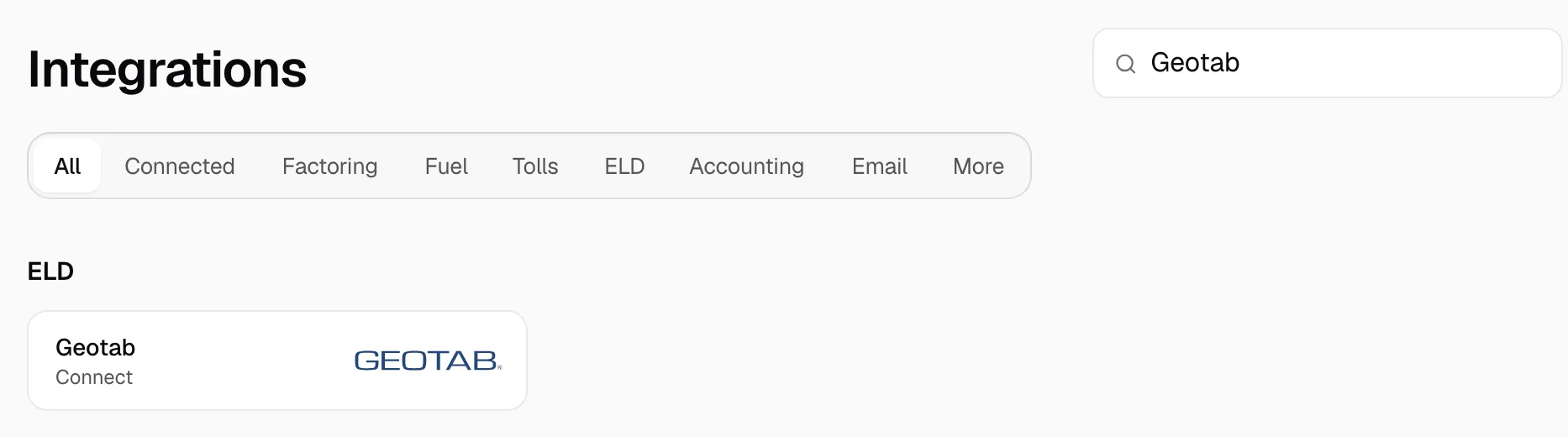
- Open Integrations, then Geotab.
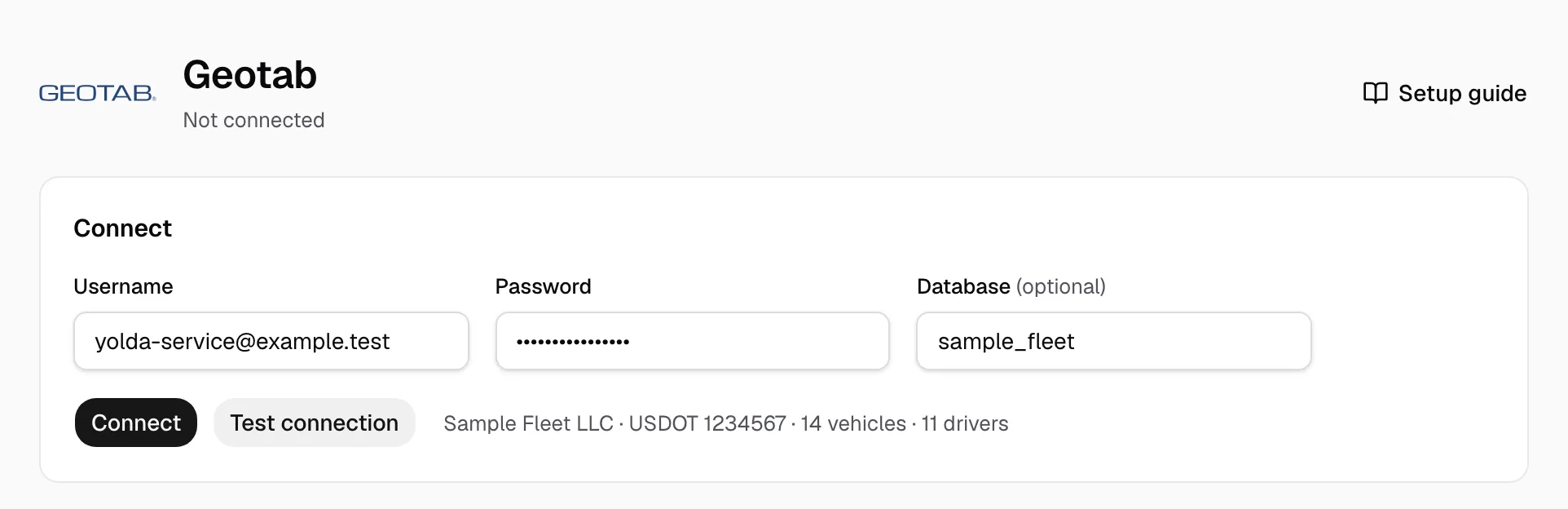
- Type the username in Username, the password in Password and the database name in Database (optional with one database).
- Click Test connection; it names your account. Then click Connect.
Step 3: Match your trucks and drivers
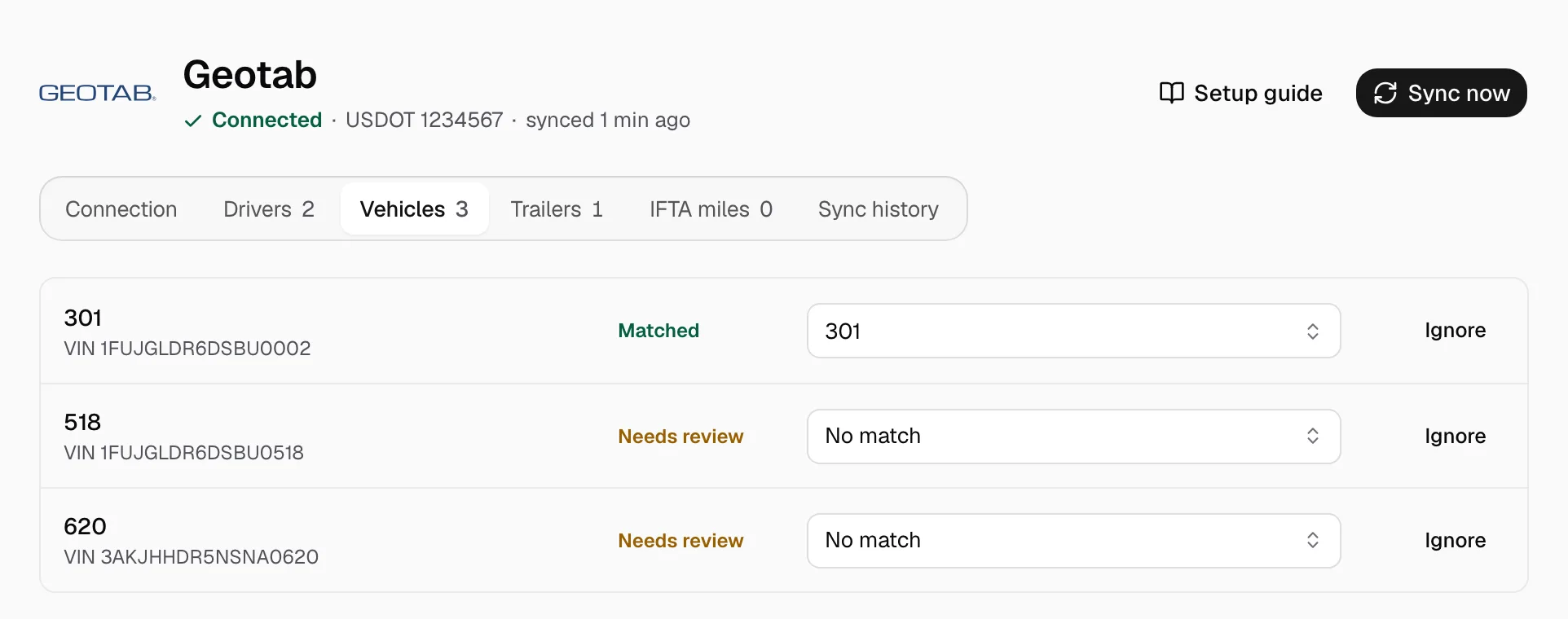
Trucks match by VIN or unit number, drivers by email or phone. On Vehicles, Trailers and Drivers, pick the Yolda record on each Needs review row, or click Ignore. Add a missing one on Trucks or Drivers first.
Step 4: Keep it current
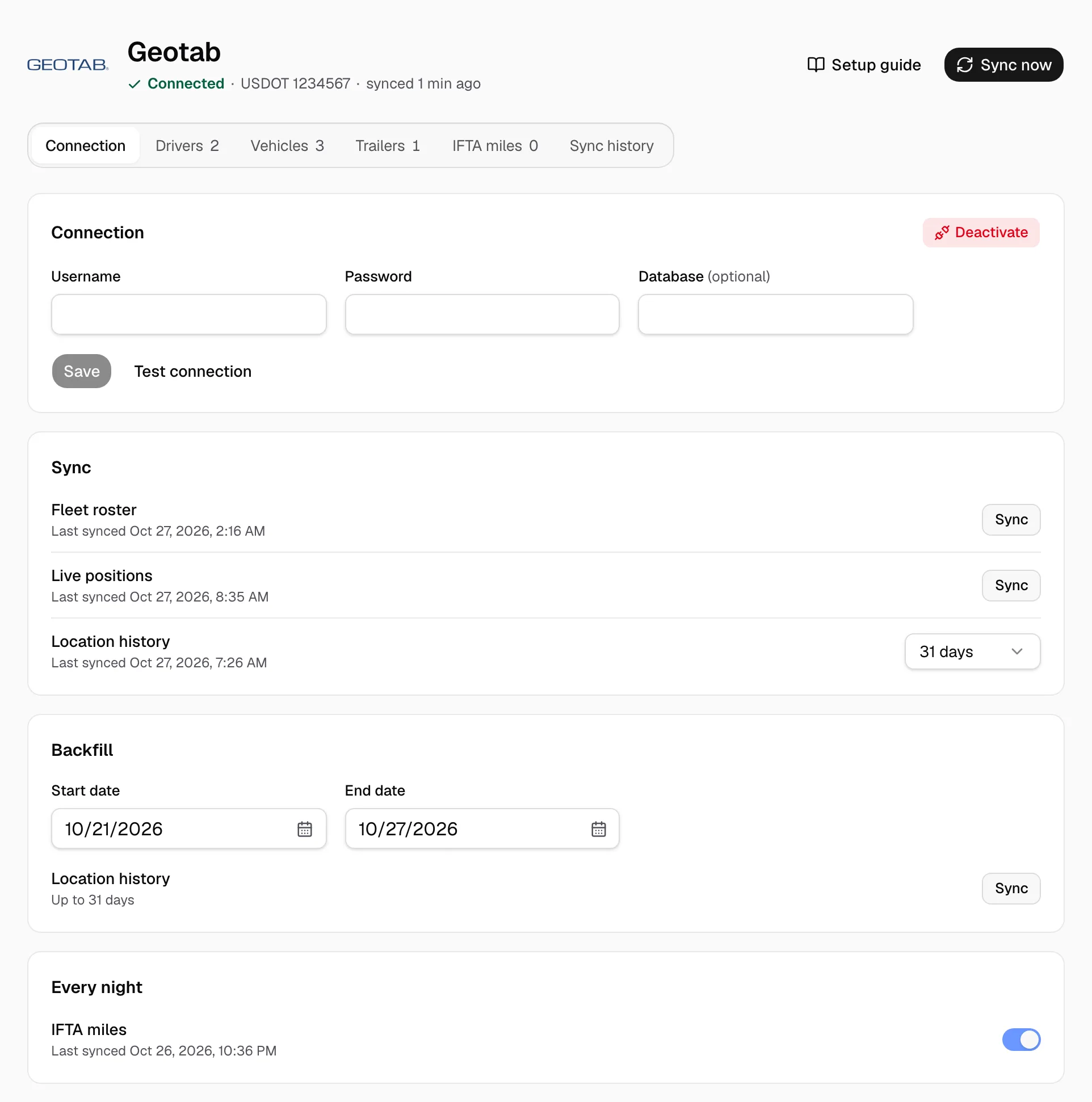
Once the page says Connected, positions and hours clocks show on Fleet map. Trucks and drivers refresh at 00:00 on your company clock, positions every minute; Sync now reads again and Backfill reads older location history. IFTA miles under Every night imports miles by state. New password? Enter it with the username and click Save.