Use your own Telegram bot
Your group sees a bot with your own name instead of Yolda's.
Step 1: Make the bot in Telegram
- In Telegram, open
@BotFatherand send:
Command
/newbot- Give the bot a name, then a username that ends in
bot. - BotFather replies with a token. Copy it and keep it private: anyone with it controls the bot.
Step 2: Save the token in Yolda
- Open Integrations, then Telegram.
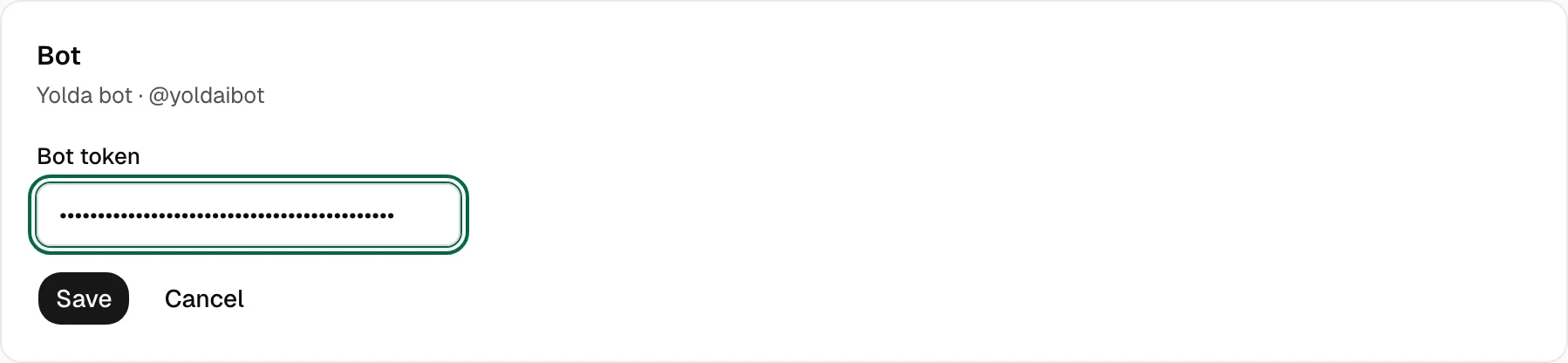
- Under Bot, click Use your own bot, paste the token in Bot token and click Save.
- Yolda checks the token with Telegram. Your bot's group messages then reach Yolda.
Step 3: Add your bot to the group
Add your bot to the group and make it an administrator, as in Step 1 of Connect Telegram. A group not linked yet needs a link code too. To go back to Yolda's bot, click Use Yolda bot.