 Cashway Funding setup guide1 min read
Add Cashway Funding
Cashway Funding runs on FactorGenie, which has not opened its invoice API to Yolda yet. For now, Yolda emails your invoices and their paperwork to Cashway.
Step 1: Get your Cashway details
- Send Cashway this email. The Cashway Funding app makes API keys under My Profile, TMS Integration, only for the TMSs on its list, and Yolda is not on it yet.
Email to send
- To
- support@cashwayfunding.com
- Subject
- Invoice email and API key for Yolda
Hello,

We use Yolda as our TMS. Please send us:
- the email address for our invoice packets
- our current Notice of Assignment

We would also like Yolda to send our invoices into our Cashway account with a Username and API key, as other TMSs do through FactorGenie. Please ask FactorGenie to add Yolda as a TMS and to write to partner@sfdify.com.

Our MC number is [Your MC number].

Thank you,
[Your name]
[Your company name]
[Your email]
Replace the marked blanks before you send or paste.
Step 2: Open Cashway Funding in Yolda
- Open Integrations, then the Factoring tab, then Cashway Funding.
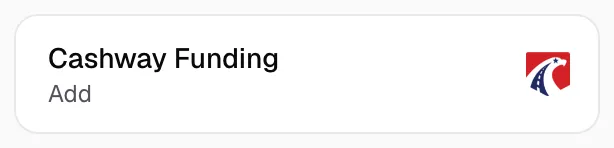
Step 3: Fill in the form
- Check Factoring company and Customer name.
- Paste Cashway's invoice email in Email for packets.
- Billing address and Remit notice start with Cashway's Pittsburgh lockbox. Check them against your Notice of Assignment. For express or courier payments, click Use Express or courier remit instructions.
- Connect with Cashway Funding API reads Not ready yet. Click Add.
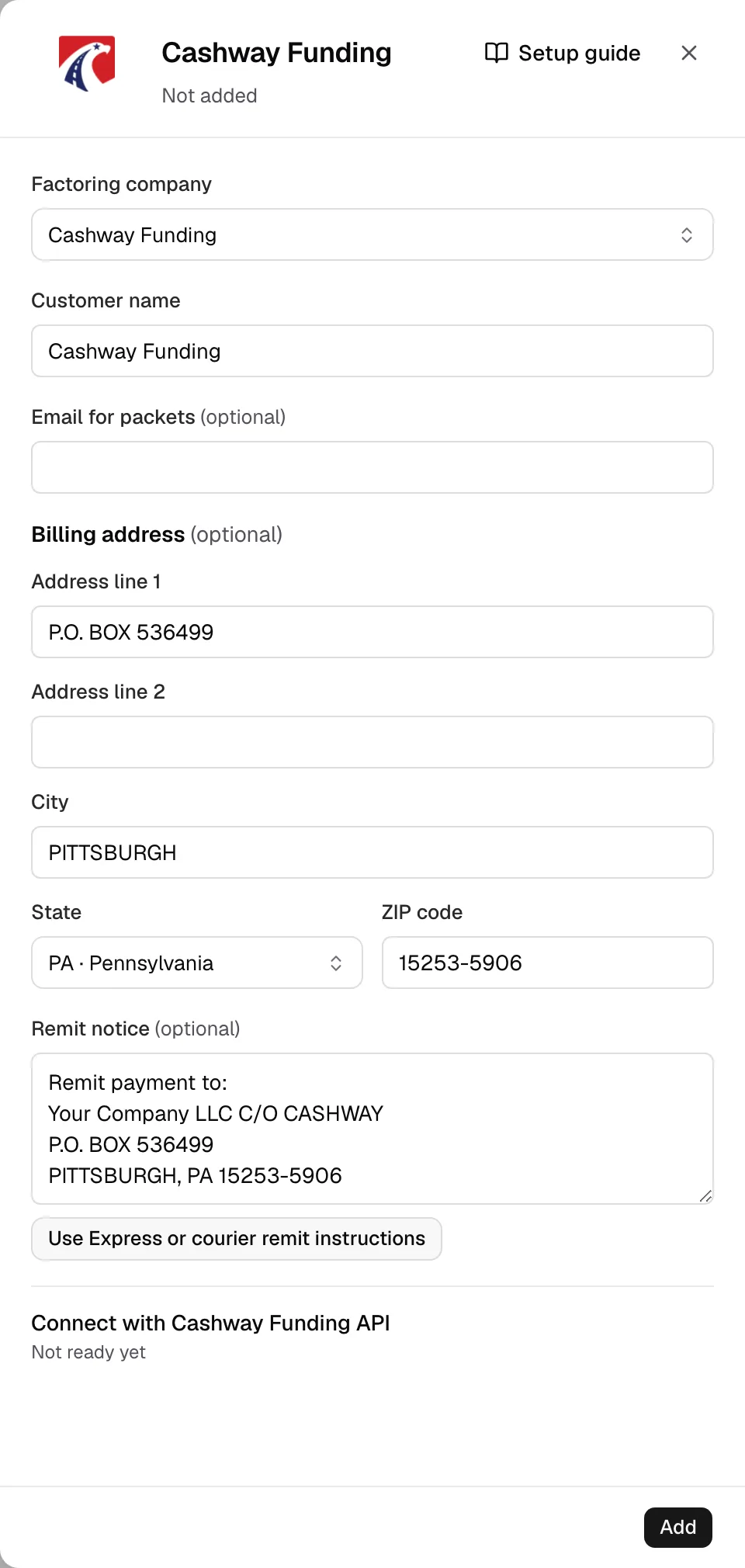
Step 4: Check it and send invoices
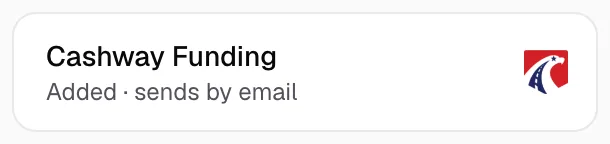
- The card now reads Added and sends by email.
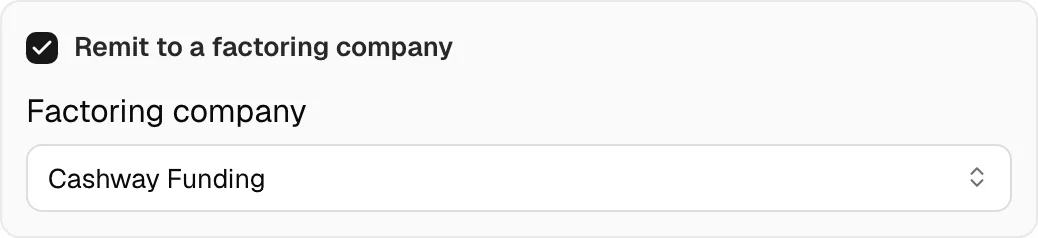
- To remit an invoice, open it in Finances, tick Remit to a factoring company, pick Cashway Funding in Factoring company, then click Save changes.
- Under Factoring packet, click Send to factor, check Email and Files, then click Send. For several invoices, use Create batch (Send an invoice batch).
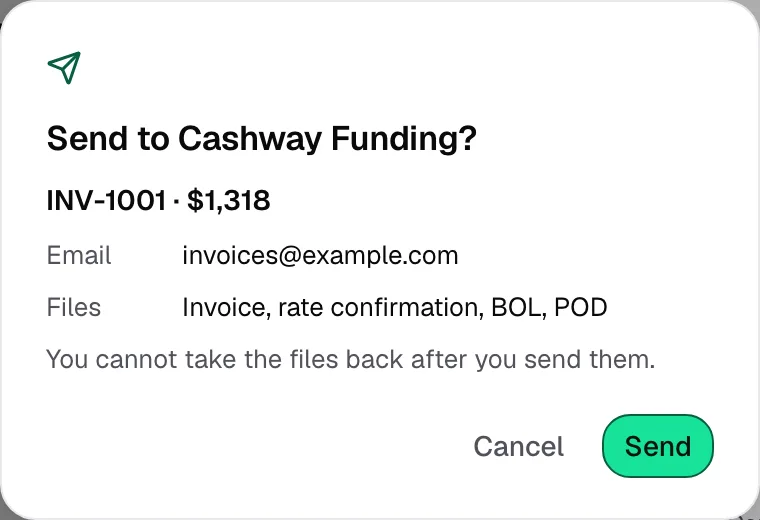
- Sent means the email went out, not that Cashway approved or funded the invoice.