 Zero ELD setup guide1 min read
Connect Zero ELD to Yolda
Zero ELD sends trucks, drivers and live positions to Yolda, not hours of service.
Before you start
Yolda matches trucks by VIN or unit number. Keep both the same in Zero ELD and Yolda.
Step 1: Ask Zero ELD for your API key
Zero ELD sends the key itself, and lists API access with its premium plan. Send this email, or write to your Zero ELD representative.
Email to send
- To
- Info@zeroeld.com
- Subject
- API key request for [Your company name]
Hello,

We use Yolda as our TMS. Please send us our API key so Yolda can read our trucks, drivers and positions.

Our MC number is [Your MC number].

Thank you,
[Your name]
[Your company name]
[Your company phone]
[Your email]
Replace the marked blanks before you send or paste.
Step 2: Open Zero ELD in Yolda
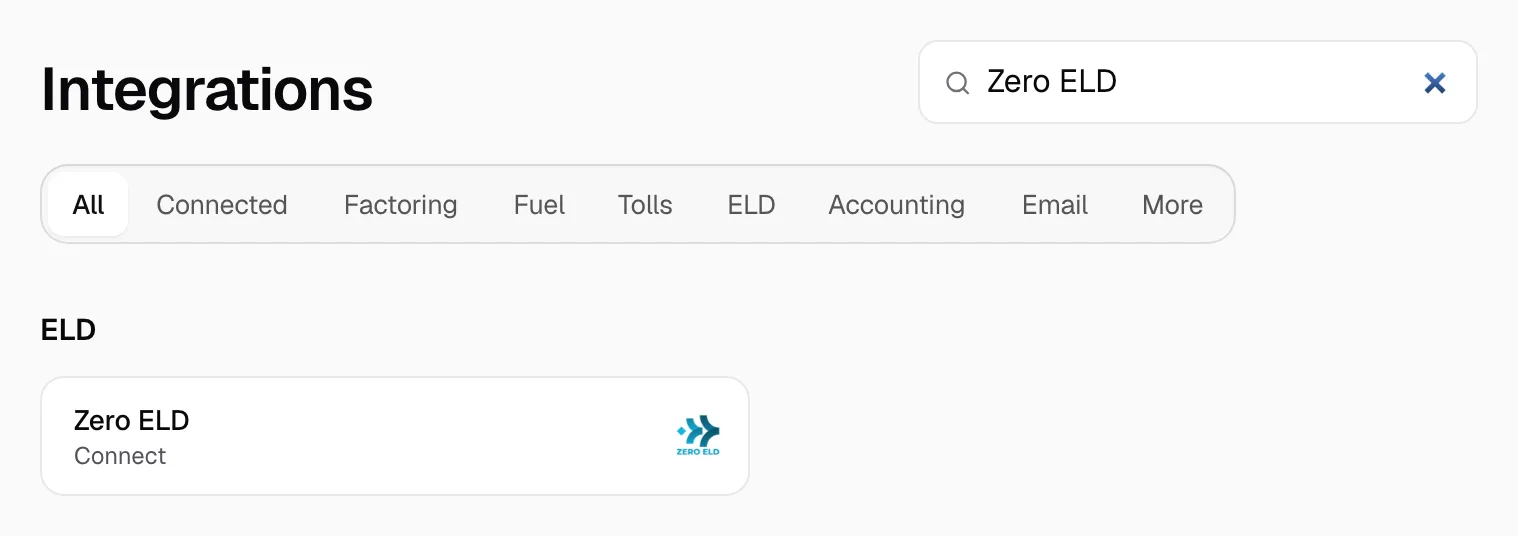
- Open Integrations, then Zero ELD.
Step 3: Connect
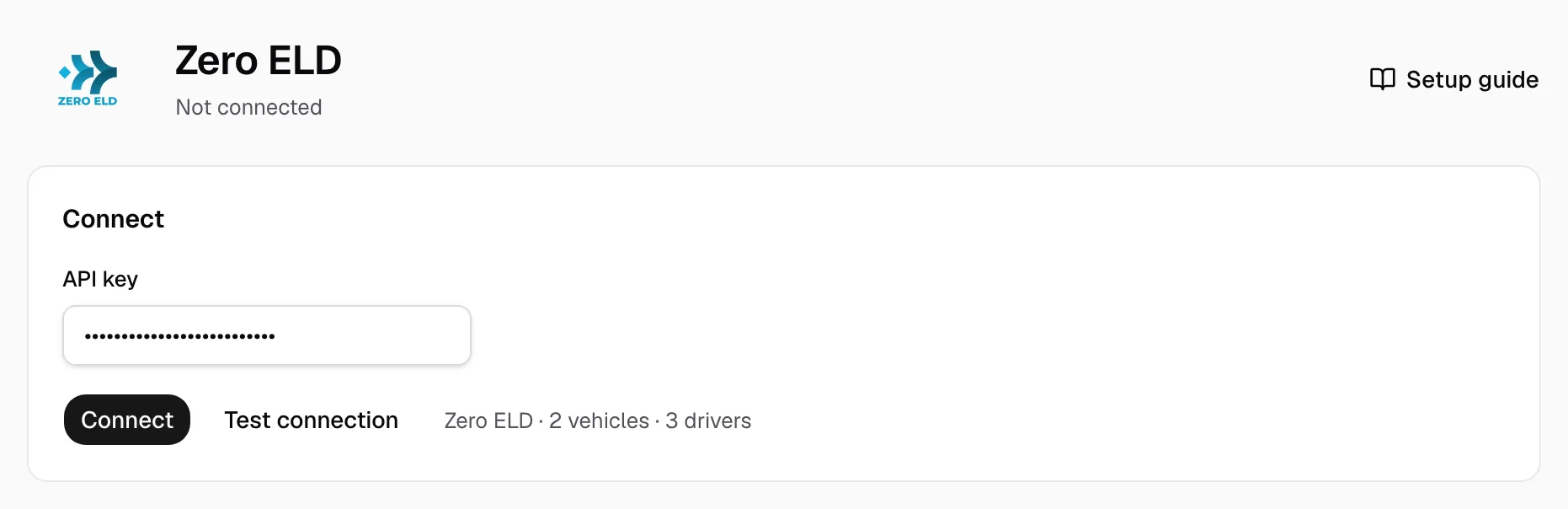
- Paste the key in API key.
- Click Test connection and check the vehicle and driver count beside it.
- Click Connect.
Step 4: Match drivers and vehicles
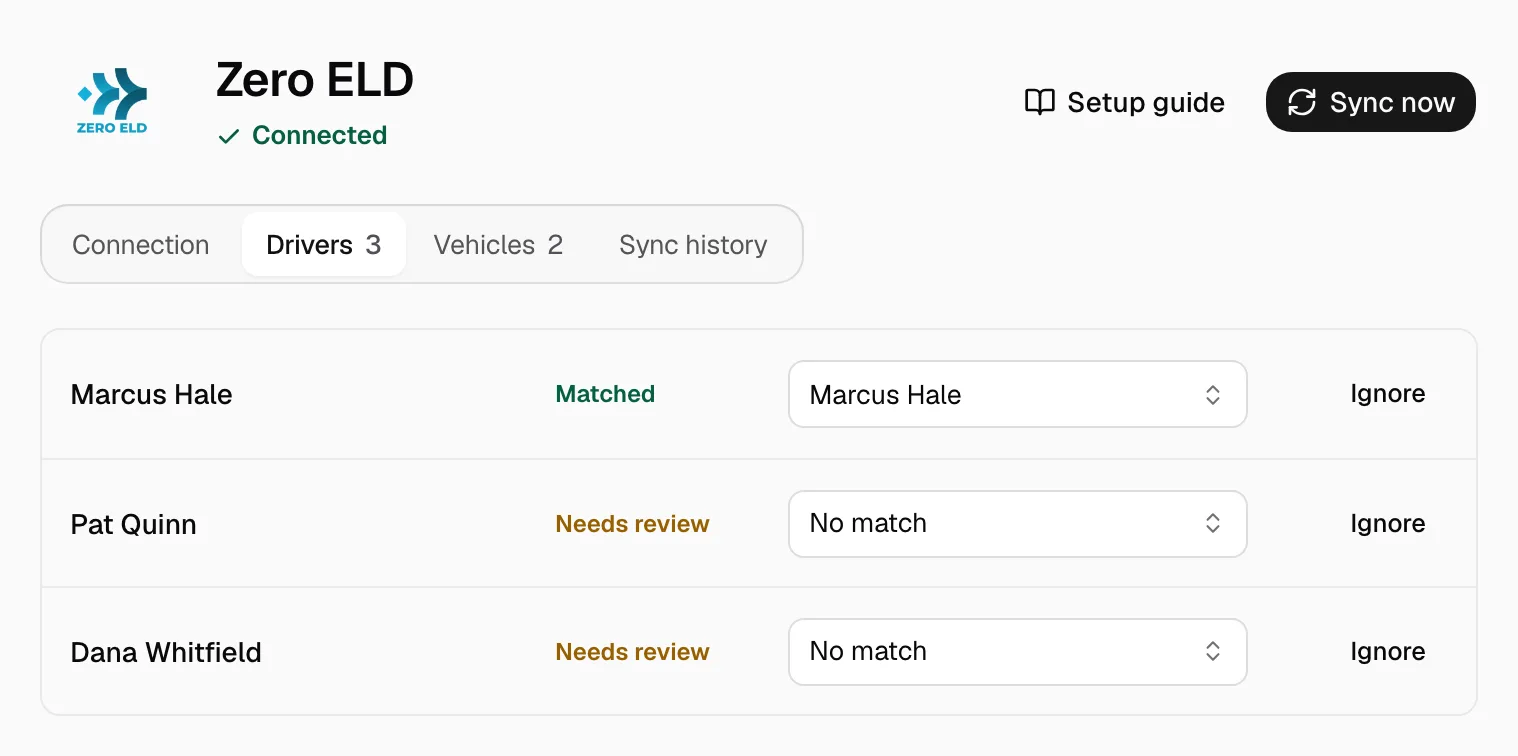
- On the Drivers tab, pick the Yolda driver on each Needs review row.
- Do the same on the Vehicles tab.
- Click Ignore on a row you do not need.
Add missing drivers or trucks in Yolda first.
Step 5: Keep it current
Drivers and trucks refresh at 00:00 on your company clock, positions every five minutes. Click Sync now for a fresh read. A matched truck shows on the Fleet map under its assigned driver.
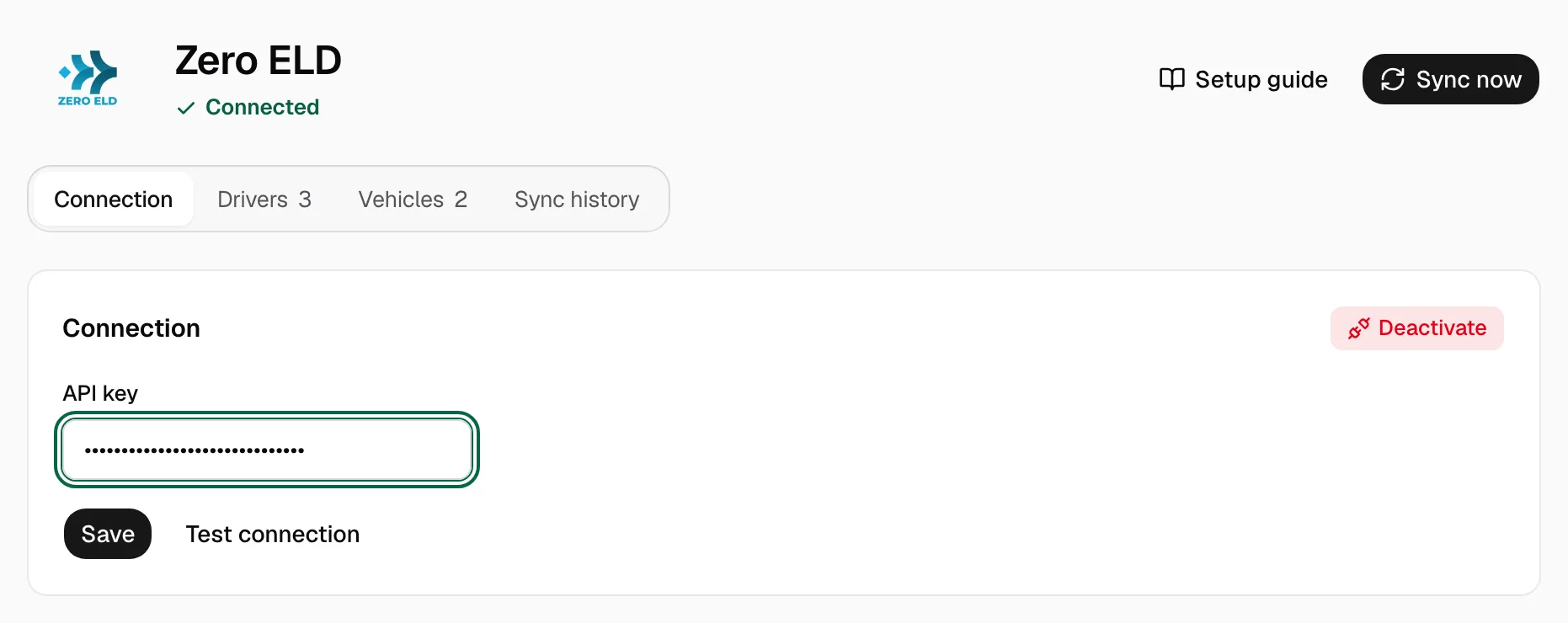
New key for the same trucks? Paste it in API key on the Connection tab and click Save.