 Noor ELD setup guide1 min read
Connect Noor ELD to Yolda
Noor ELD puts your trucks on the Fleet map and brings IFTA miles into Yolda, without hours of service.
Step 1: Get your API key from Noor ELD
- Sign in at
app.nooreldsolutions.comas the company owner. - Open the user menu, then Company profile.
- Under API Keys, click Generate new API Key if needed, then Copy API key.
- Keep Control Public API access off on trucks.
No API Keys card? Ask Noor ELD:
Email to send
- To
- info@nooreldsolutions.com
- Subject
- API key for our Noor ELD account
Hello,

We cannot find API Keys under Company profile. Please turn on API access for our company so we can connect our TMS.

Our USDOT number is [Your DOT number].

Thank you,
[Your name]
[Your company name]
[Your email]
Replace the marked blanks before you send or paste.
Step 2: Connect Noor ELD in Yolda
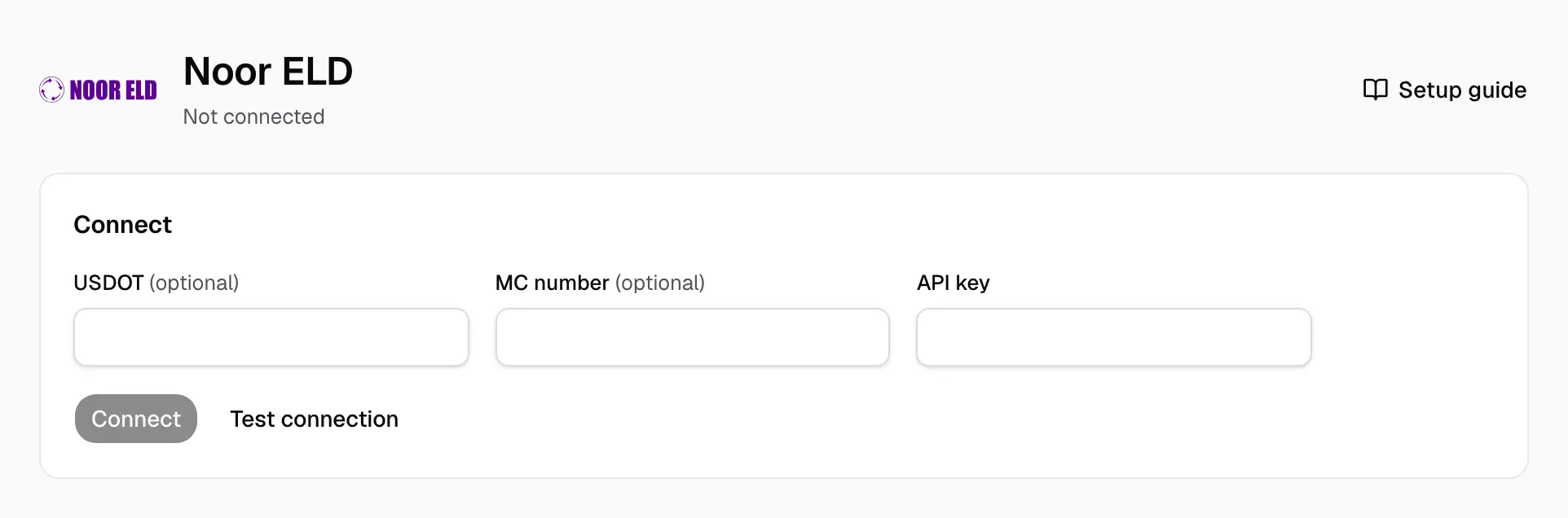
- Open Integrations, then Noor ELD.
- Fill USDOT (
[Your DOT number]), MC number ([Your MC number]) and API key. - Click Test connection, then Connect.
Step 3: Match drivers and vehicles
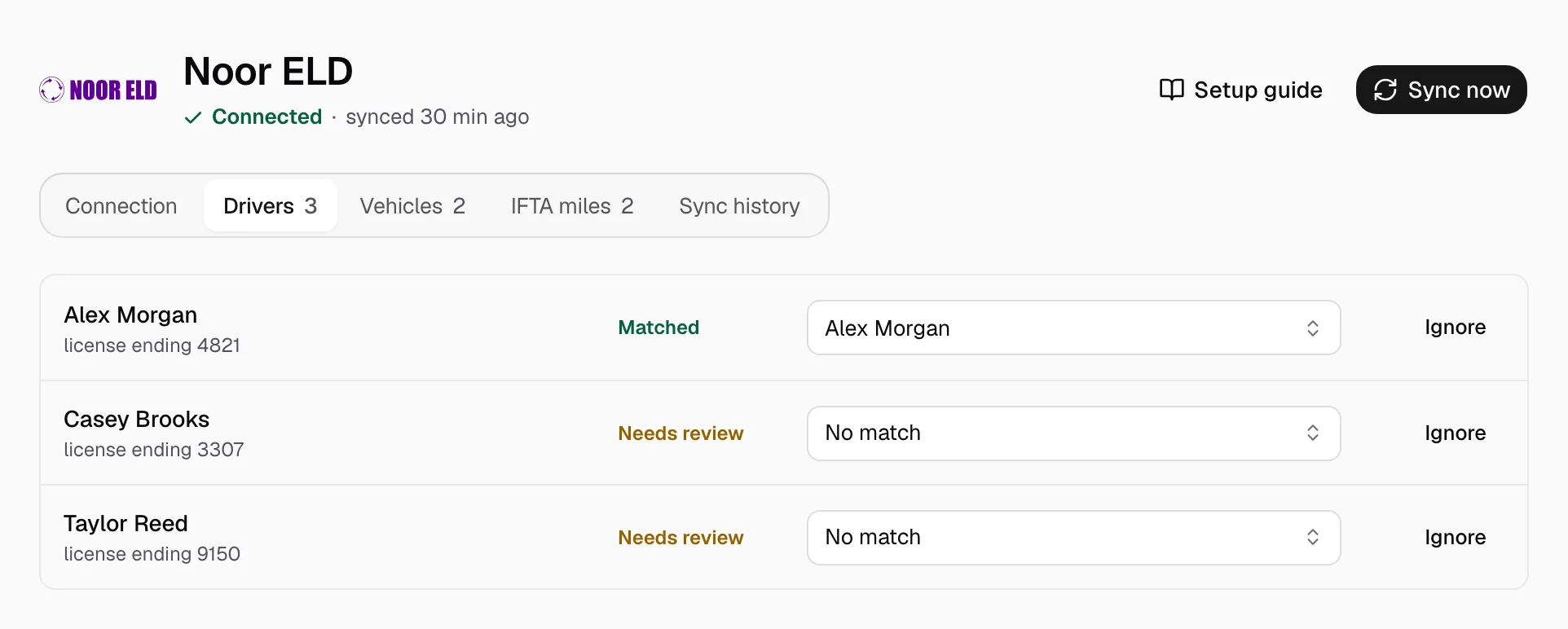
- On Drivers and Vehicles, pick the Yolda record for each Needs review row, or click Ignore.
Add missing ones under Drivers or Trucks.
Step 4: Keep it in sync
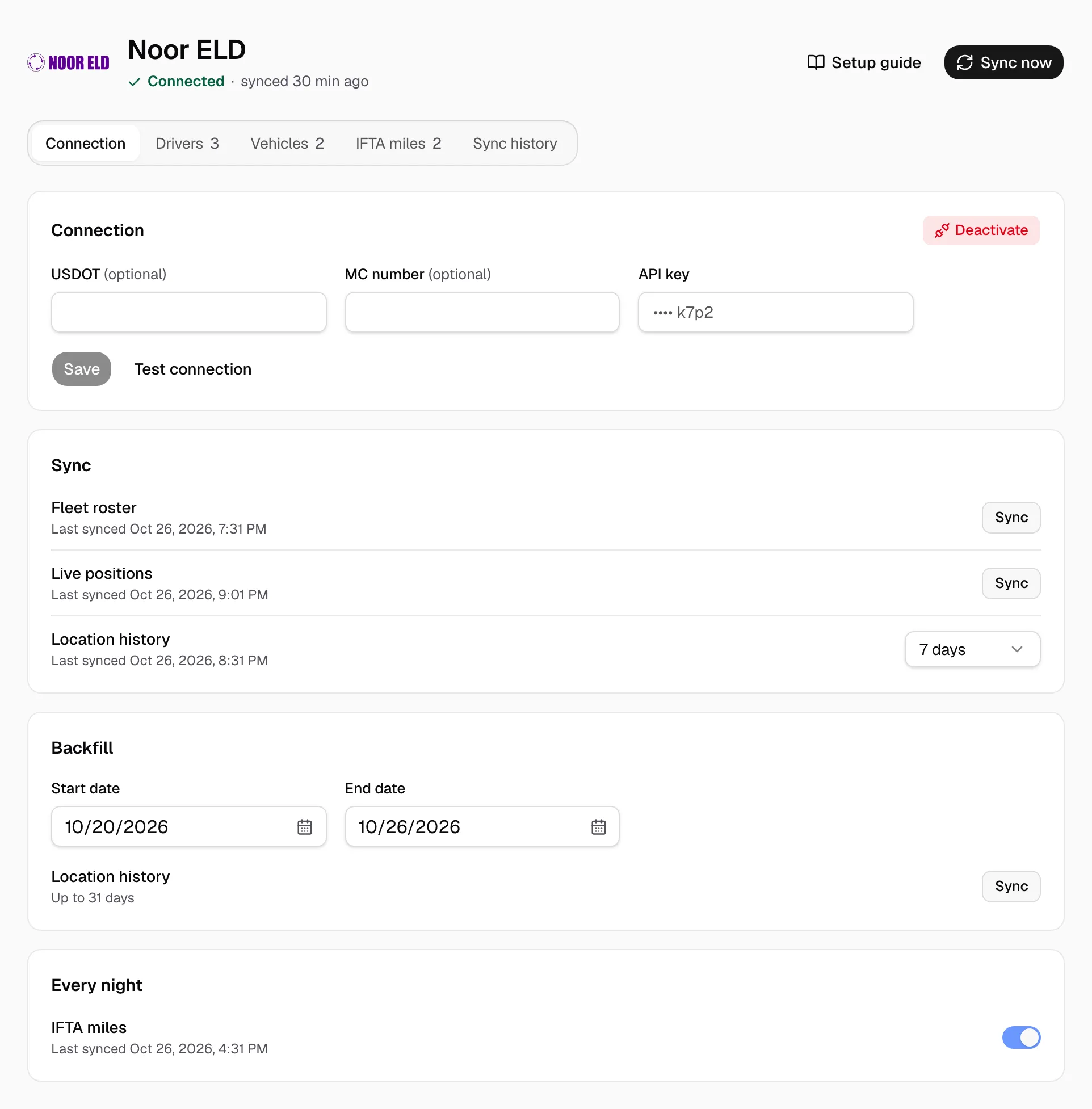
The page reads Connected. Positions refresh every five minutes, the roster every night. Sync now refreshes both.
On Connection:
- Location history: how far back each read goes.
- Backfill: set Start date and End date, then Sync on Location history.
- Every night: the IFTA miles import switch.
- Deactivate stops syncing; imported records stay.
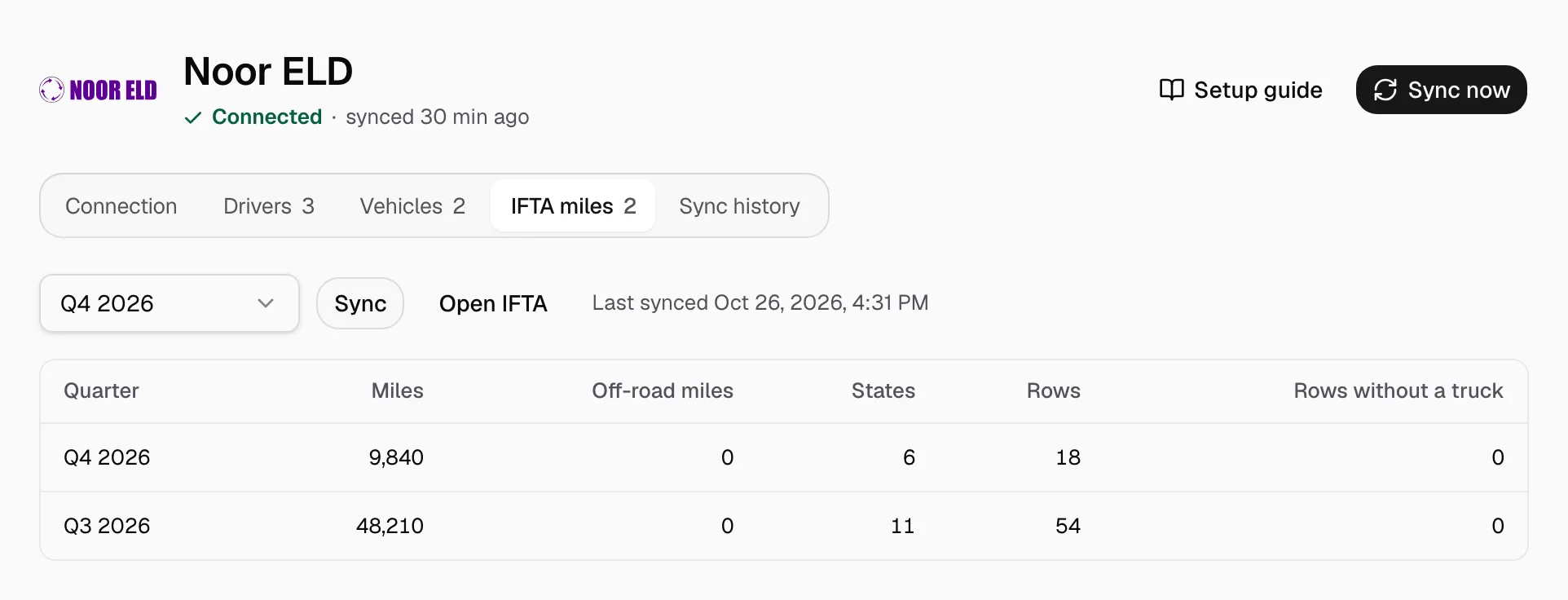
IFTA: on IFTA miles, pick the quarter, Sync, then Open IFTA.