 Motion ELD setup guide1 min read
Connect Motion ELD to Yolda
Motion ELD brings in your roster and shows trucks and duty status on the Fleet map.
Before you start
Add each truck's VIN in Yolda. Trucks match by VIN, then unit number.
Step 1: Get your API key from Motion ELD
- Sign in to
https://web.motioneld.comas an administrator. - Open Settings, then API keys.
- Click Add key, type
Yoldain Name, click Create. - Click Copy, then Done. Motion ELD shows the key once.
Step 2: Connect Motion ELD in Yolda
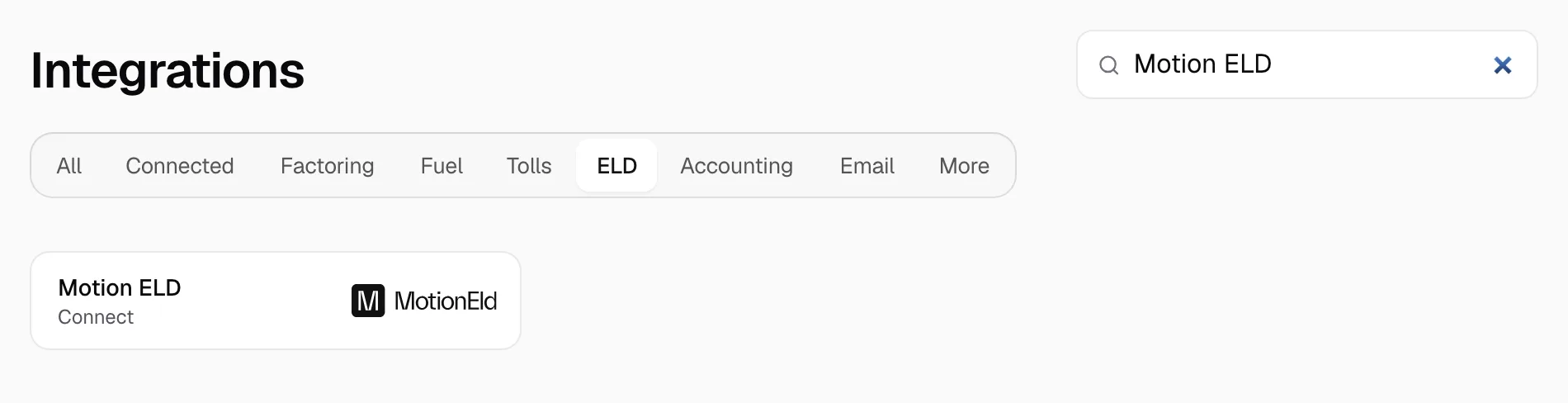
- Open Integrations, then Motion ELD.
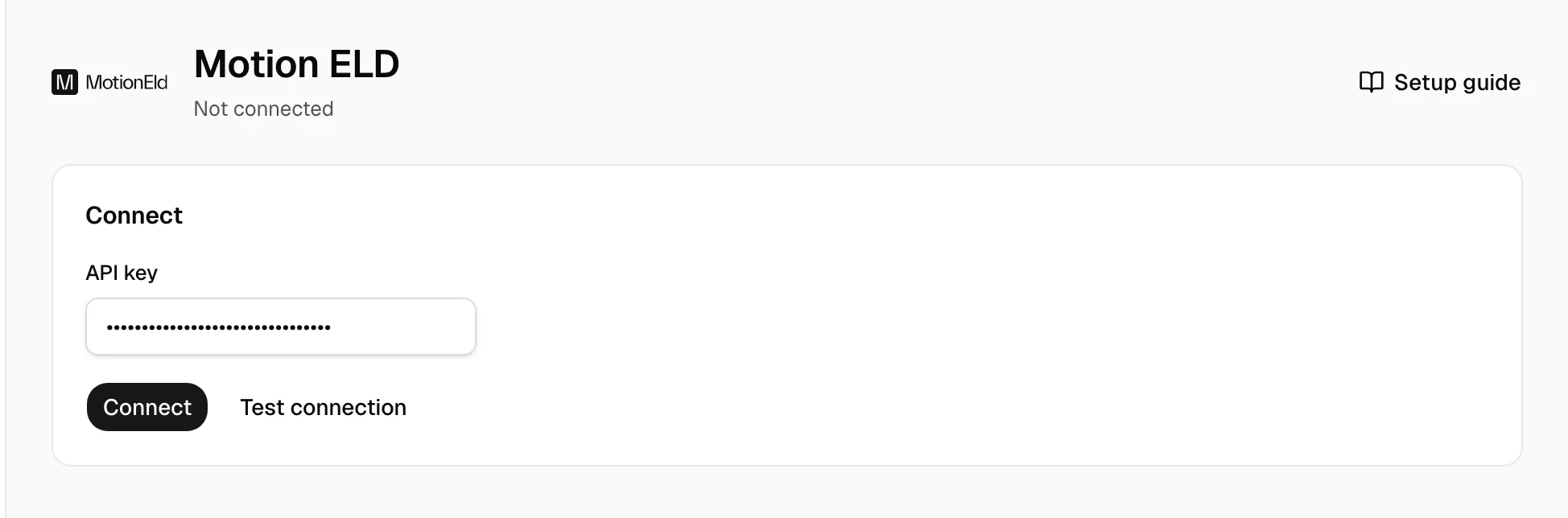
- Paste the key in API key, then click Connect. Test connection checks the key without saving it.
Step 3: Match drivers and trucks
- On Drivers and Vehicles, pick the Yolda record on each Needs review row.
- Ignore a row you do not need.
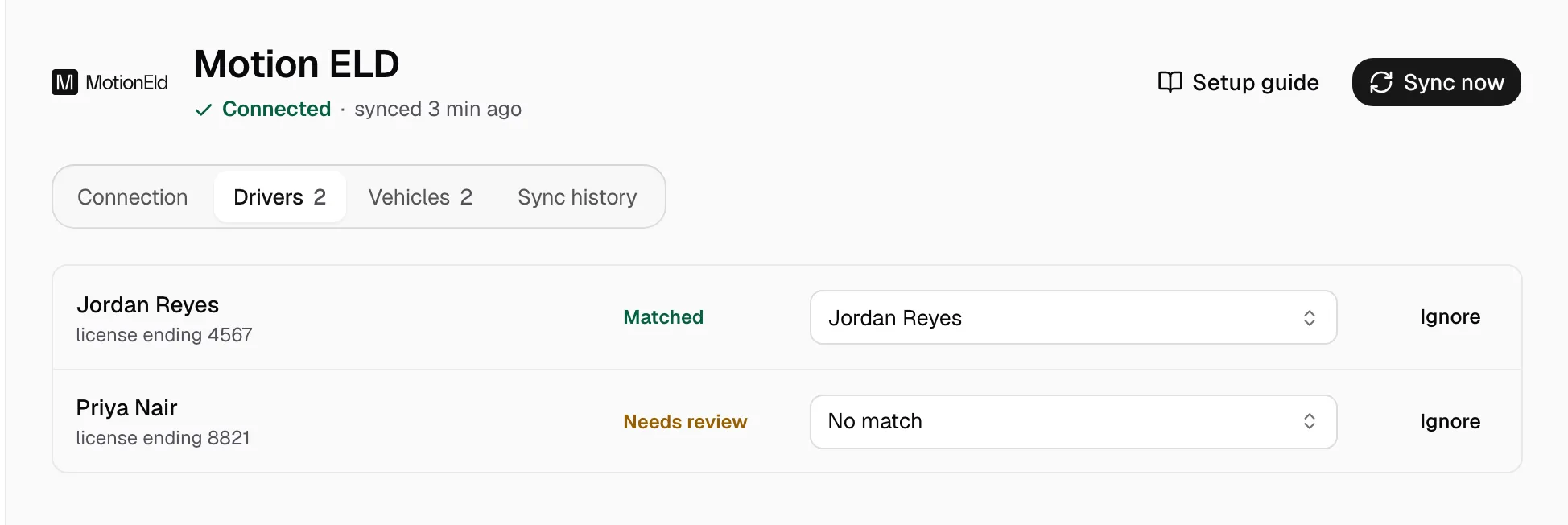
Missing one? Add it on Drivers or Trucks, then match it.
Step 4: Keep it in sync
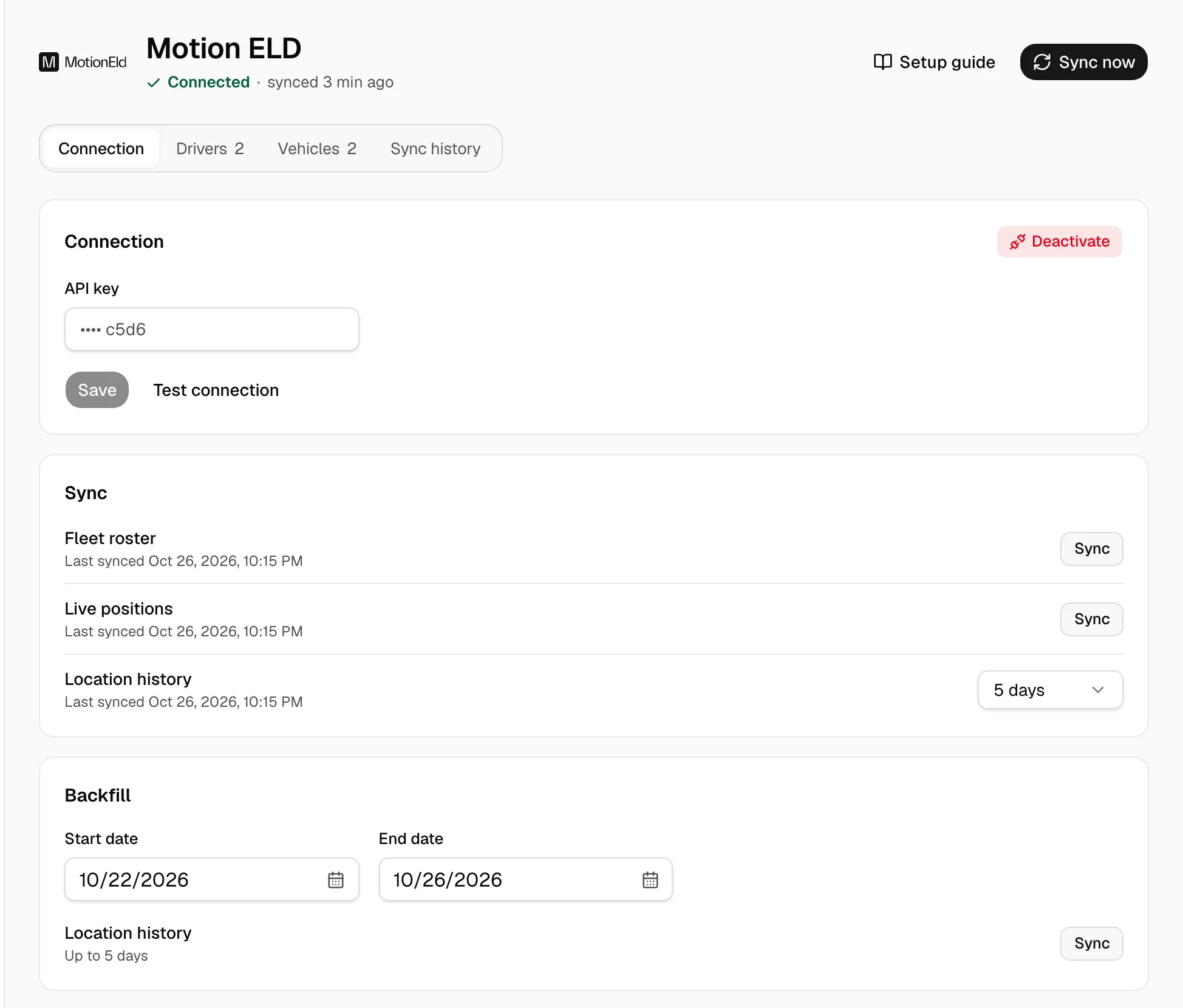
A working connection shows Connected under the name. Drivers and trucks refresh at 00:00 company time, positions every five minutes, 5 days of location history every two hours. Sync now reads again; Sync history lists each run. Motion ELD sends no trailers, HOS clocks or IFTA miles.
- To fill a gap, pick a Start date and End date (last 5 days) under Backfill, then click Sync.
- Save stores a new API key. Deactivate stops every read.