Connect HERE to Yolda
HERE previews a truck route for a load, using your own HERE API key.
Step 1: Get your API key from HERE
- Sign in to
platform.here.com, open Access Manager from the launcher, then the Apps tab. - Click Register new app, name it, open its Credentials tab and select API Keys.
- Click Create API key and copy the key.
Step 2: Connect HERE in Yolda
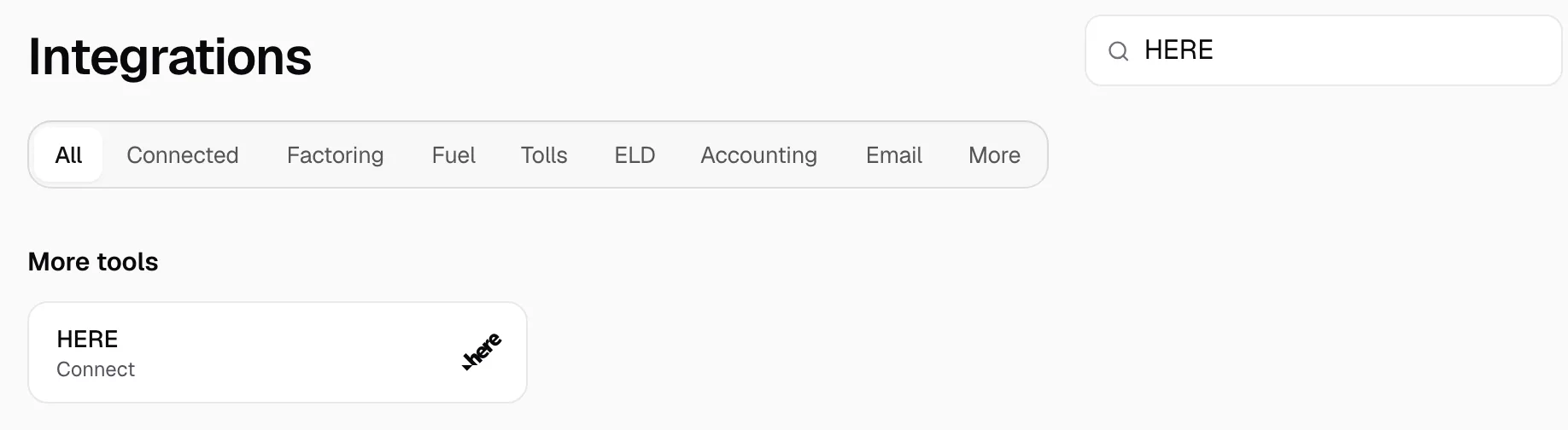
- Open Integrations, then HERE.
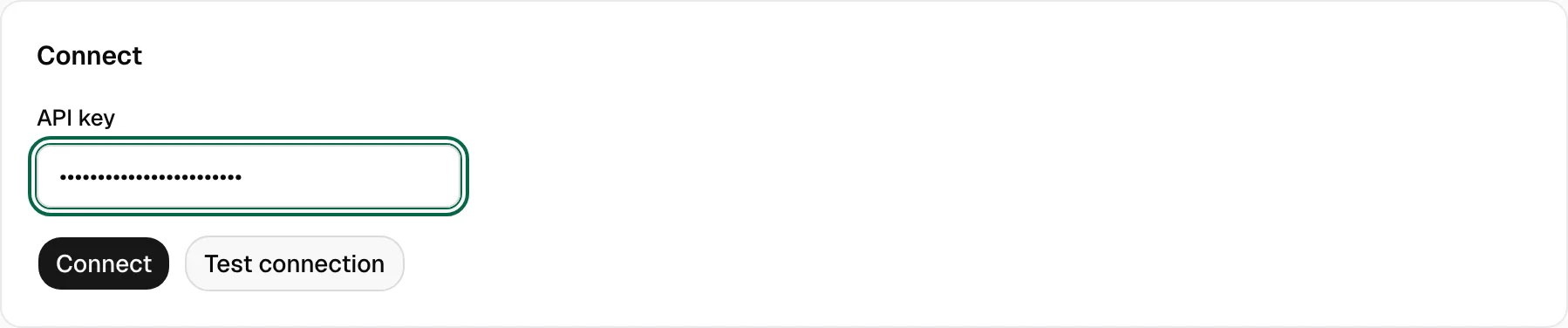
- Paste the key in API key. Click Test connection; HERE answers one small truck route. Then click Connect.
- The page then reads Connected.
Step 3: Preview a truck route
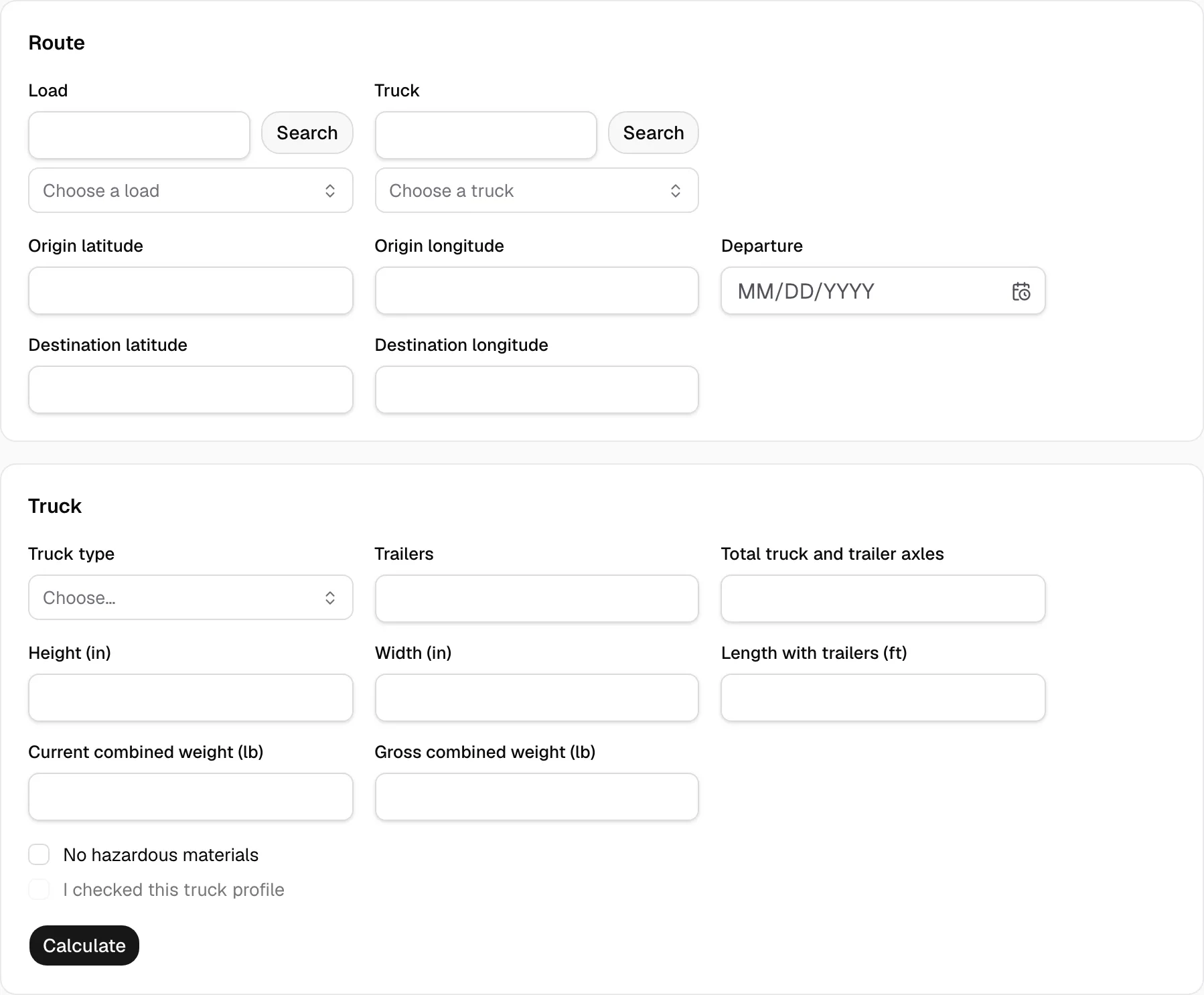
- Open Route preview. Search for and pick the Load and the Truck.
- The load's stops fill the origin and destination, and its pickup appointment the Departure. Type any that stay empty.
- Pick the Truck type. Fill Trailers, Total truck and trailer axles, the sizes in inches and feet and the weights in pounds.
- Tick No hazardous materials and I checked this truck profile. A hazmat load cannot be previewed. Click Calculate.
Result shows each section's miles and drive time, and always reads Needs review. Nothing is saved to the load.
If HERE refuses the key
The page says why. Link HERE Routing to the app's project: in Projects Manager open it, then Resources, Services, Link a service.